The app

The porch, in your pocket.

Five tabs: Feed, Capsules, Share, Calendar and More. The whole of Porchlight in an app, with a nudge when your family shares something new.

Download on the App Store, coming soonGet it on Google Play, coming soonComing soon. Porchlight works in your phone’s browser today.
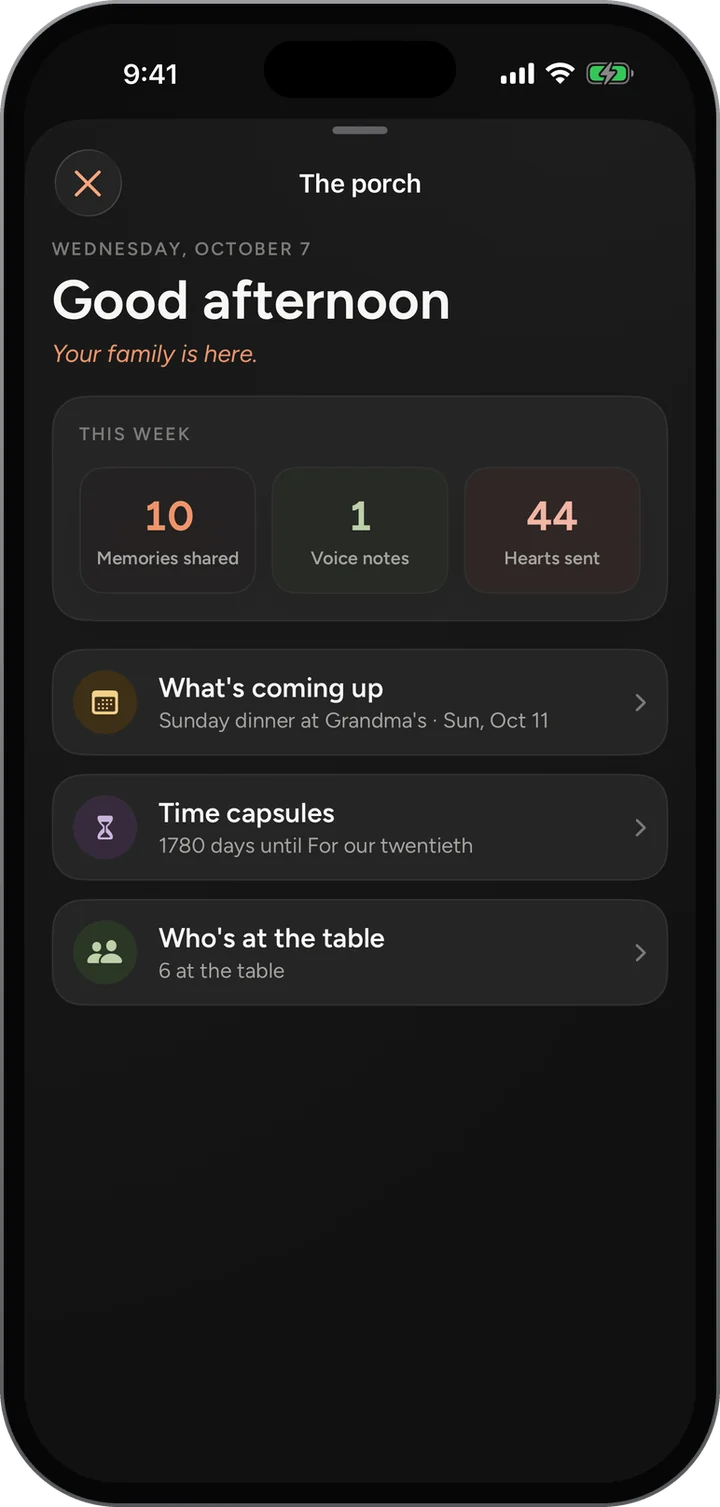
The Porch in the app: this week’s memories, voice notes and hearts, and what is coming up.
Every phone at the table

One family, on every screen.

iPhone

The native iPhone app, with notifications, voice notes recorded right in the app, and every screen following your phone’s text size.

  • In testing on TestFlight

Android

An Android app is coming. Until it arrives, Porchlight works in Chrome and adds to the home screen like an app.

  • On the way

The web

Any browser on a phone or a computer. The same family, the same feed, nothing to install.

  • Ready today
01 · Feed

The family, newest first.

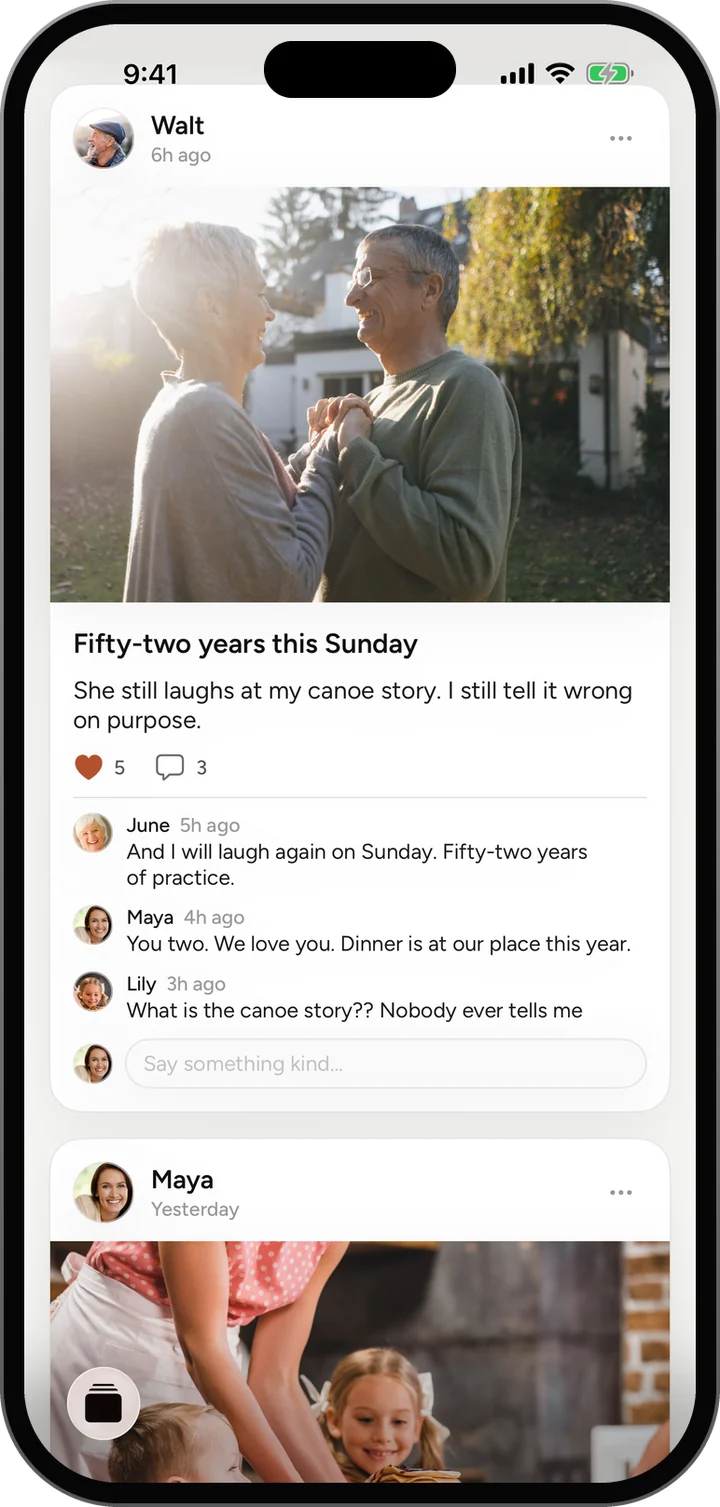
The first tab is the Family Feed: everything the family shares, newest first, with the Flash at the top while it is live.
How it works

  1. Pick a room at the top: Everyone, or one of your circles.
  2. Heart a post, or write under it.
  3. Tap the lamp for the Porch, the bell for what is new, your photo for You.
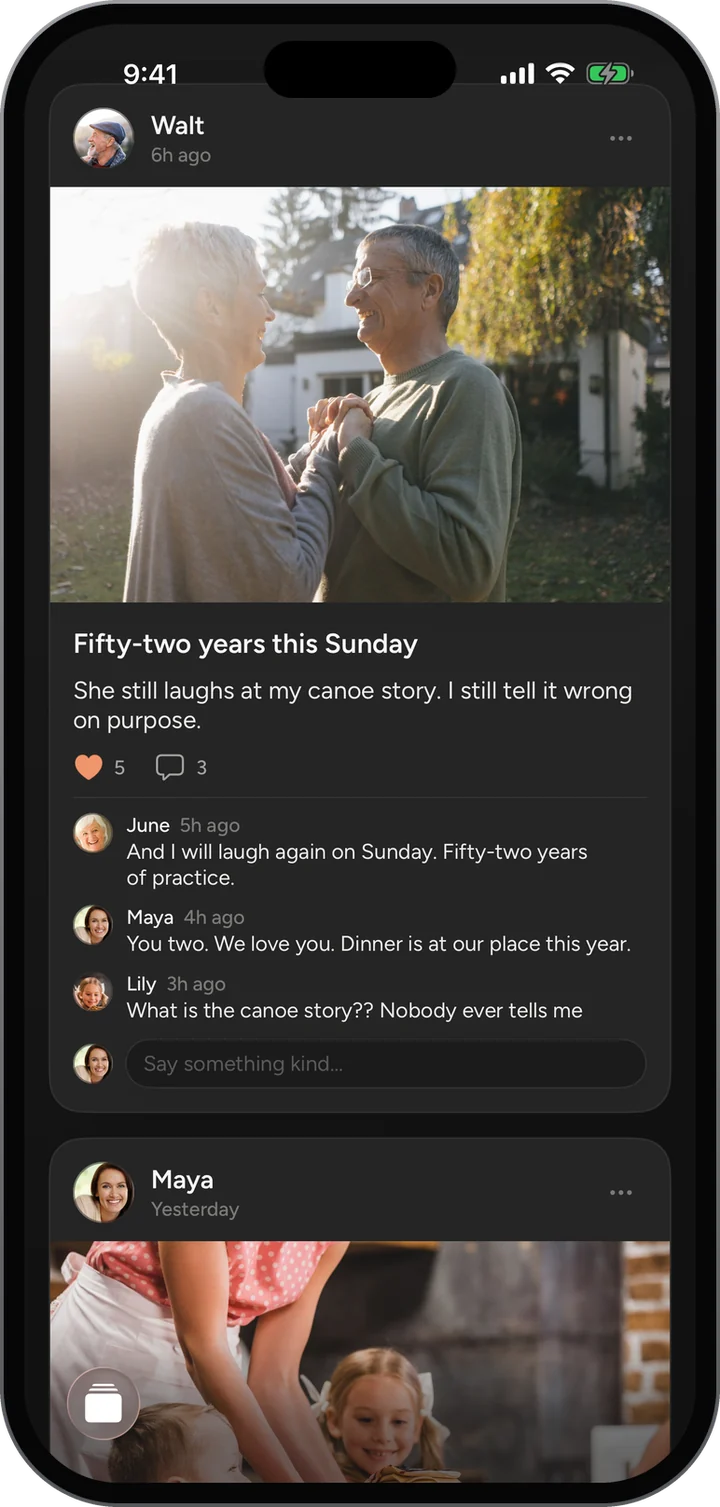
The Family Feed: Walt’s anniversary photo with hearts and comments.The Family Feed: Walt’s anniversary photo with hearts and comments.
02 · Capsules

Letters for someday.

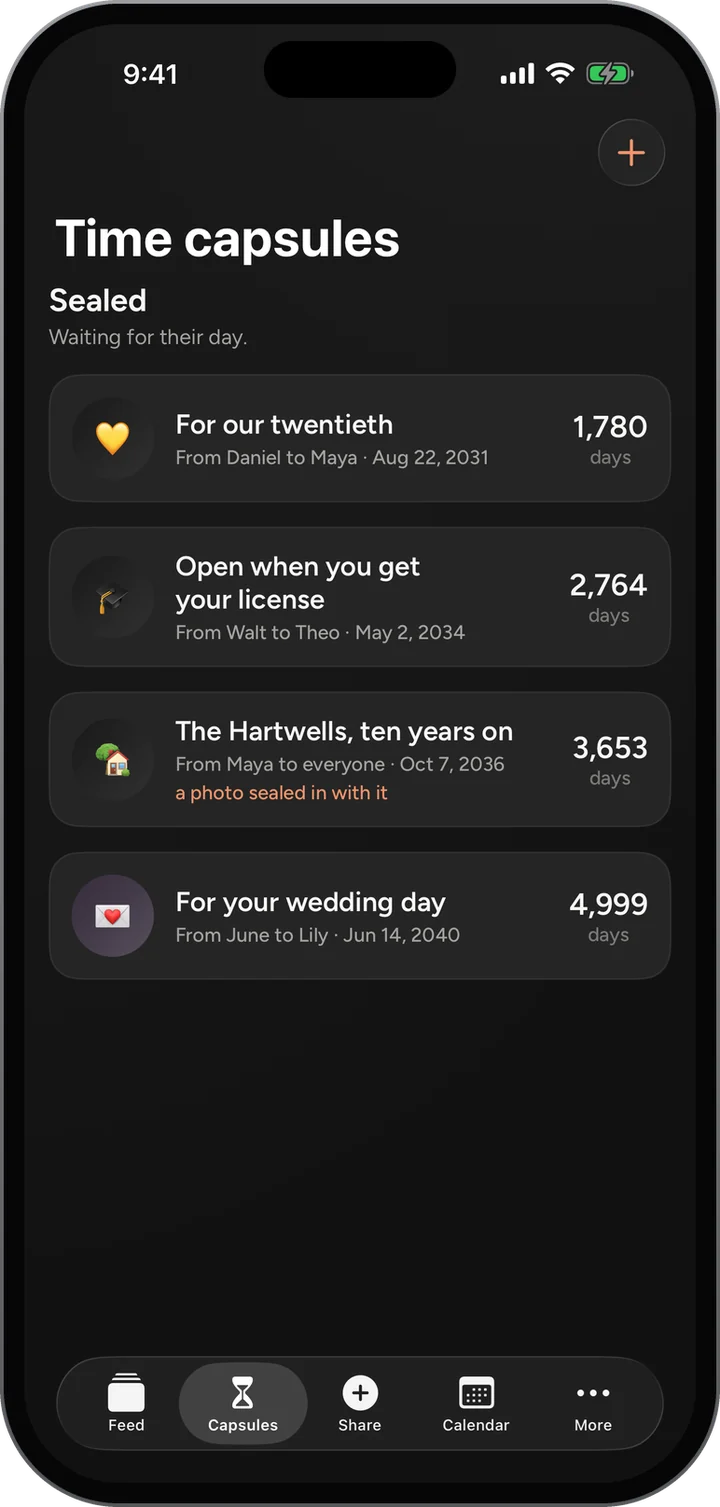
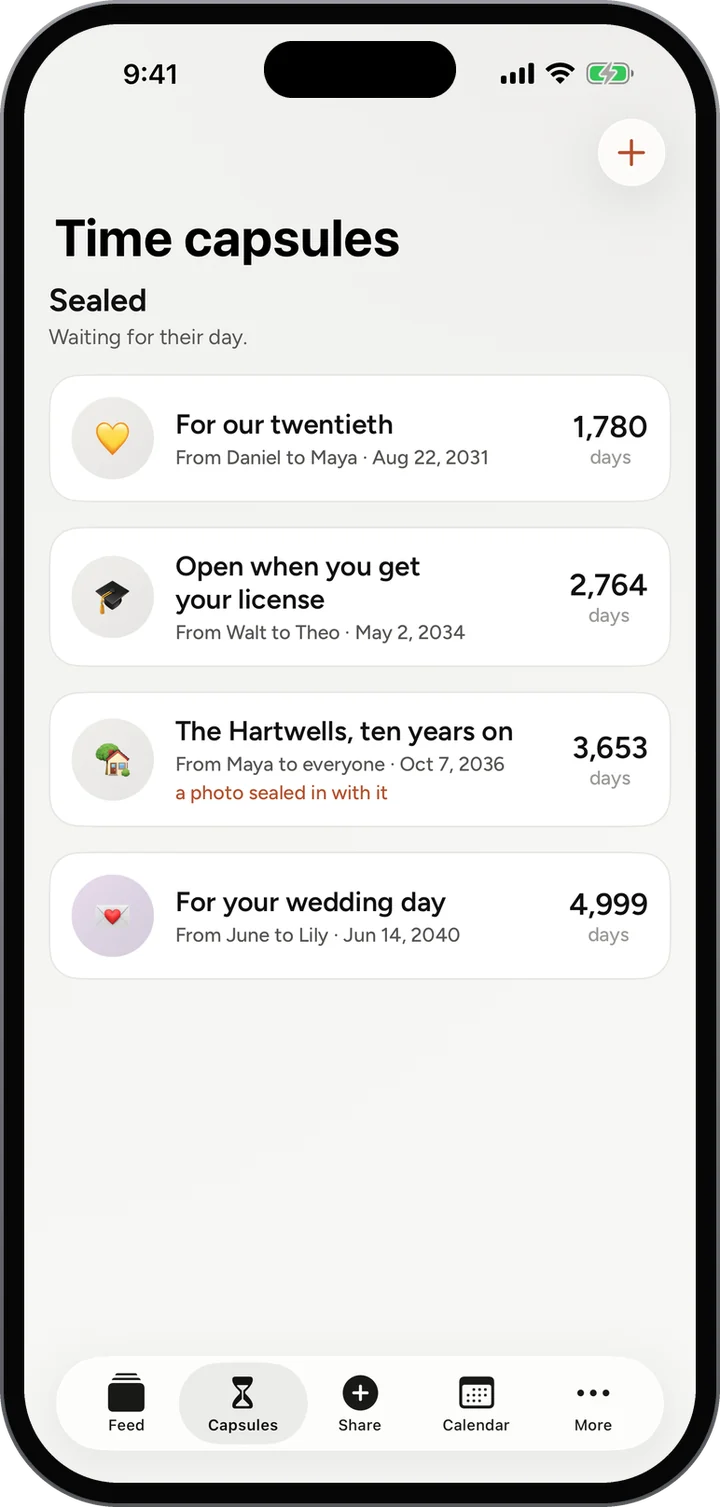
Every capsule still sealed, with who it is from, who it is for, and the days until it opens.
How it works

  1. Tap the plus to seal a new one.
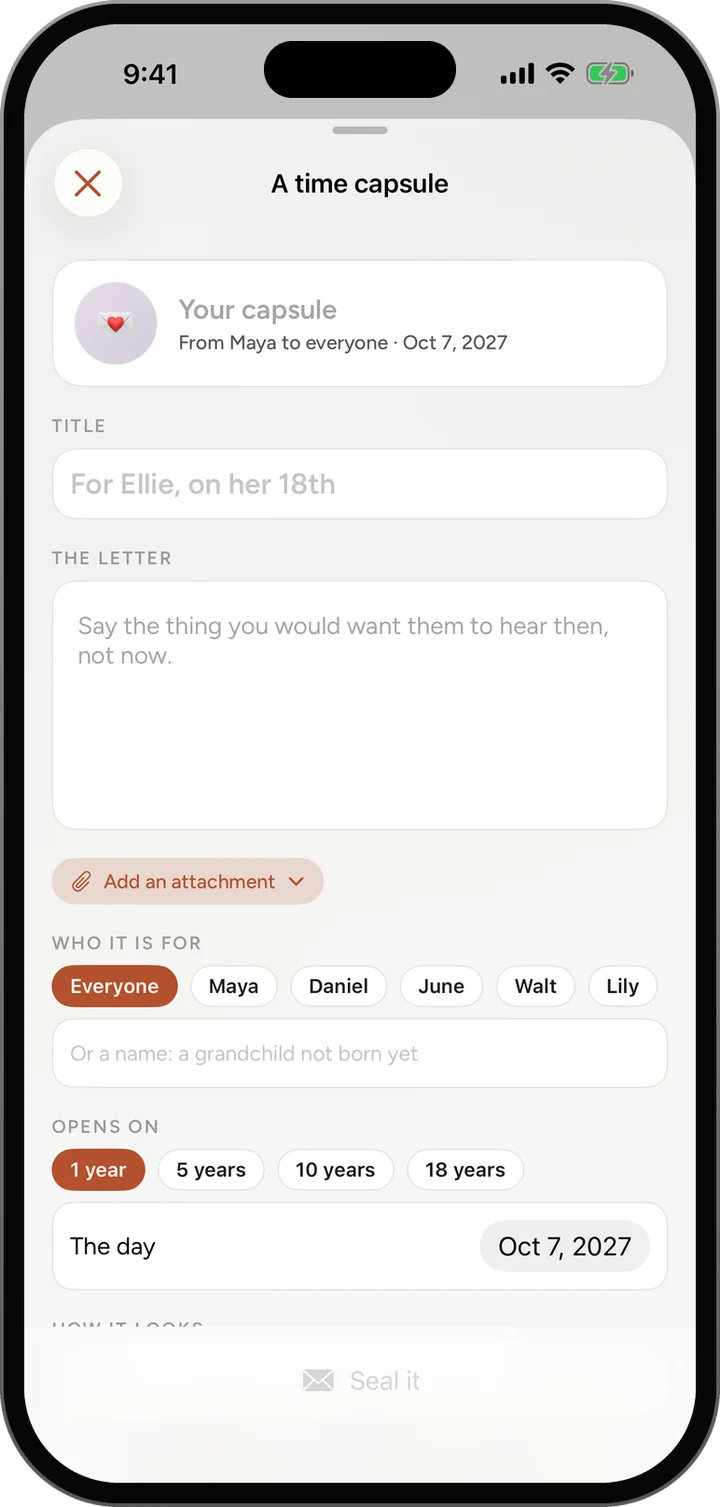
  2. Write it, add a photo or your voice, choose who it is for.
  3. Pick 1, 5, 10 or 18 years, or any day, and seal it.
Time capsules: four sealed, with the days until each opens.Time capsules: four sealed, with the days until each opens.
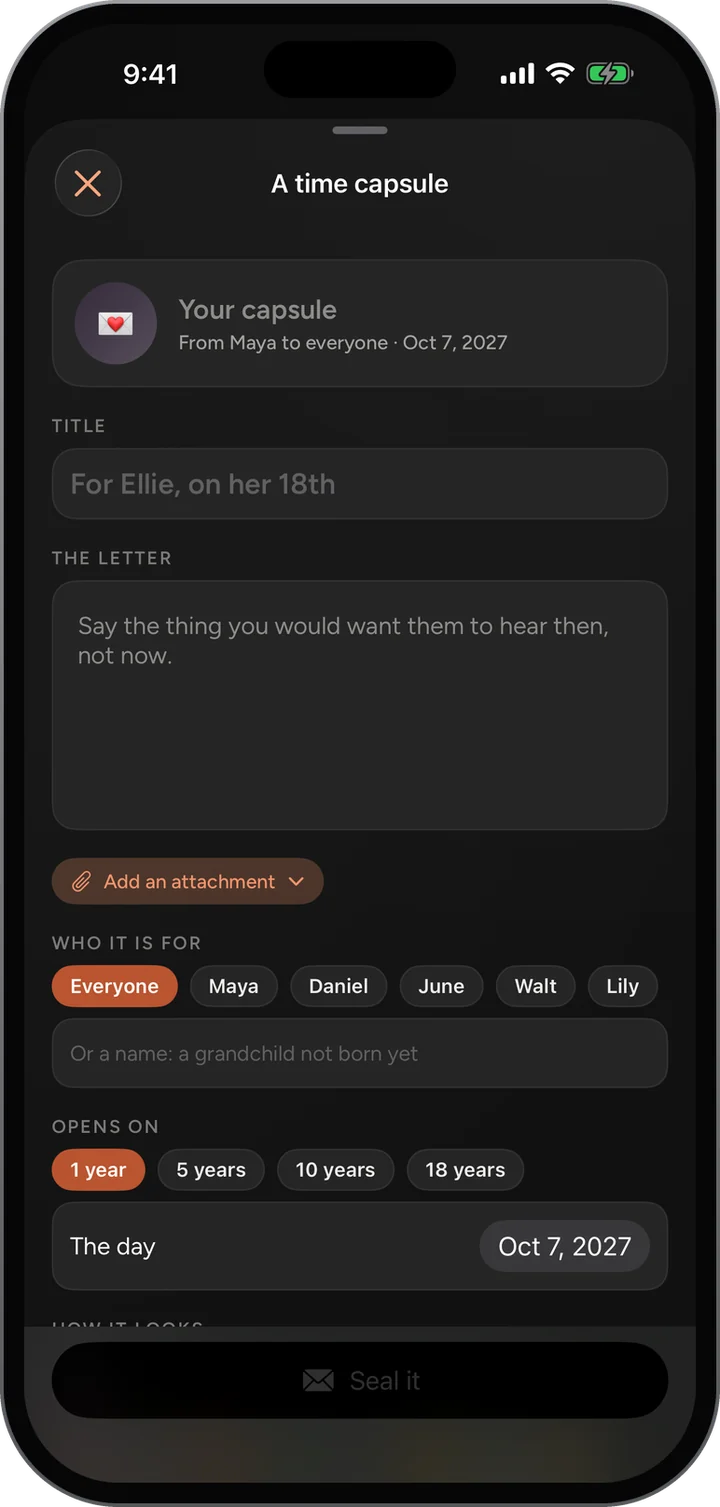
Sealing a time capsule: the letter, who it is for, and when it opens.Sealing a time capsule: the letter, who it is for, and when it opens.
03 · Share

Share something, in a few taps.

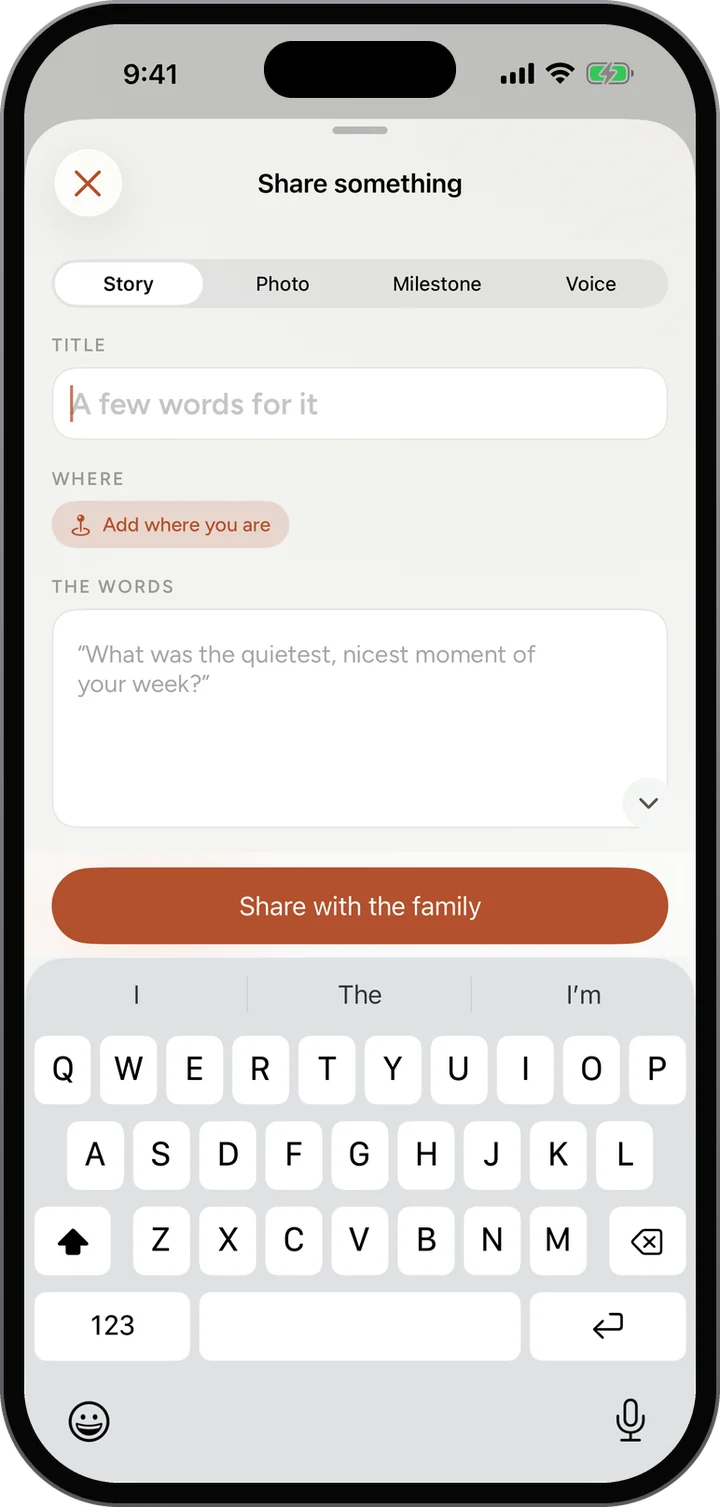
The button in the middle of the bar. A story, a photo, a milestone or a voice note, to the whole family or one circle.
How it works

  1. Tap Share in the middle of the bar.
  2. Choose Story, Photo, Milestone or Voice.
  3. Add a few words and where you are, then Share with the family.
Share something: Story, Photo, Milestone or Voice, a title, where you are, and the words.Share something: Story, Photo, Milestone or Voice, a title, where you are, and the words.
04 · Calendar

The days worth circling.

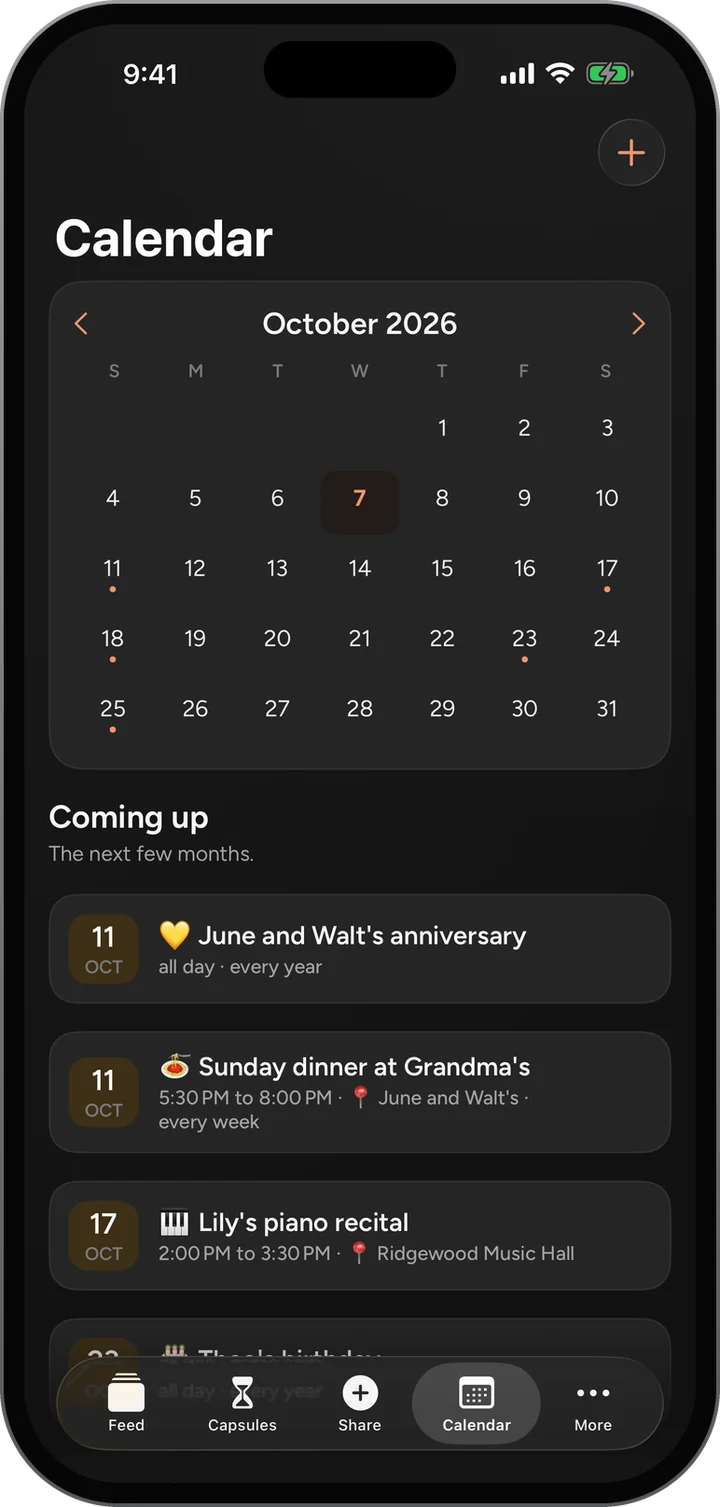
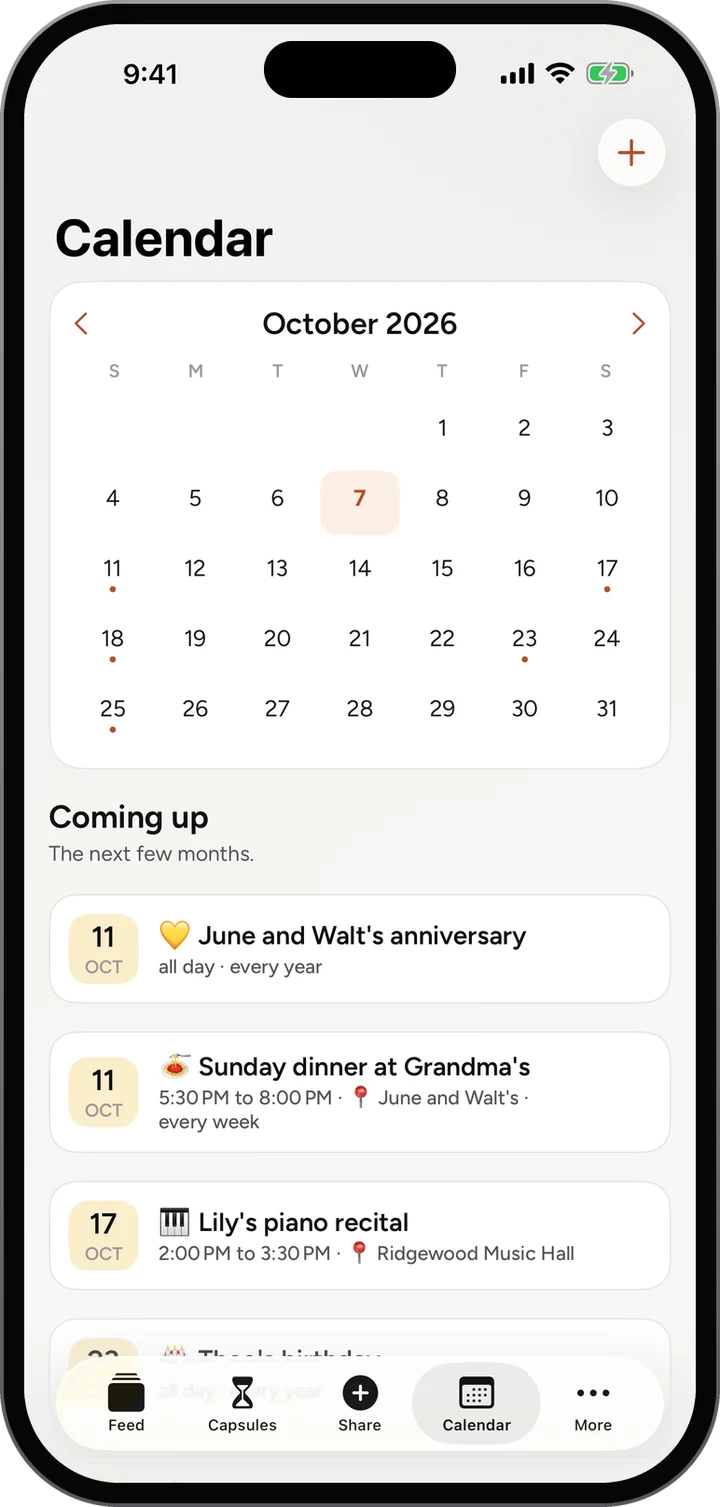
The month at a glance and what is coming up, for the whole family.
How it works

  1. Tap a day to see what is on it.
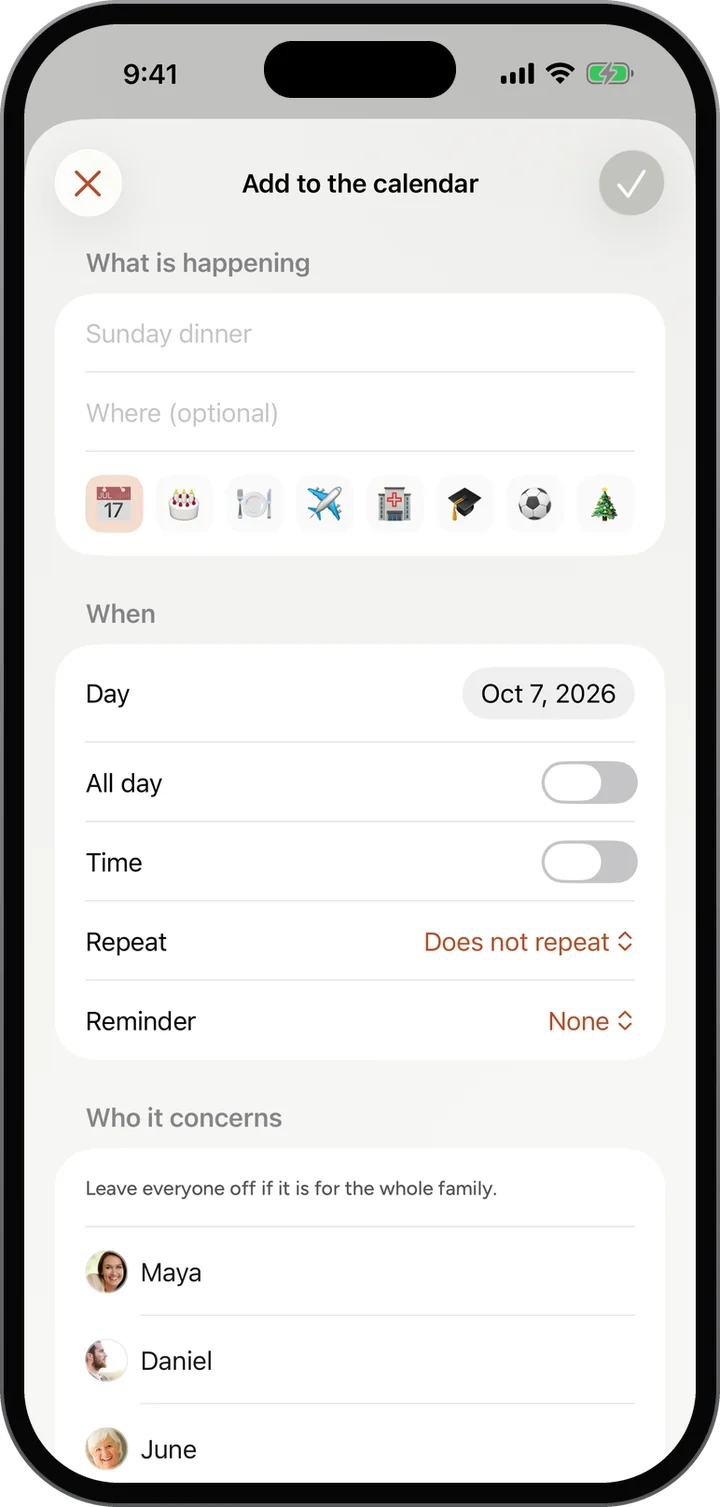
  2. Tap the plus to add a birthday, a dinner or a recital.
  3. Set it to repeat every year or every week.
Calendar: October and what is coming up.Calendar: October and what is coming up.
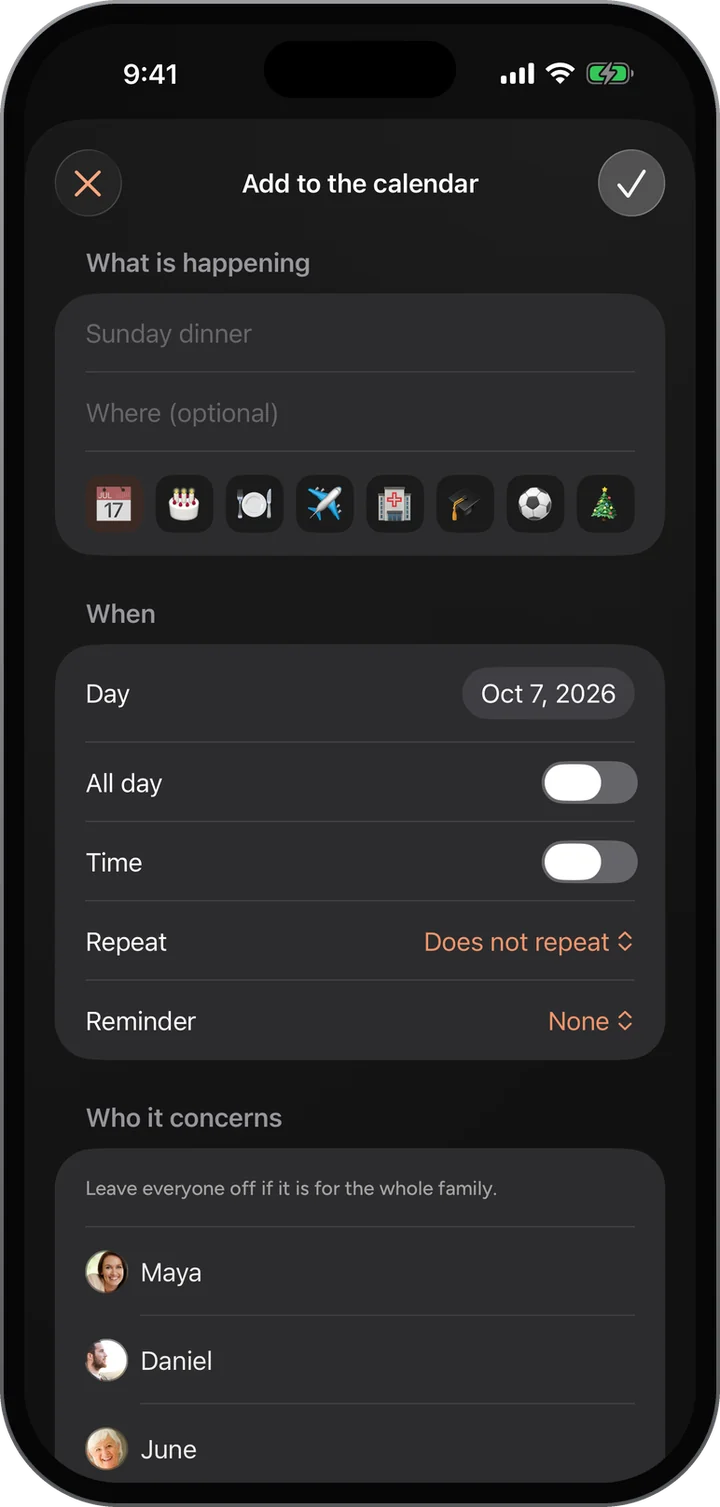
Add to the calendar: what, where, when, repeat and a reminder.Add to the calendar: what, where, when, repeat and a reminder.
05 · More

Everything else, one tap away.

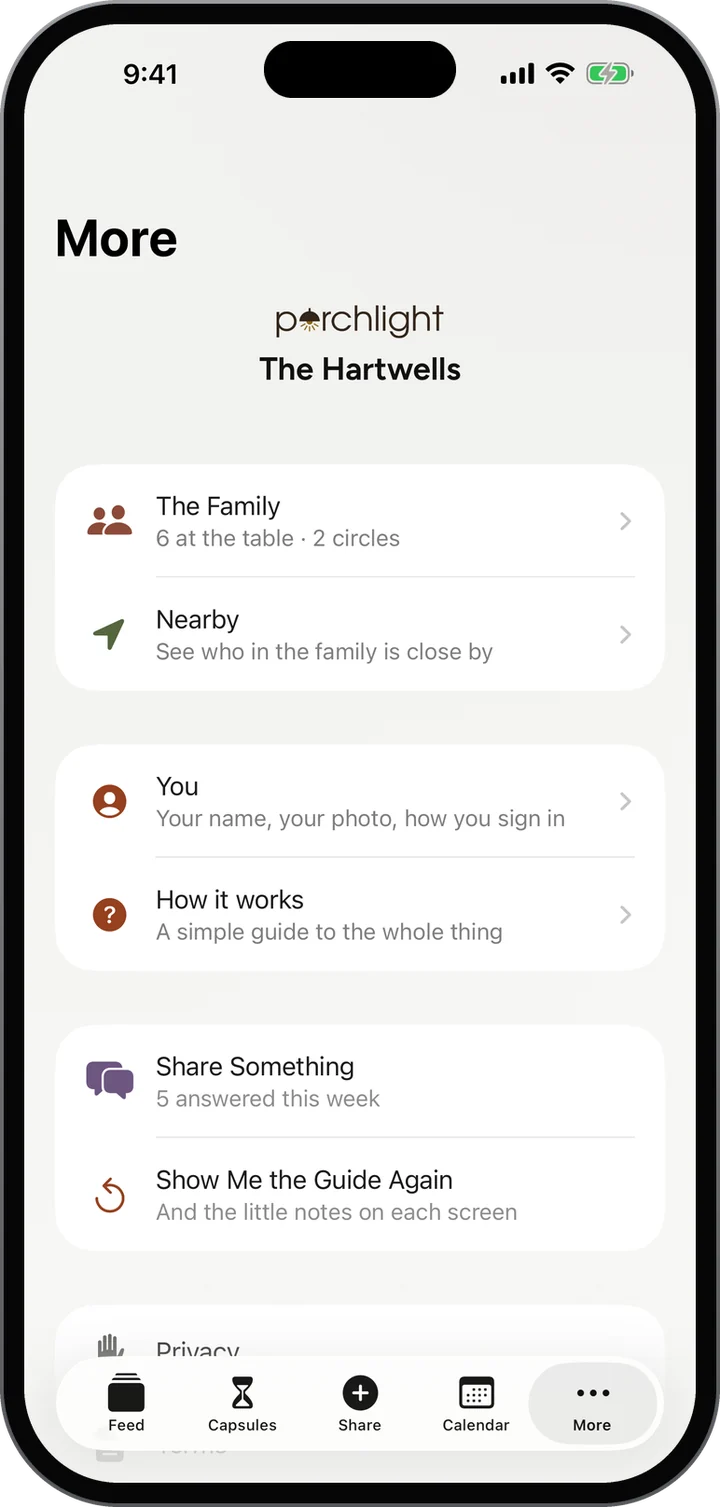
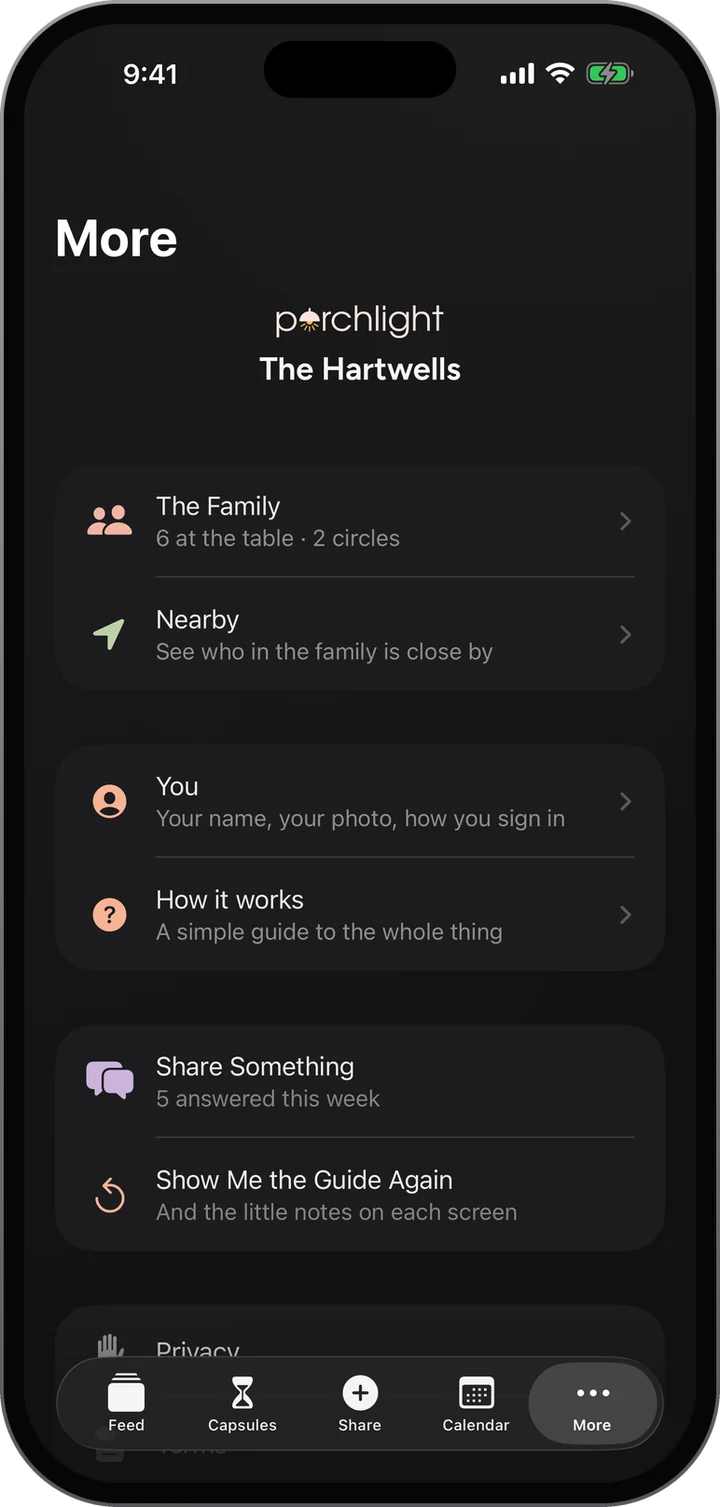
The family and your circles, Nearby, your own details, the week’s question, and the simple guide.
How it works

  1. Open The Family to share the invite code or make a circle.
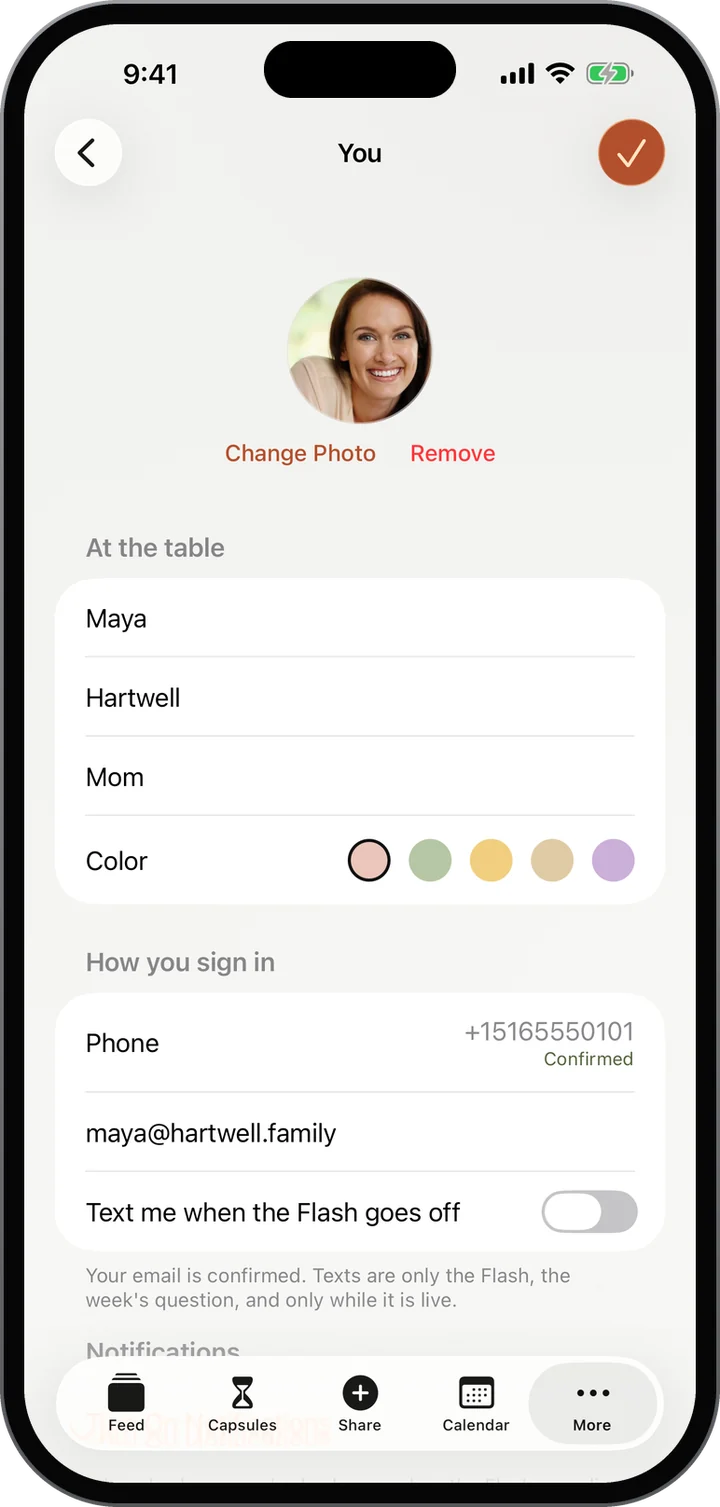
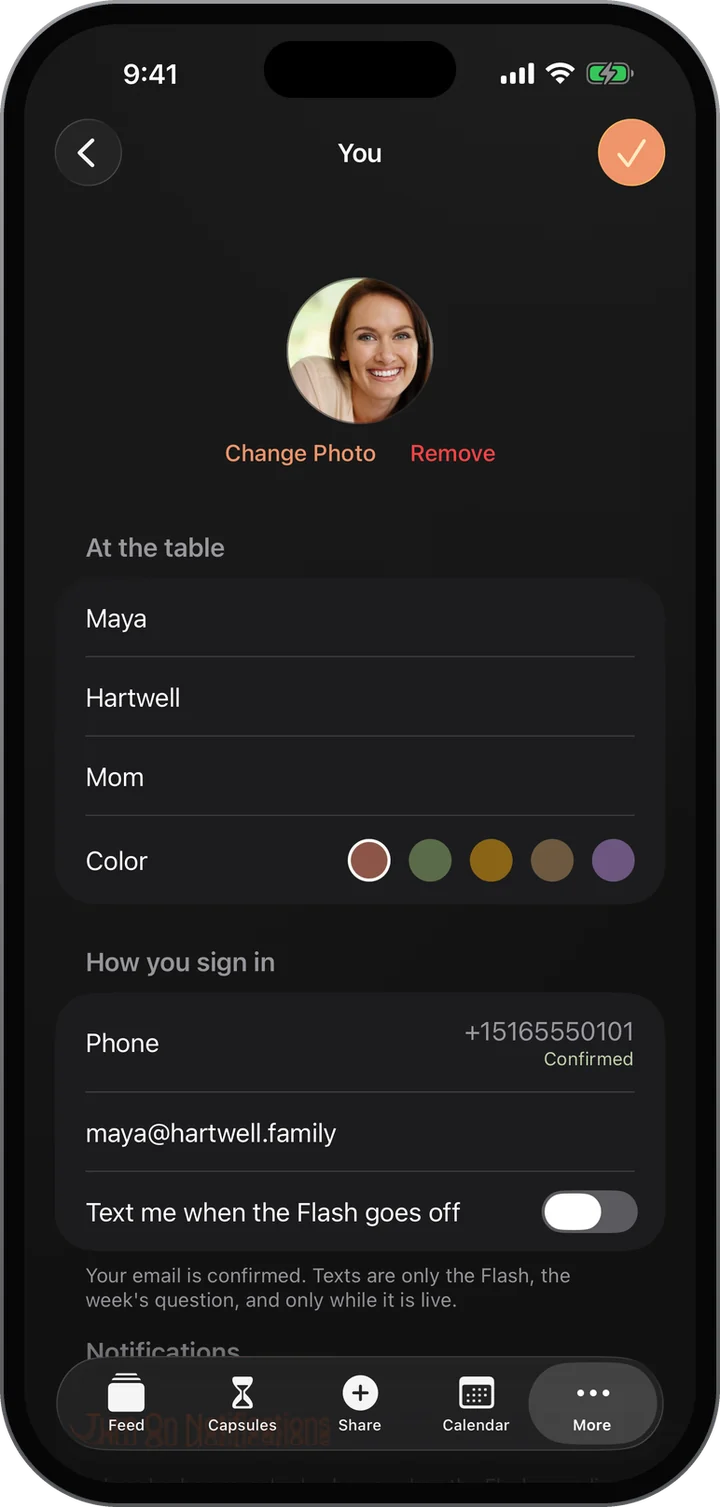
  2. Open You to change your photo and how you sign in.
  3. Open Show Me the Guide Again any time.
More: the family, Nearby, You, How it works, Share Something and the guide.More: the family, Nearby, You, How it works, Share Something and the guide.
You: your photo, name and color, and how you sign in.You: your photo, name and color, and how you sign in.
Light and dark

Day or night, it feels like home.

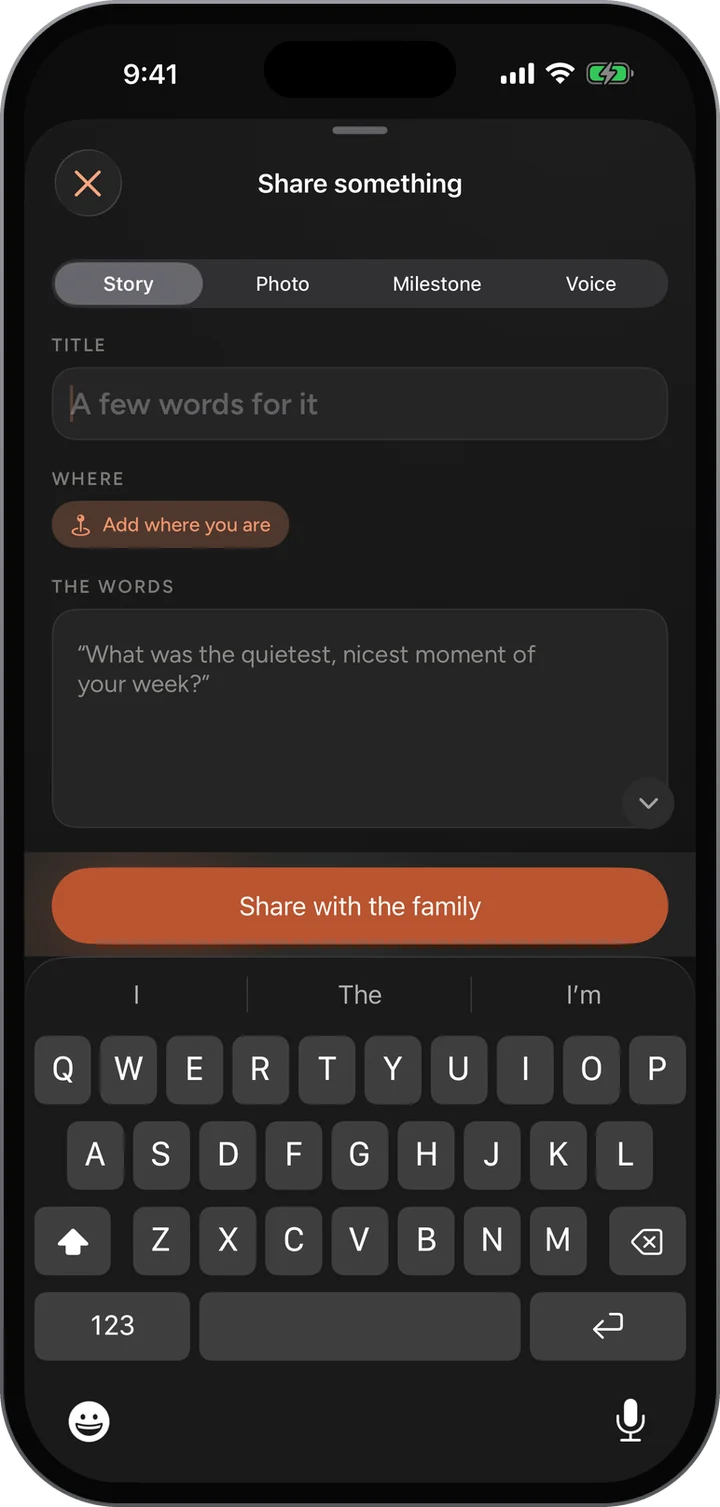
Choose light, dark, or follow your phone. Your choice follows you between the app and the web, so the porch always looks the way you left it.
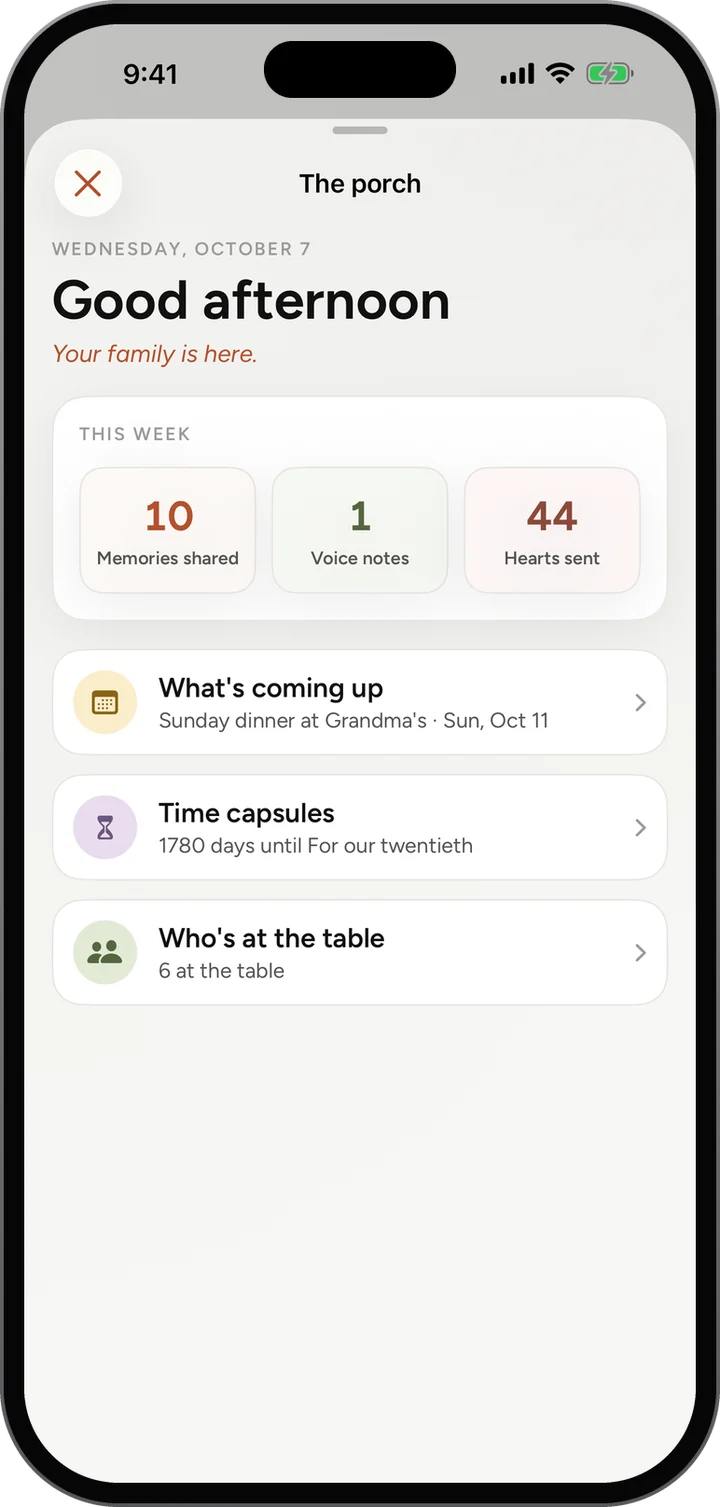
The Porch in light mode.
The Porch in dark mode.
Made for every age

If Grandma can text, Grandma can Porchlight.

Notifications that matter

When someone shares with the family, answers the week’s question, or the Flash goes off.

Sign in with a code

A one-time code instead of a password. Nothing to invent and nothing to forget.

Text that grows with you

Every screen follows your phone’s text size, for anyone who likes it bigger.

A simple guide

A plain walkthrough of every screen, and a little note on each one the first time you see it.

Nothing to break

Anything you add, you can remove. There is no rush and nothing to get wrong.

One family, everywhere

The same family on the web and in the app, so nobody has to choose.

No need to wait. Start today.

Porchlight works now in any browser. Your family will be right there when the apps arrive.