Shared Calendar

The days worth circling, on everyone’s porch.

Birthdays that come round every year, Sunday dinners, recitals and reunions. Add a day once and the whole family sees it coming.

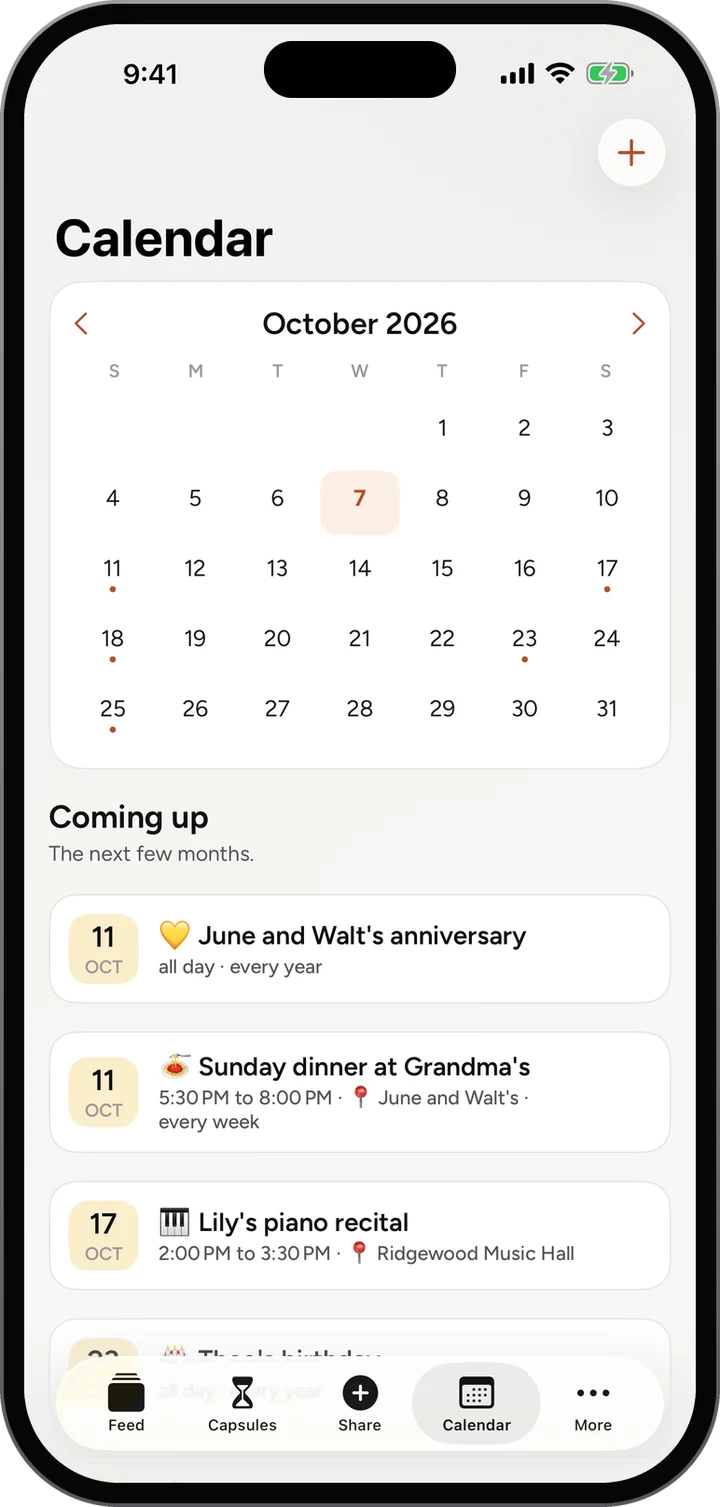
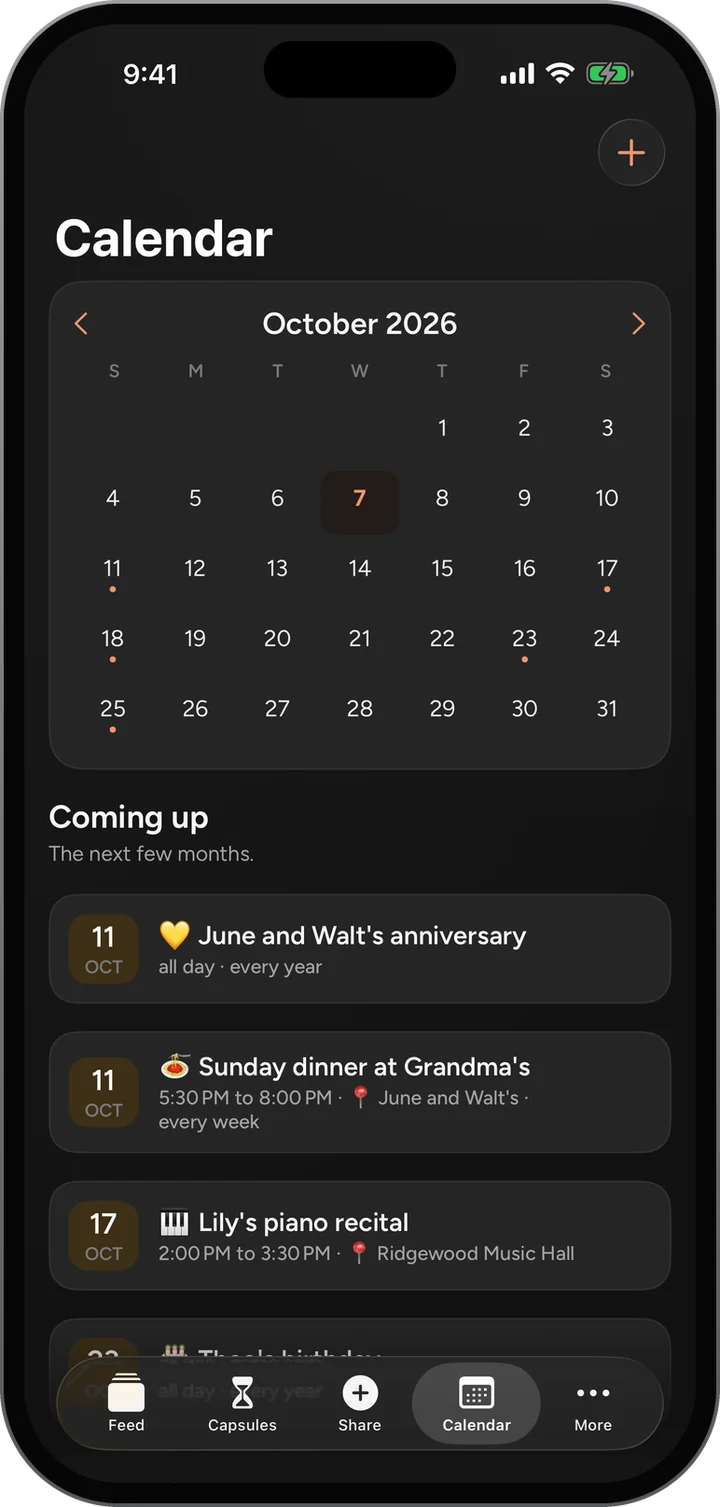
Calendar: October 2026, then Coming up: June and Walt’s anniversary, Sunday dinner at Grandma’s every week, and Lily’s piano recital.Calendar: October 2026, then Coming up: June and Walt’s anniversary, Sunday dinner at Grandma’s every week, and Lily’s piano recital.

Features / Shared Calendar

How it works

Shared Calendar, step by step.

  1. Open Calendar in the bar. The month is at the top, with a dot on every day that has something.
  2. Read Coming up underneath: the next few months, in order.
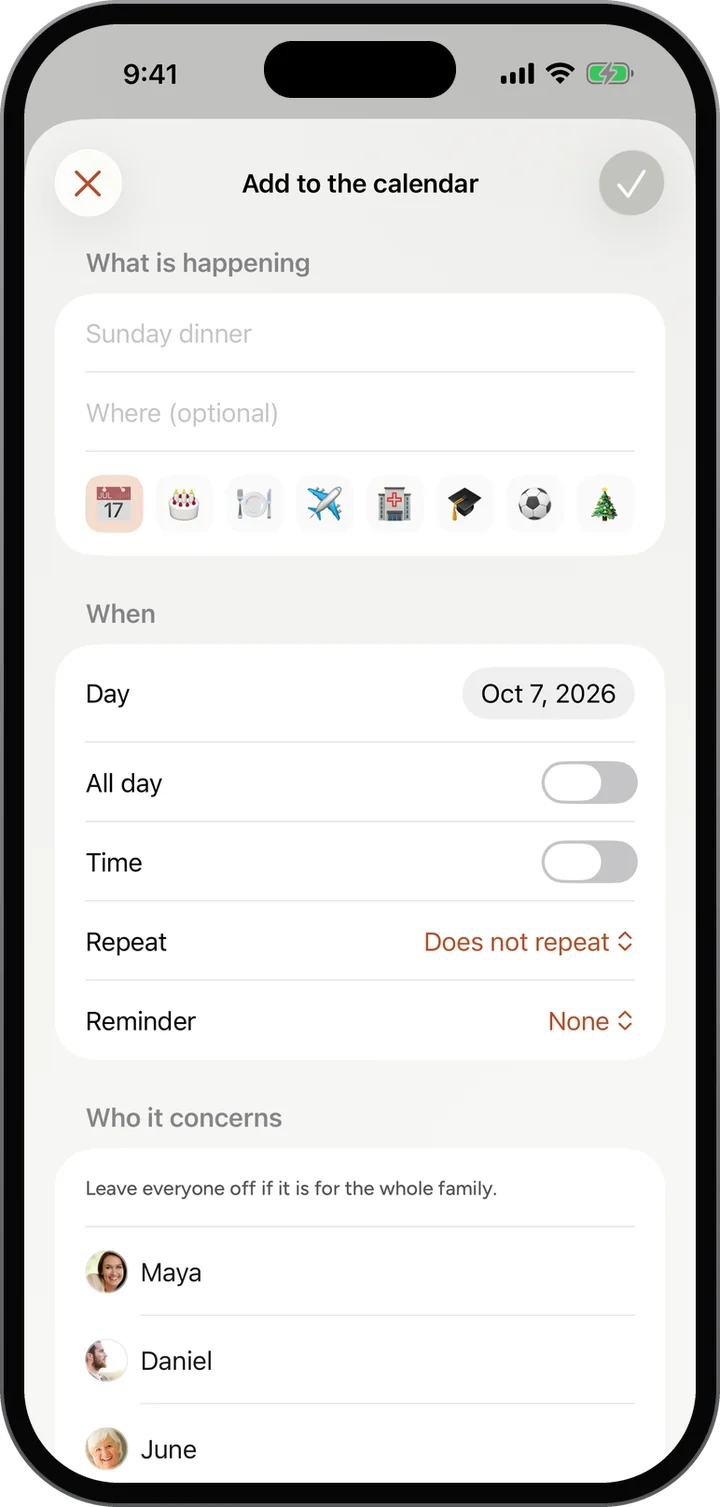
  3. Tap the plus to add one: what is happening, where, and a little picture for it.
  4. Set the day and time, whether it repeats, a reminder, and who it concerns, then save with the check.
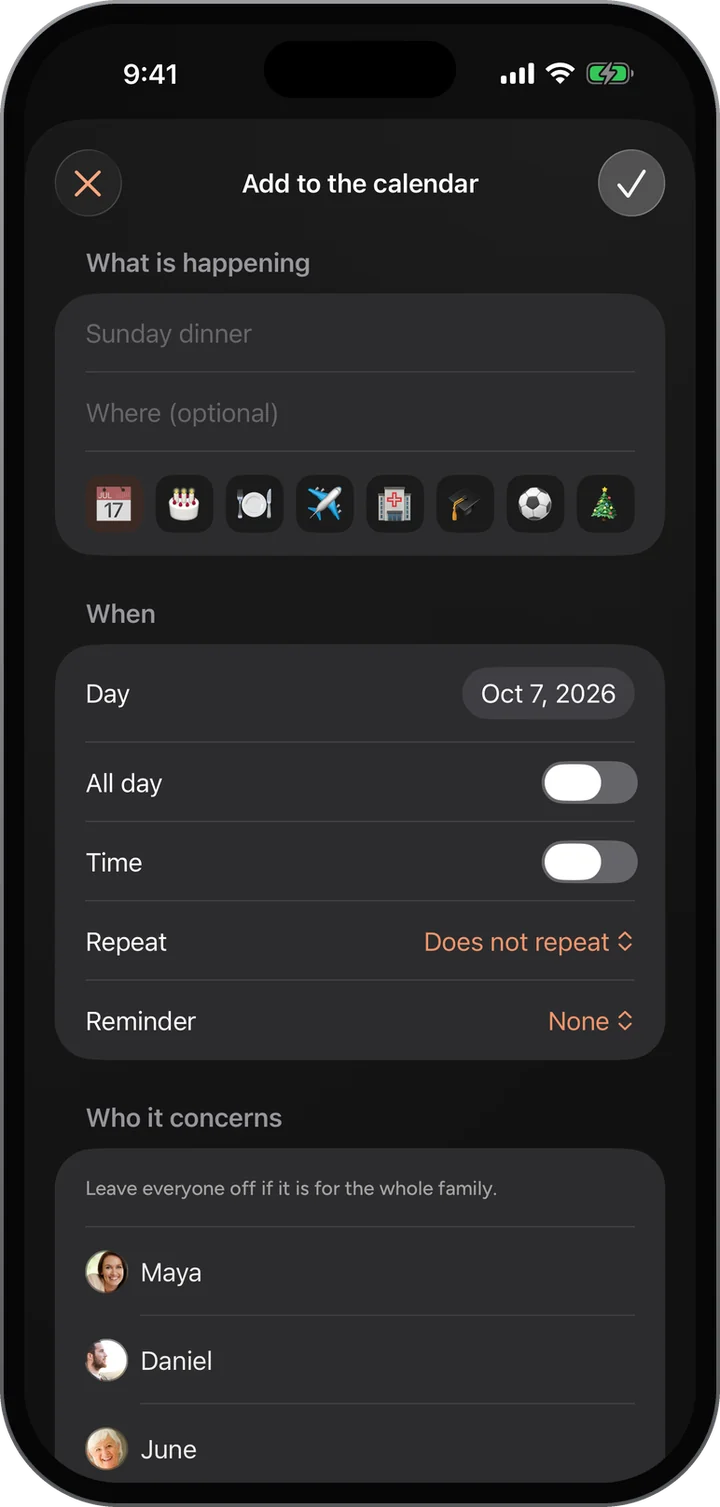
Add to the calendar: what is happening, where, a picture, the day, all day or a time, repeat, a reminder, and who it concerns.Add to the calendar: what is happening, where, a picture, the day, all day or a time, repeat, a reminder, and who it concerns.
What you see

The details that make it work.

  • Birthdays and anniversaries that repeat every year, without anyone adding them again.
  • Weekly things too, such as Sunday dinner at Grandma’s.
  • Where it is, and who it concerns, right on the event.
  • The next thing coming up also shows on everyone’s porch.
Why it matters

Made for a family, not a feed of strangers.

Every year, automatically

Mark a birthday or an anniversary to repeat and it comes back every year without anyone re-adding it.

On the porch as it nears

What is coming up shows on everyone’s porch, the first screen they see.

Capsules on their day

A sealed time capsule shows on the calendar on the day it opens.

Questions

About Shared Calendar.

Can anyone add an event?

Yes. Anyone in the family can add one.

Give your family a home.

Free, invite only, and on the web today. The iPhone app is in testing.