The Porch

Pull up a chair on the porch.

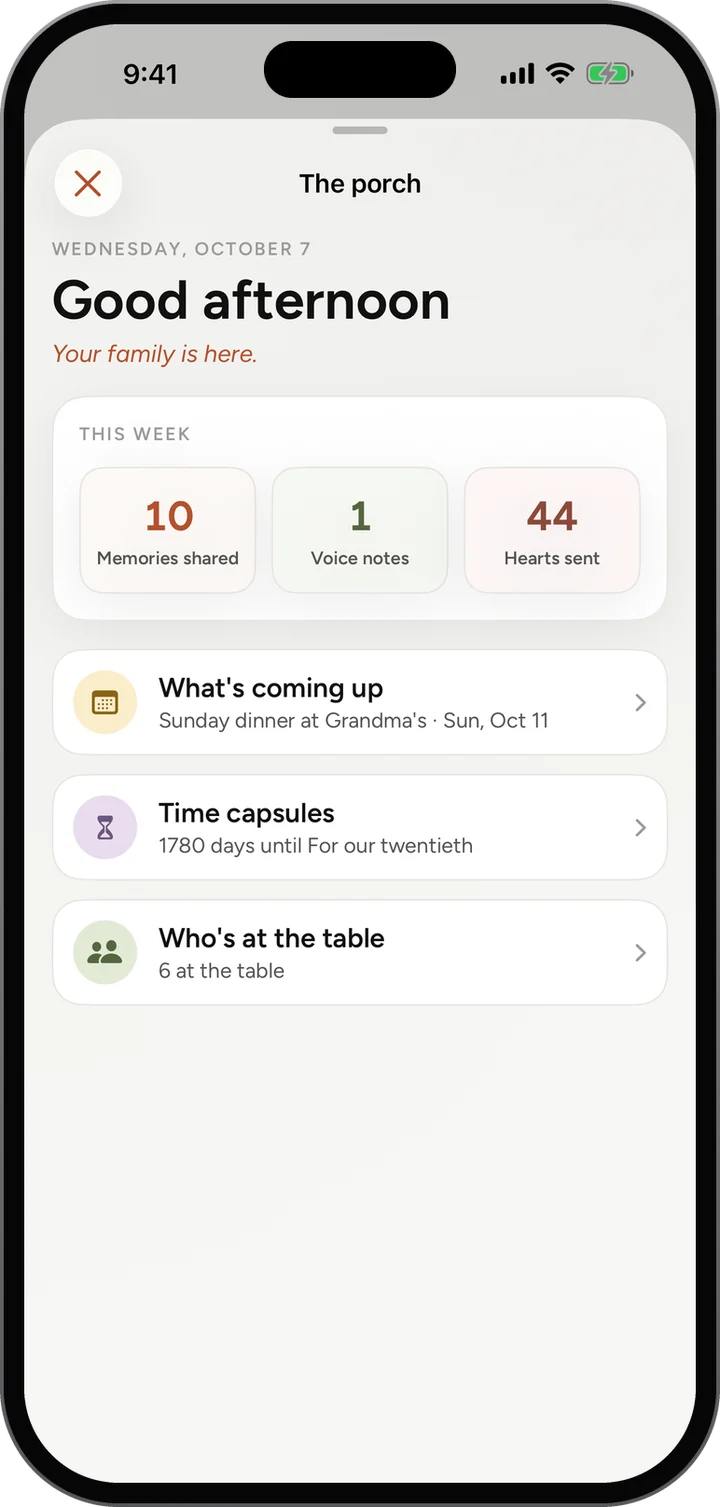
The Porch is the family at a glance. What is coming up on the calendar, which time capsules are waiting for their day, who is at the table, and how the week went.

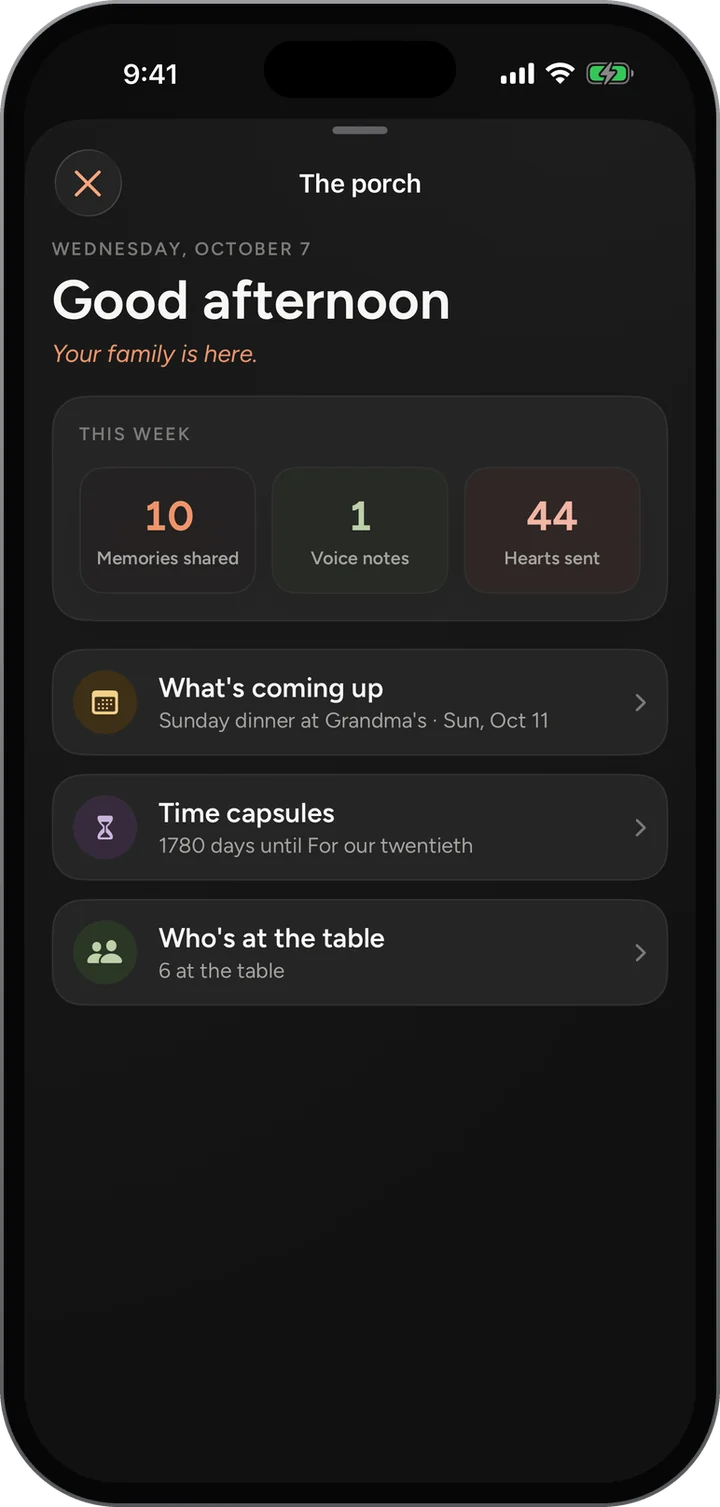
The Porch on a phone: Good afternoon, this week’s 10 memories, 1 voice note and 44 hearts, then what’s coming up, time capsules and who’s at the table.The Porch on a phone: Good afternoon, this week’s 10 memories, 1 voice note and 44 hearts, then what’s coming up, time capsules and who’s at the table.

Features / The Porch

How it works

The Porch, step by step.

  1. Tap the lamp at the top of the Family Feed. The Porch slides up over the feed.
  2. Read the greeting and This week: memories shared, voice notes and hearts sent across the family.
  3. Tap What’s coming up for the calendar, Time capsules for the ones still sealed, or Who’s at the table for the family.
  4. Swipe down, or tap the X, and you are back in the feed where you left it.
The Family Feed behind it, where the Porch opens from: a photo post with hearts and comments.The Family Feed behind it, where the Porch opens from: a photo post with hearts and comments.
What you see

The details that make it work.

  • This week counts the whole family, not just you, so everyone can see the family showing up.
  • The next thing on the calendar, by name and day.
  • The time capsule opening soonest, and how many days it has left.
  • How many are at the table, one tap from everyone’s posts.
Why it matters

Made for a family, not a feed of strangers.

What is coming up

Birthdays, dinners and recitals from the family calendar, as the day comes near.

Waiting for their day

The time capsules still sealed, and how long until each one opens.

This week, in numbers

Memories shared, voice notes and hearts sent, so the family can see itself showing up.

Who is at the table

Everyone in the family, one tap from their posts.

Give your family a home.

Free, invite only, and on the web today. The iPhone app is in testing.