
Join with a code
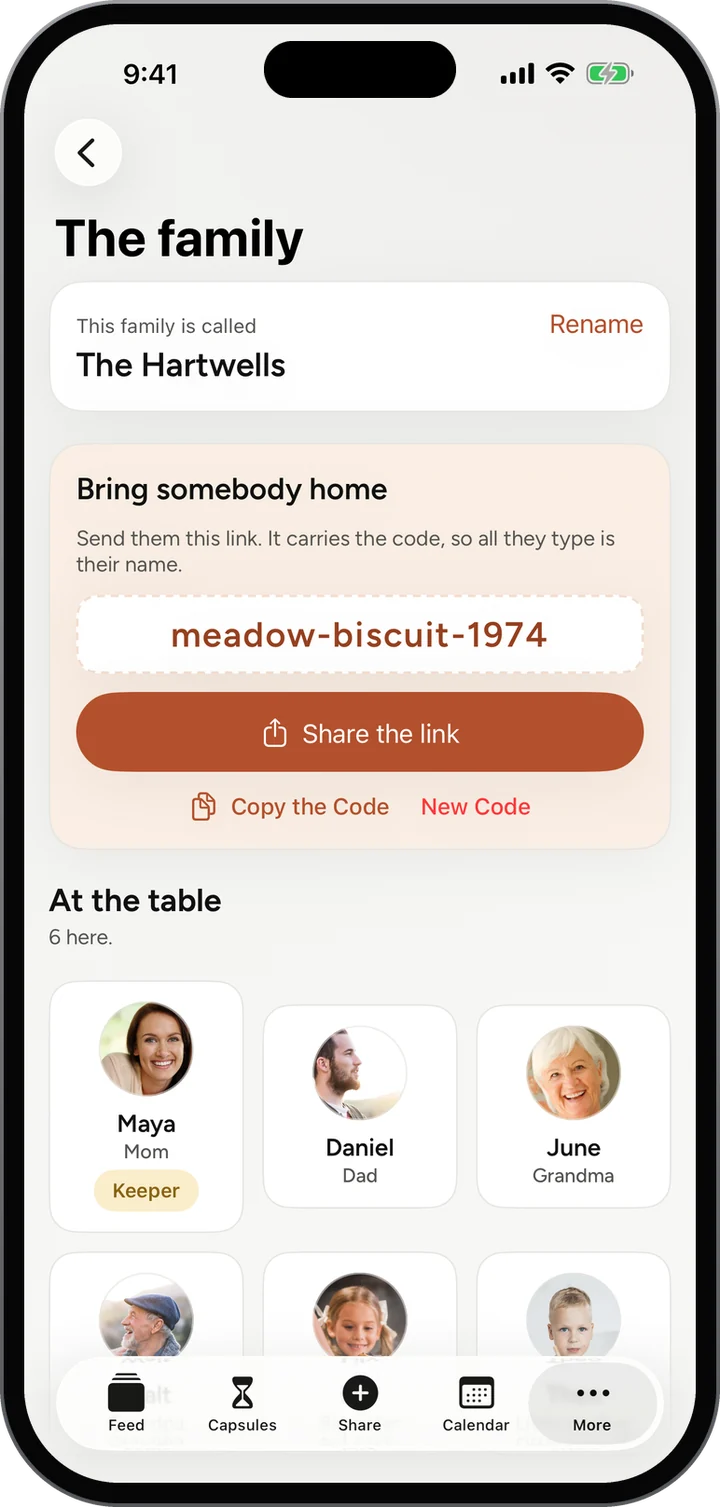
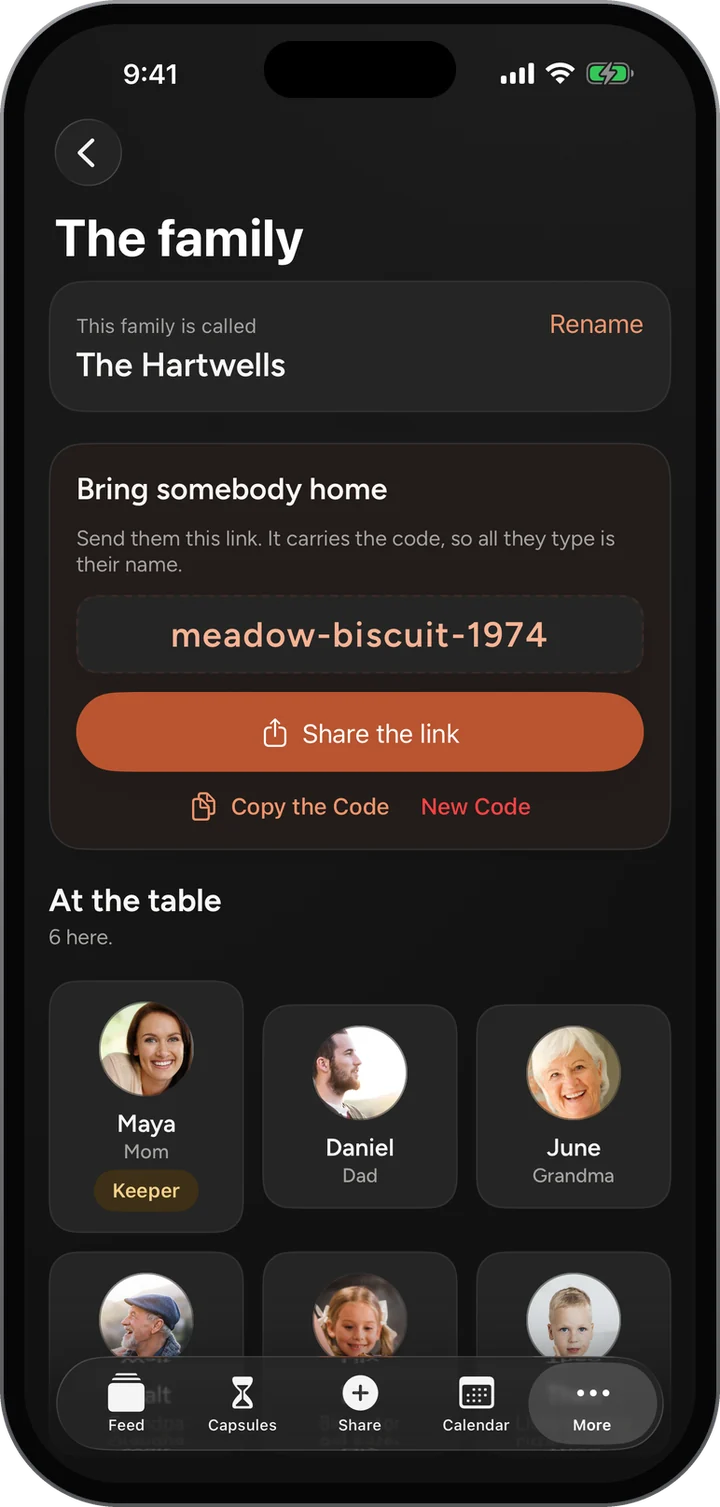
Your family gets a friendly invite code like peach-fable-1917. Text it, read it over the phone, done.

Your family is everybody you invite. Inside it, make smaller circles for the grandkids, the cousins or the siblings, and share with just them when that is the right room.
Features / Family and circles
How it works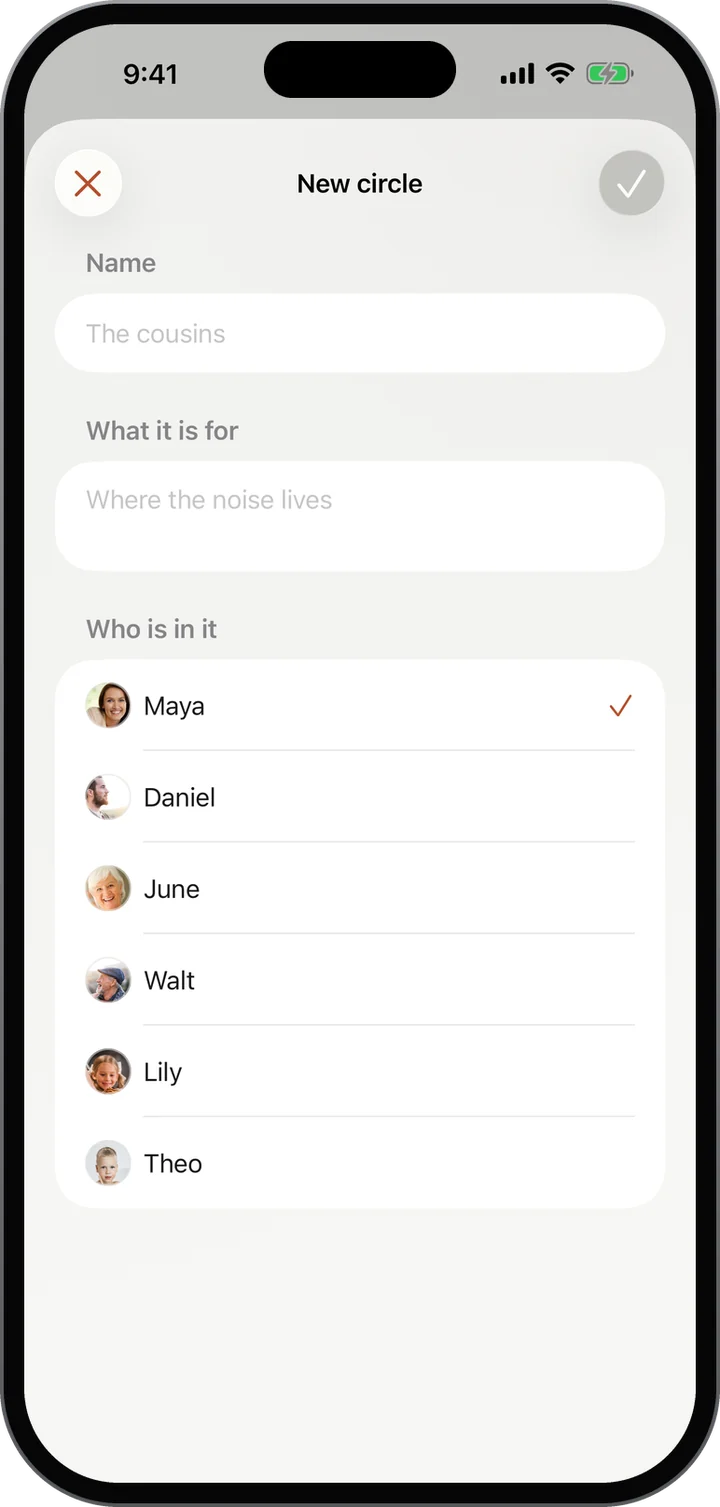
Your family gets a friendly invite code like peach-fable-1917. Text it, read it over the phone, done.
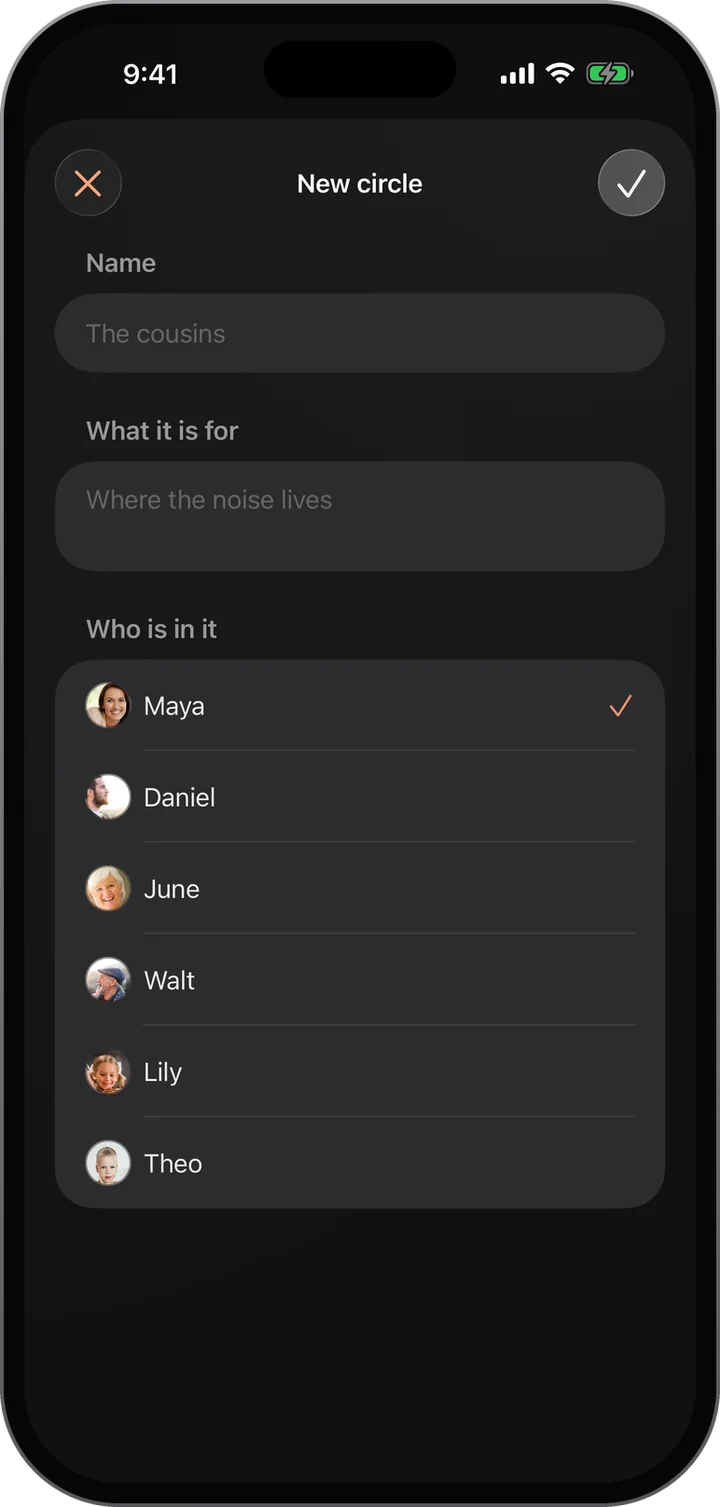
Make a circle for part of the family and post to just that circle.
The person who started the family can rename it, change the invite code, and remove someone’s access. What they shared stays with the family.
Their access ends. What they shared with the family stays with the family.
Your family at a glance: what is coming up, what is waiting, who has been posting.
Learn morePhotos, stories and voice notes from everyone, in one gentle stream.
Learn moreOnce a week, one surprise question goes to everyone at once.
Learn moreThis week’s question for everyone, with every answer gathered together.
Learn moreFree, invite only, and on the web today. The iPhone app is in testing.