Every feature

Everything a family keeps, in one quiet place.

A gentle feed, a weekly surprise, letters sealed for someday, a calendar everyone can see and a rough idea of who is close. Here is every part of it, screen by screen.

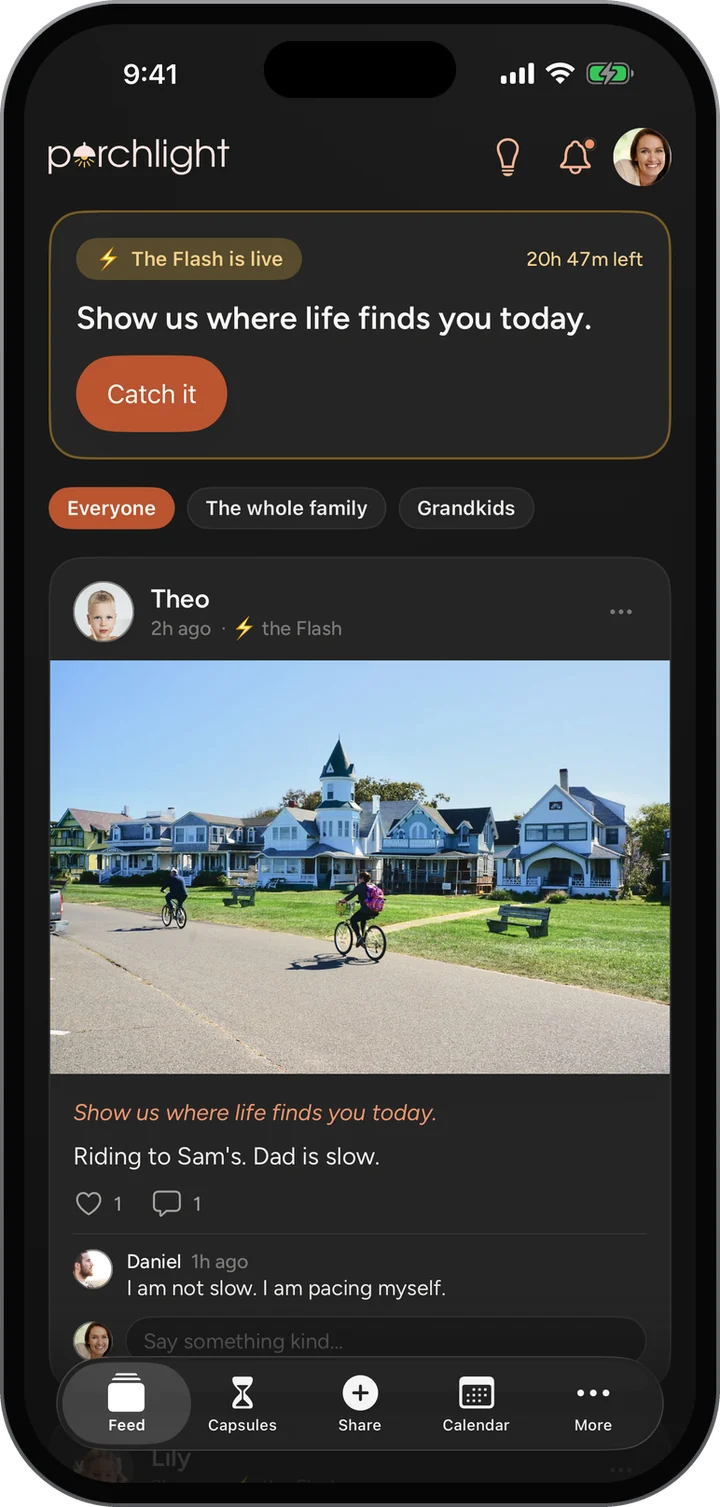
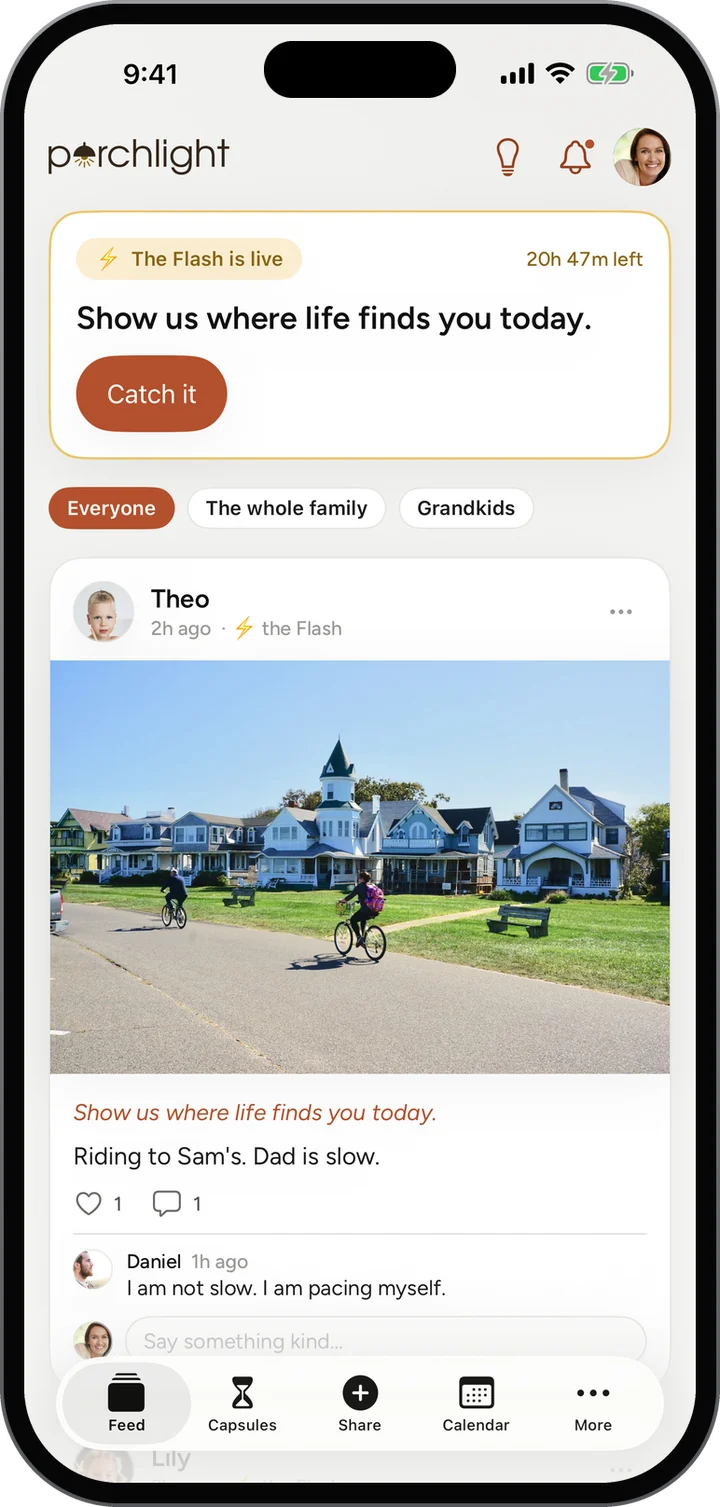
The Family Feed with the Flash live: Show us where life finds you today, and Theo's answer below.
  • 8features, each walked throughevery one a real screen from the app
  • 24hto catch the Flashone surprise question, once a week
  • 18 yrsa capsule can wait, in one tapor any day you choose
  • 0trackers, algorithms or strangersjust your family, newest first
The walkthrough

Every feature, screen by screen.

Real screens from the app, what each one shows, and the steps to use it. Jump to any feature.

01 · The Porch

Pull up a chair on the porch.

The Porch is the family at a glance. What is coming up on the calendar, which time capsules are waiting for their day, who is at the table, and how the week went.

How it works

  1. Tap the lamp at the top of the Family Feed. The Porch slides up over the feed.
  2. Read the greeting and This week: memories shared, voice notes and hearts sent across the family.
  3. Tap What’s coming up for the calendar, Time capsules for the ones still sealed, or Who’s at the table for the family.
  4. Swipe down, or tap the X, and you are back in the feed where you left it.

What you see

  • This week counts the whole family, not just you, so everyone can see the family showing up.
  • The next thing on the calendar, by name and day.
  • The time capsule opening soonest, and how many days it has left.
  • How many are at the table, one tap from everyone’s posts.

More about The Porch

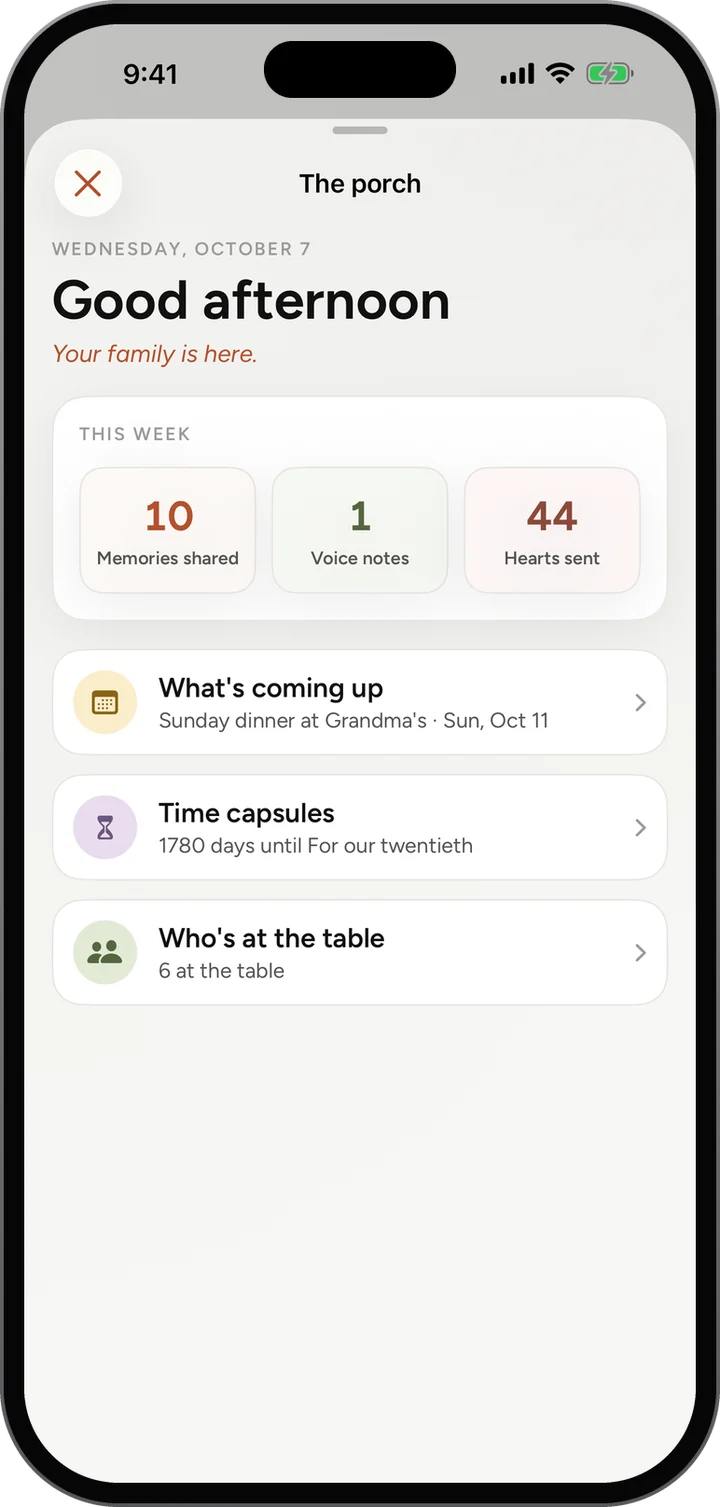
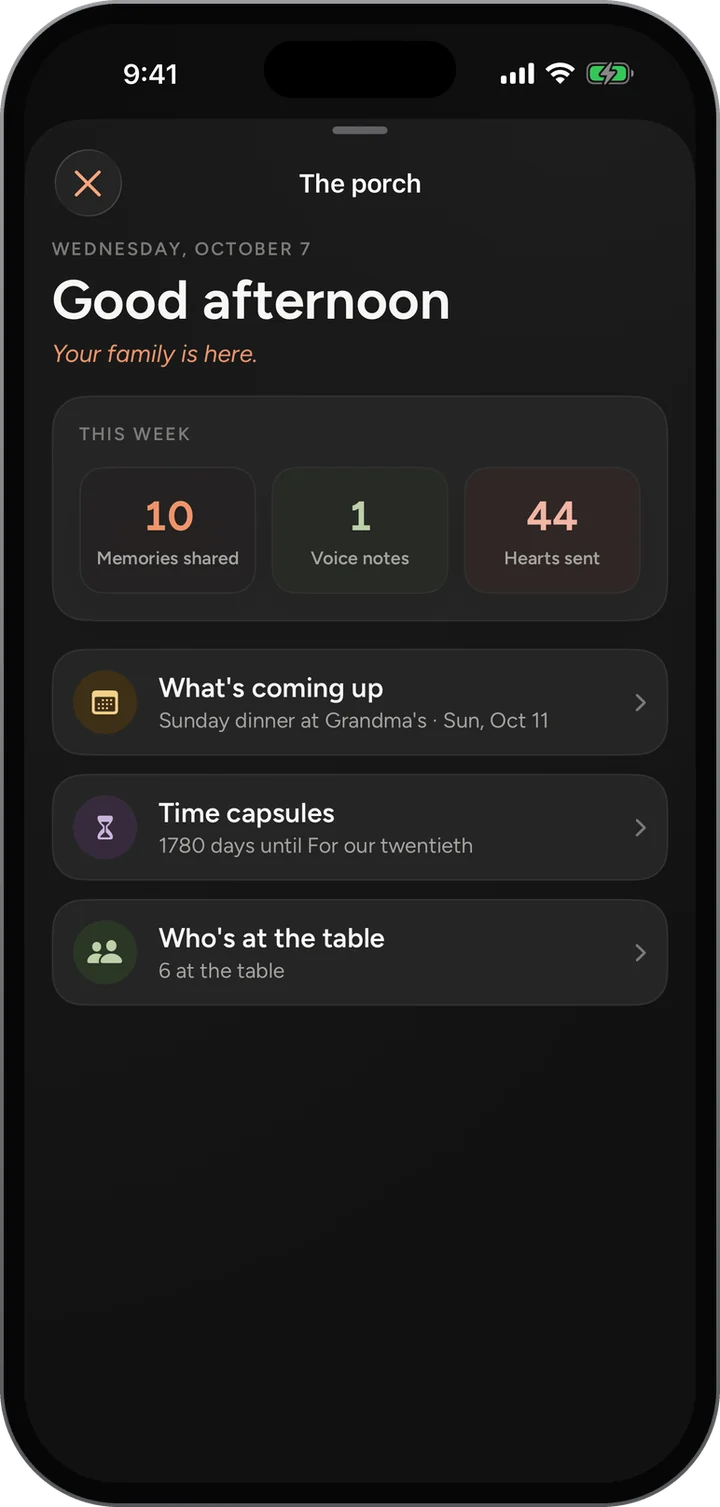
The Porch on a phone: Good afternoon, this week’s 10 memories, 1 voice note and 44 hearts, then what’s coming up, time capsules and who’s at the table.The Porch on a phone: Good afternoon, this week’s 10 memories, 1 voice note and 44 hearts, then what’s coming up, time capsules and who’s at the table.
The Family Feed behind it, where the Porch opens from: a photo post with hearts and comments.The Family Feed behind it, where the Porch opens from: a photo post with hearts and comments.
02 · Family Feed

One feed, and only your people in it.

The photos that used to scatter across five group chats land in one place, in order, with the people who love them right underneath.

How it works

  1. Open the app. The Family Feed is the first tab, newest first.
  2. Pick a room at the top: Everyone, or one of your circles such as The whole family or Grandkids.
  3. Heart a post, or write under it in Say something kind.
  4. Tap Share in the middle of the bar to add your own: a story, a photo, a milestone or a voice note.

What you see

  • Every post shows who shared it, when, and the photo, words or recording.
  • Hearts and comments sit under each post, so a photo turns into a conversation.
  • Posts made for one circle stay in that circle.
  • No ranking, no suggestions and nothing slipped in between your family’s posts.

More about Family Feed

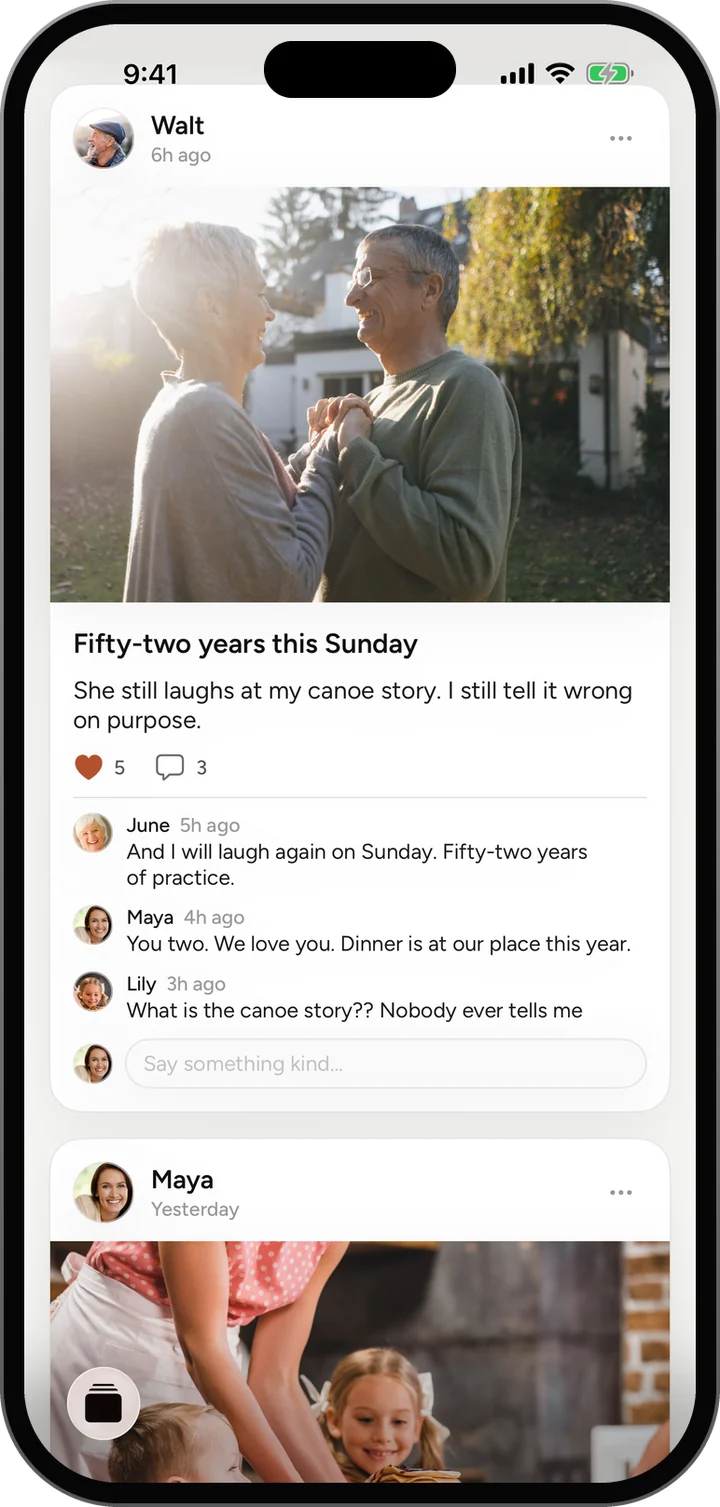
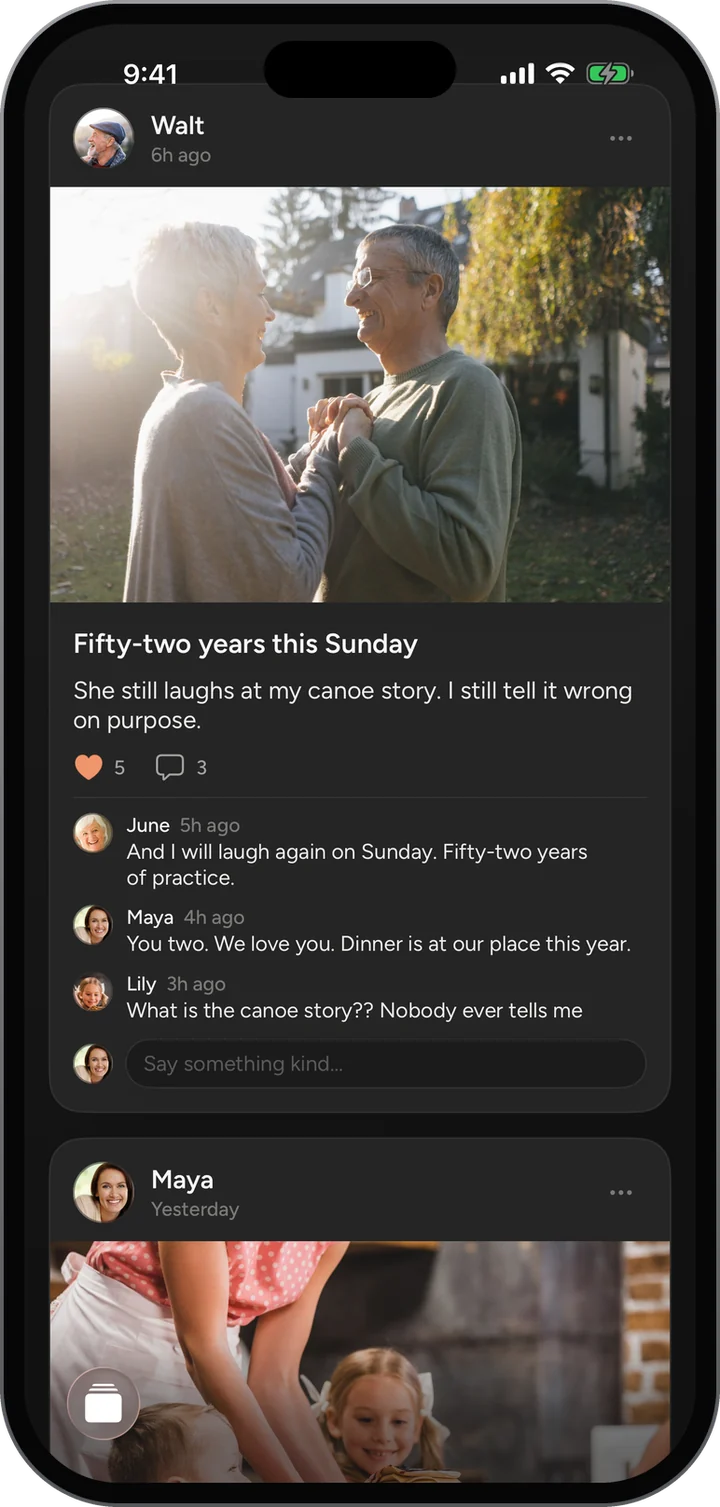
The Family Feed: Walt’s photo for their anniversary with five hearts, and comments from June, Maya and Lily.The Family Feed: Walt’s photo for their anniversary with five hearts, and comments from June, Maya and Lily.
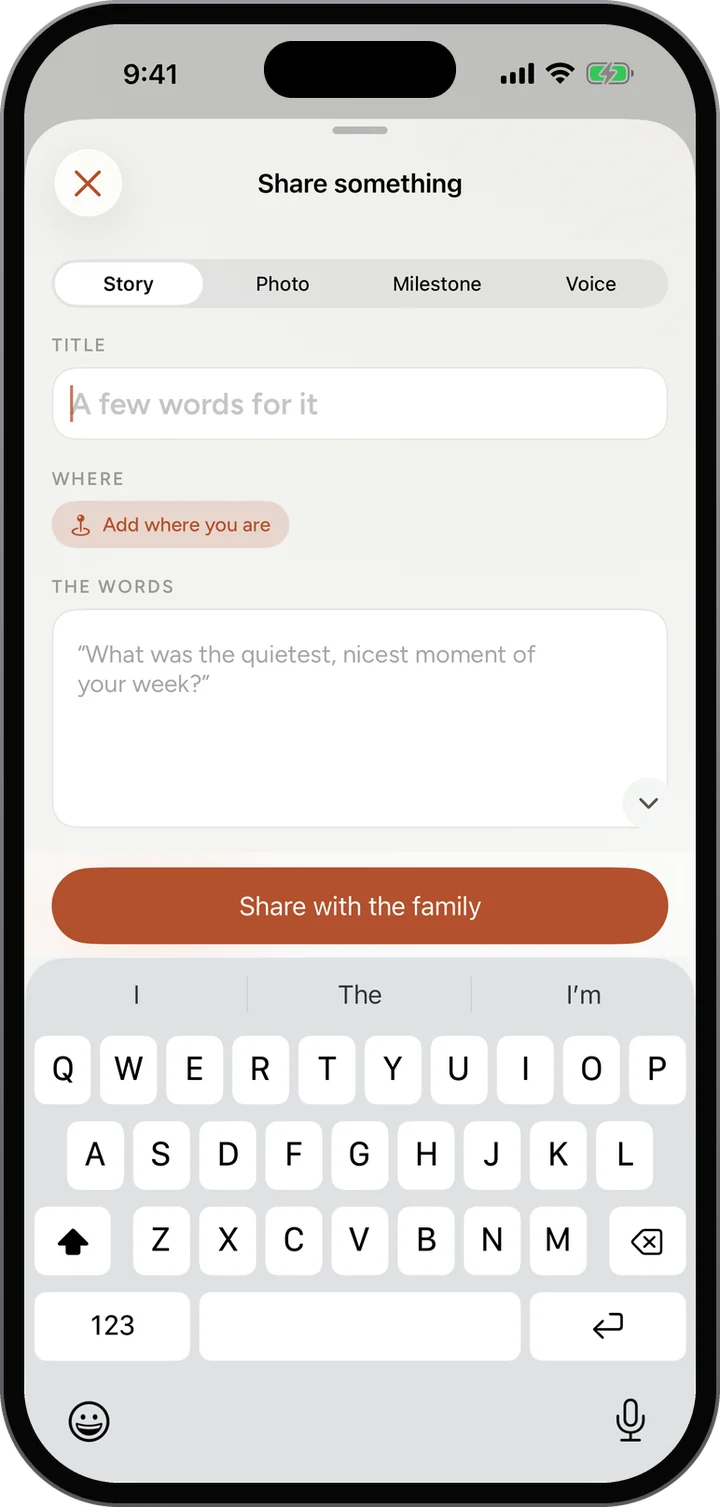
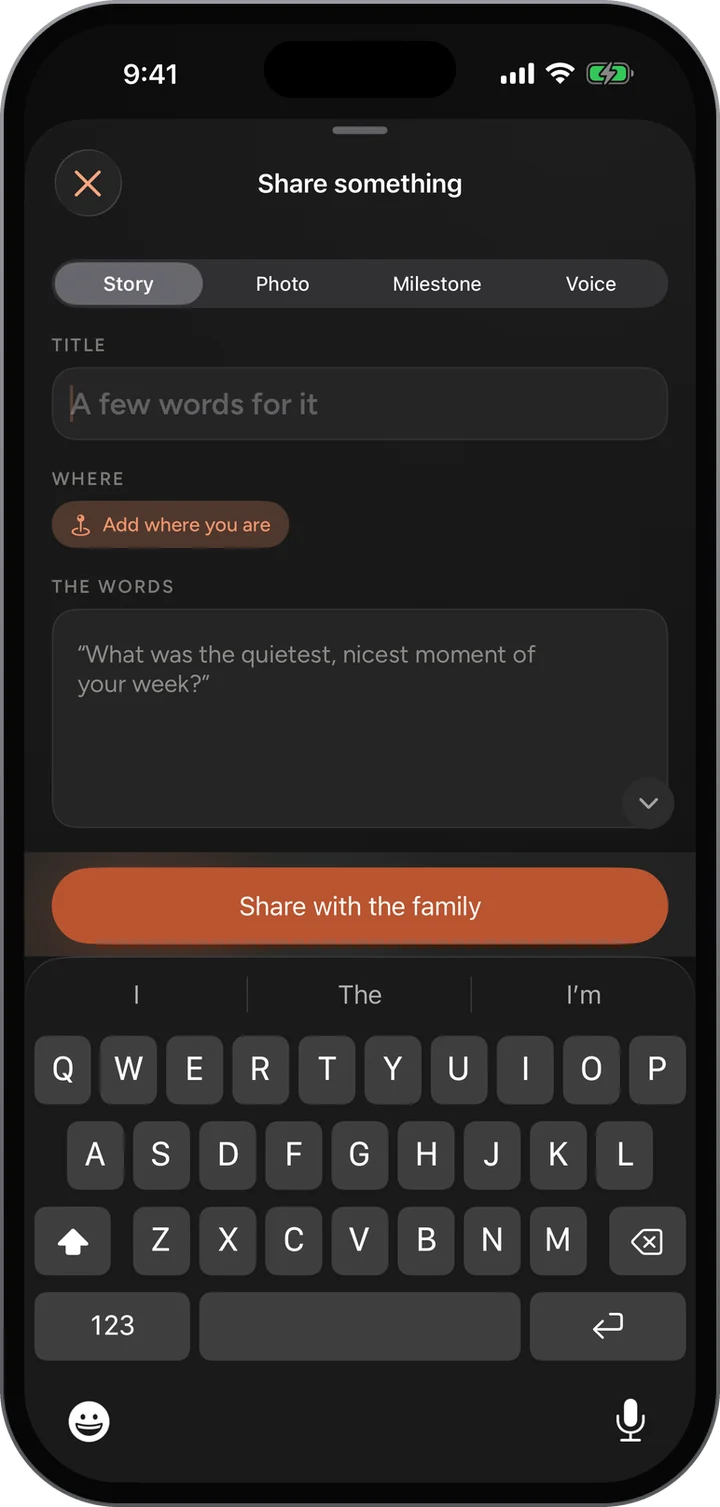
Share something: Story, Photo, Milestone or Voice, a title, where you are, the words, and Share with the family.Share something: Story, Photo, Milestone or Voice, a title, where you are, the words, and Share with the family.
03 · The Flash

Once a week, the Flash goes off.

At a moment nobody knows in advance, the same simple question reaches the whole family at once. Everyone has a day to answer, in words or with a photo.

How it works

  1. When the Flash goes off, a banner appears at the top of the Family Feed: The Flash is live, with the time left.
  2. Read the question, such as Show us where life finds you today.
  3. Tap Catch it, then snap a photo or type a line.
  4. Your answer joins the family’s in the feed, marked with the Flash, under the same question.

What you see

  • A different moment every week, so nobody can plan for it.
  • Twenty-four hours to answer, counted down on the banner.
  • Every answer carries the question it was for, so the week reads as one snapshot.
  • A text when it goes off, if you switch it on under You.

More about The Flash

The Flash live at the top of the feed: Show us where life finds you today, 20 hours 47 minutes left, Catch it, and Theo’s answer below.The Flash live at the top of the feed: Show us where life finds you today, 20 hours 47 minutes left, Catch it, and Theo’s answer below.
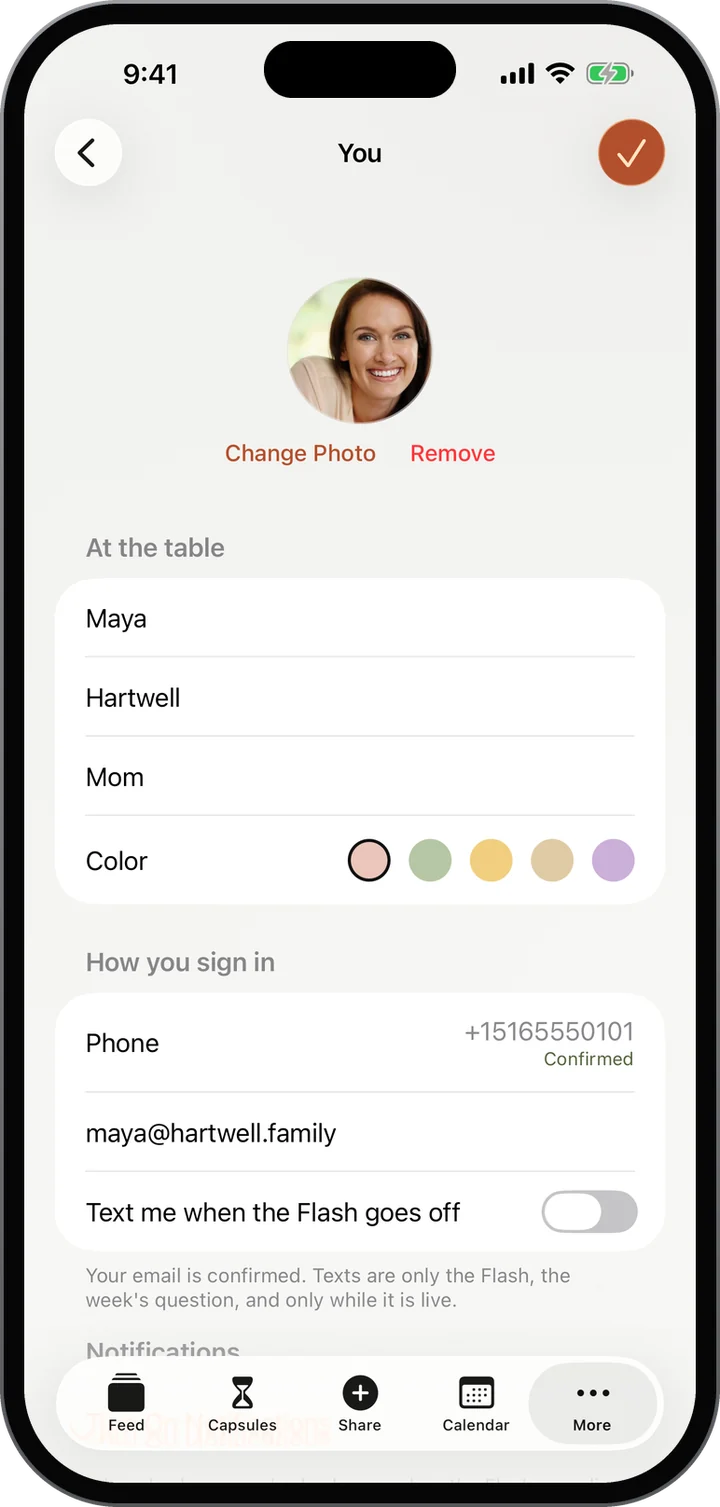
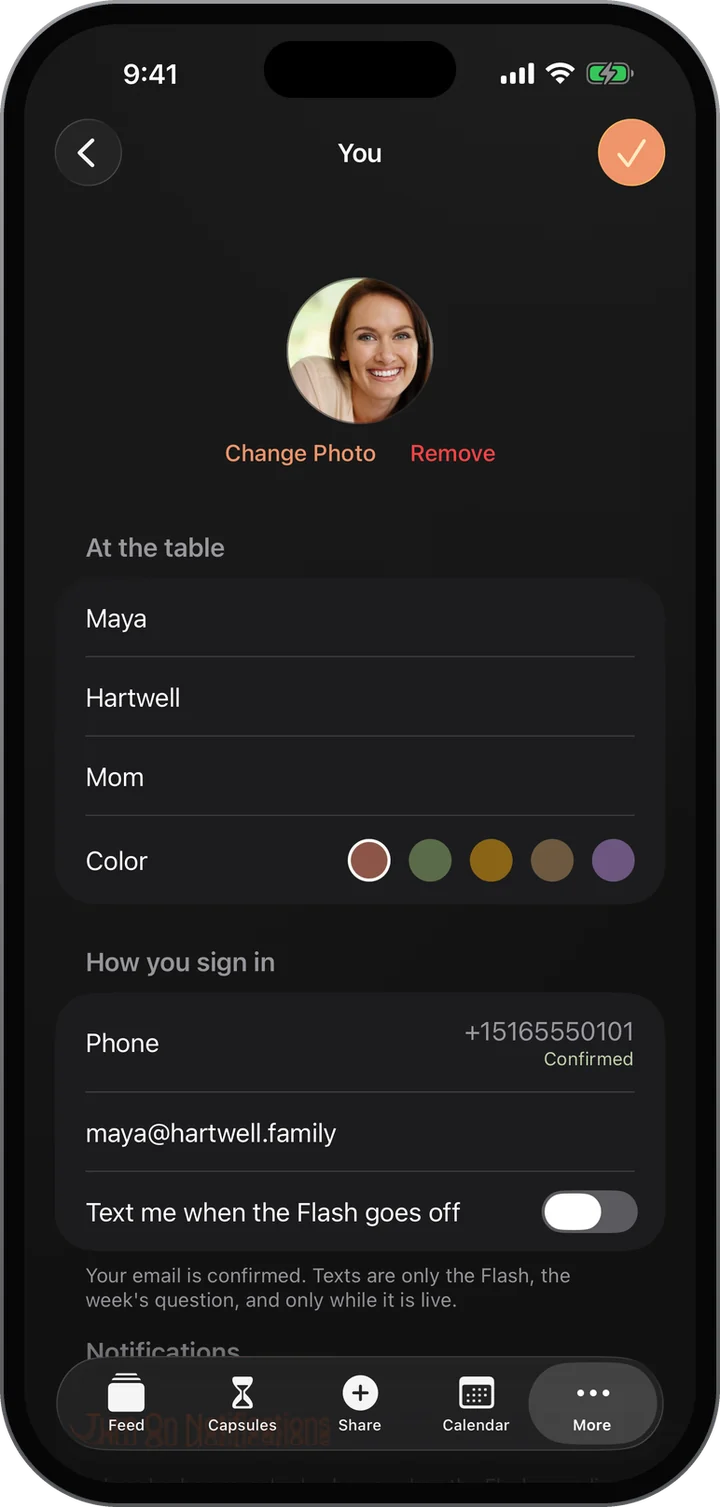
You: your photo, name and color, how you sign in, and Text me when the Flash goes off.You: your photo, name and color, how you sign in, and Text me when the Flash goes off.
04 · Share Something

The questions you never got around to asking.

Each week the whole family gets the same question, the kind that turns into the story you had never heard. Everyone’s answers gather under one post instead of scattering.

How it works

  1. Open More and tap Share Something. It says how many have answered this week.
  2. Read the week’s question, such as What was the quietest, nicest moment of your week?
  3. Write your answer. A sentence is plenty. Tap Share my answer.
  4. Read What the family said underneath, newest first.

What you see

  • The same question for the whole family, all week.
  • Every answer gathered on one page, with who said it and when.
  • The family hears when somebody answers, so nobody misses the good ones.

More about Share Something

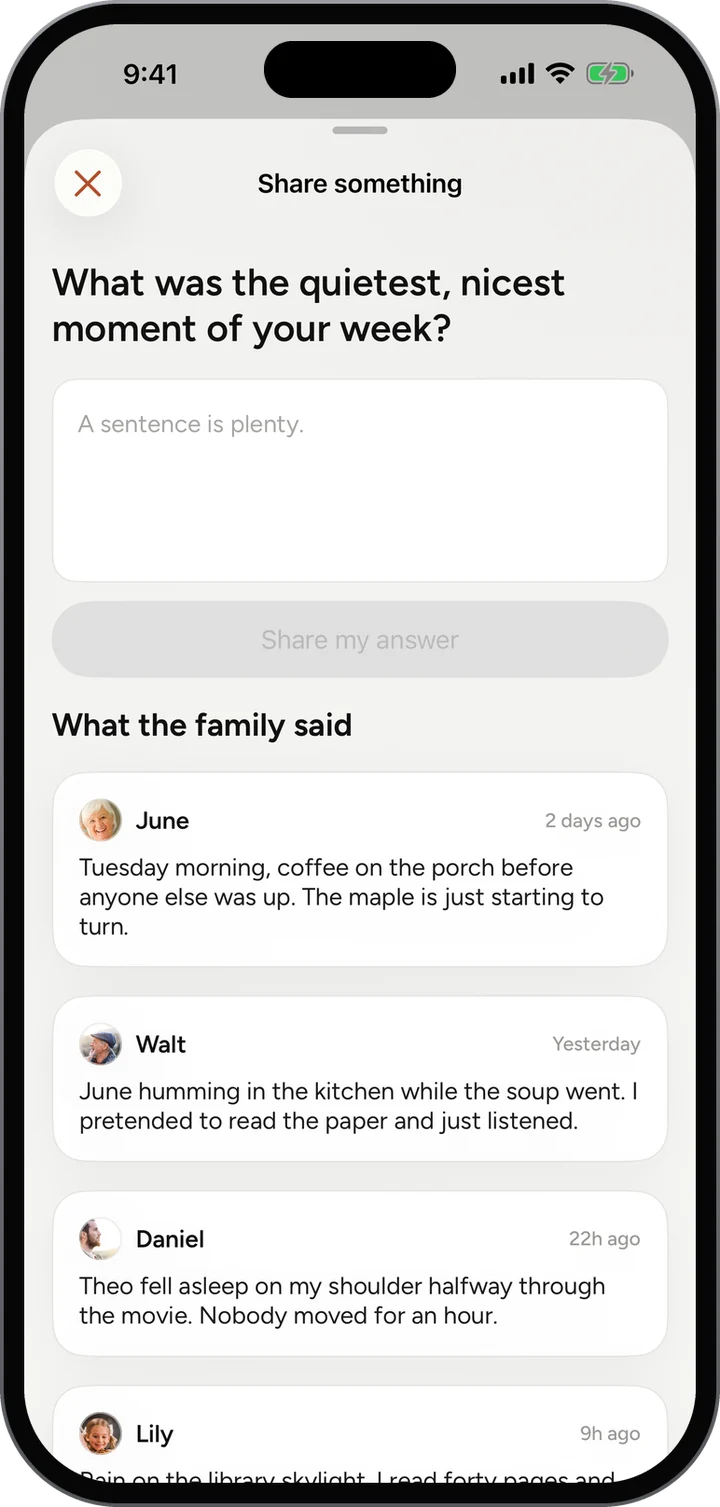
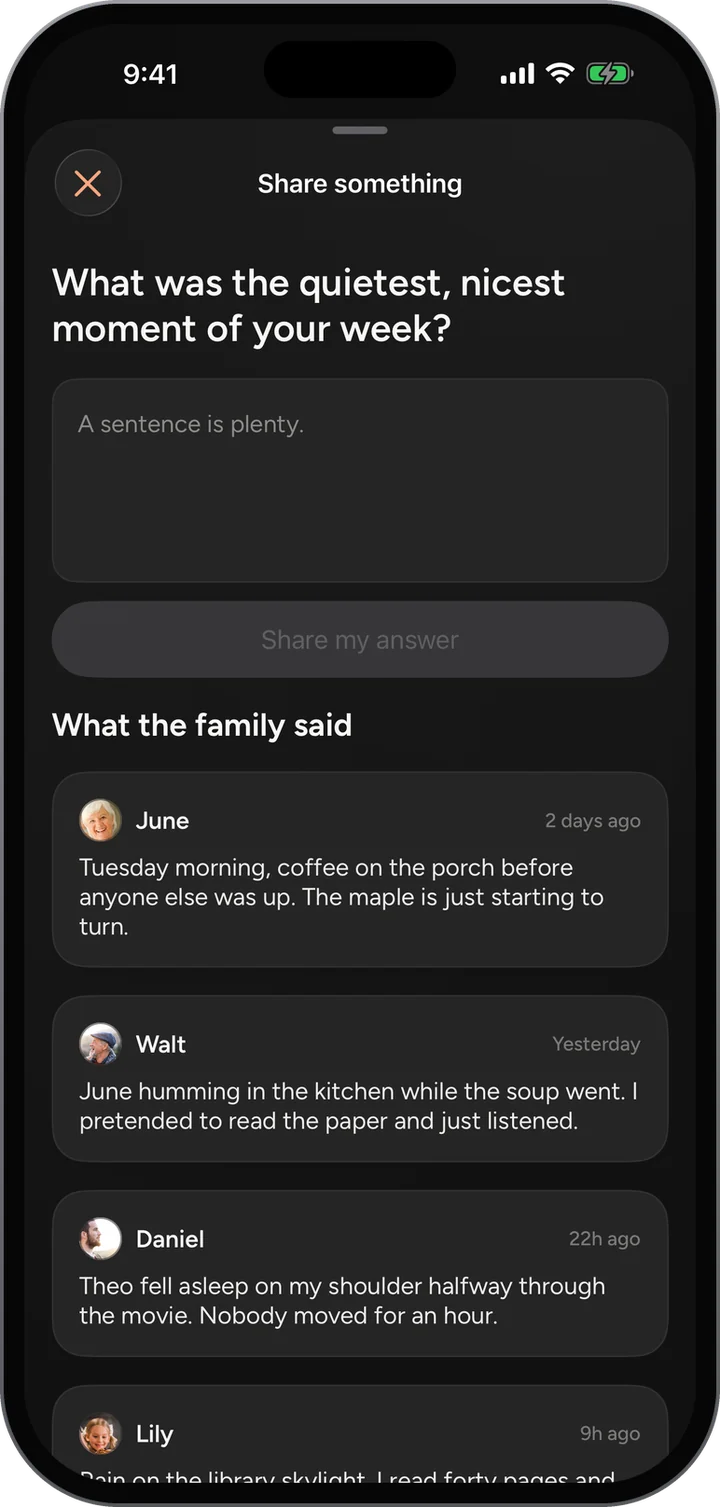
Share Something: What was the quietest, nicest moment of your week? with answers from June, Walt and Daniel.Share Something: What was the quietest, nicest moment of your week? with answers from June, Walt and Daniel.
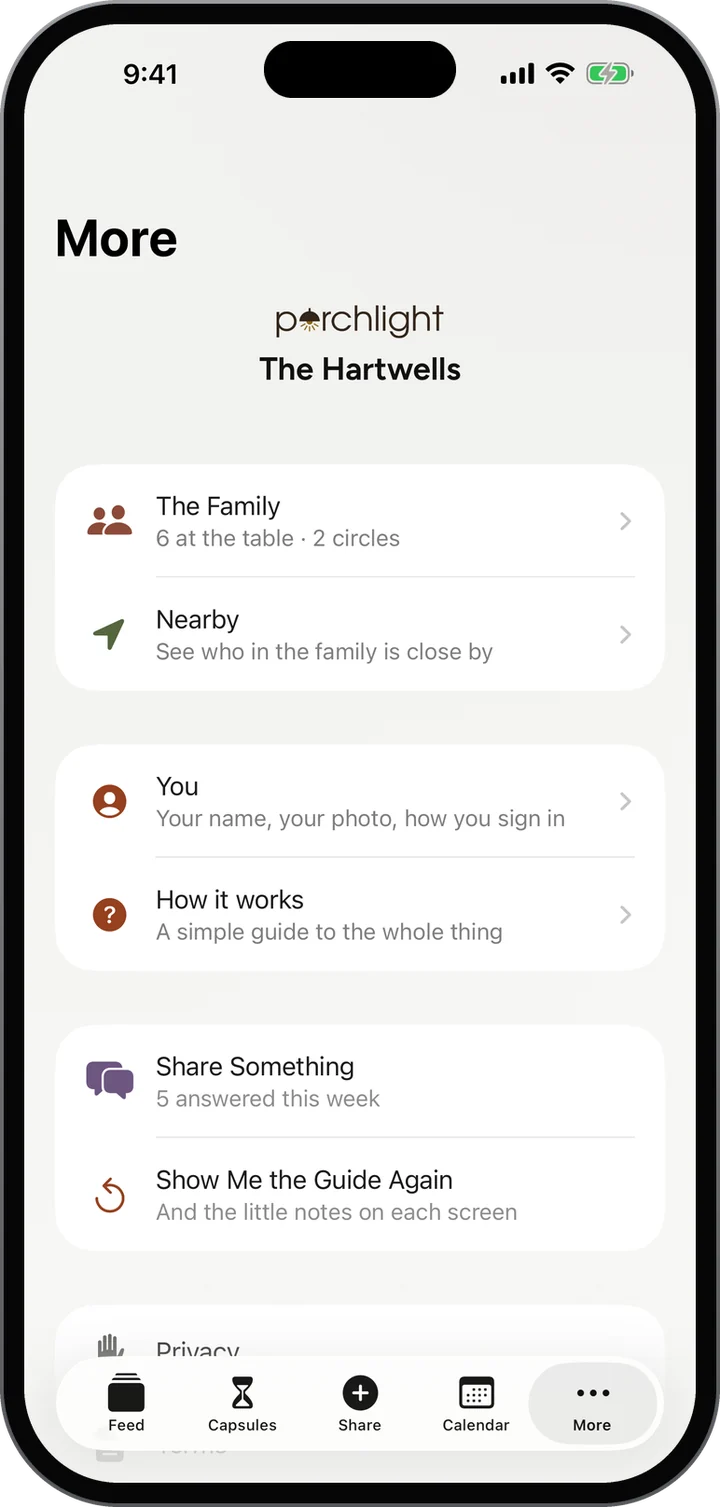
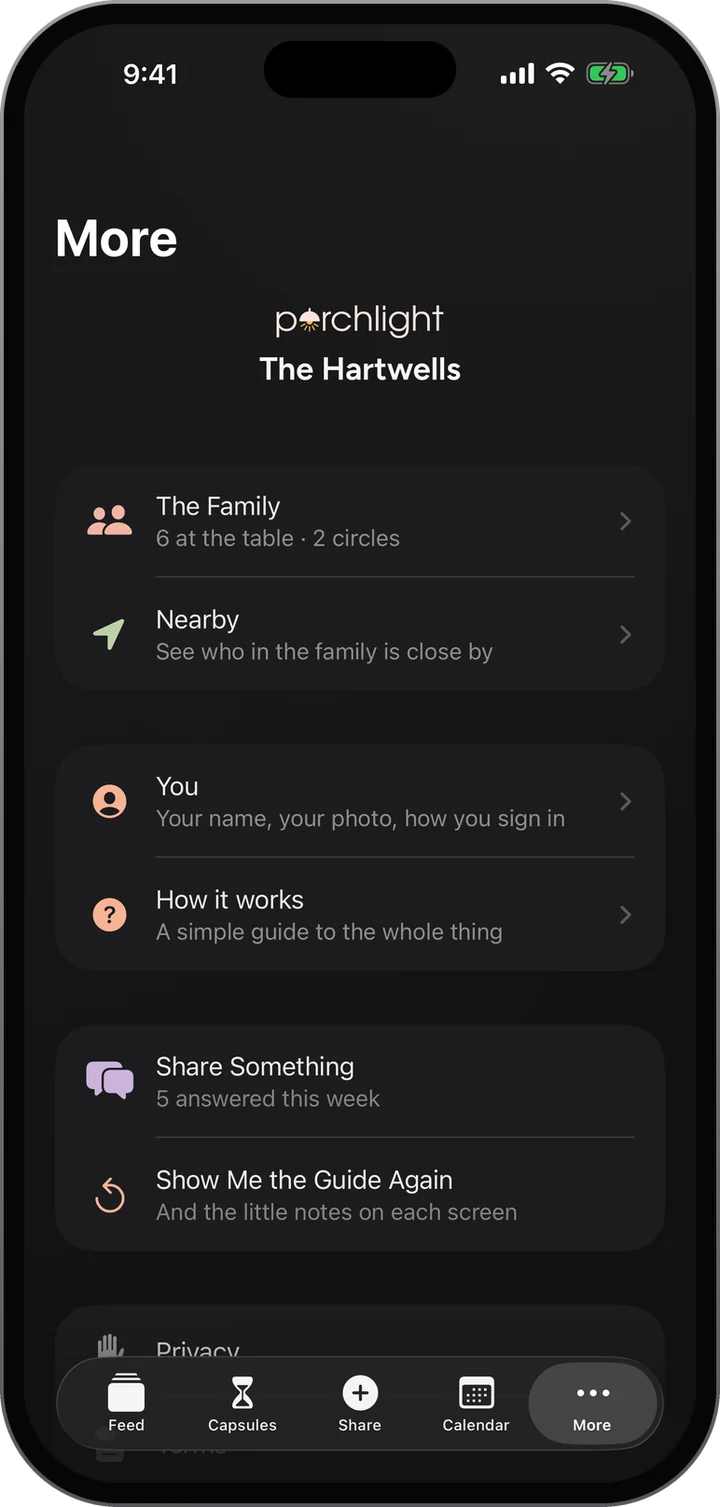
More: the family, Nearby, You, How it works, Share Something with five answered this week, and the guide.More: the family, Nearby, You, How it works, Share Something with five answered this week, and the guide.
05 · Time Capsules

Seal it today. Open it someday.

Write a letter, add a photo or your voice, choose who it is for and the day it opens. Until then it stays sealed. Not even you can peek.

How it works

  1. Open Capsules in the bar. Your sealed capsules are listed with the days left until each opens.
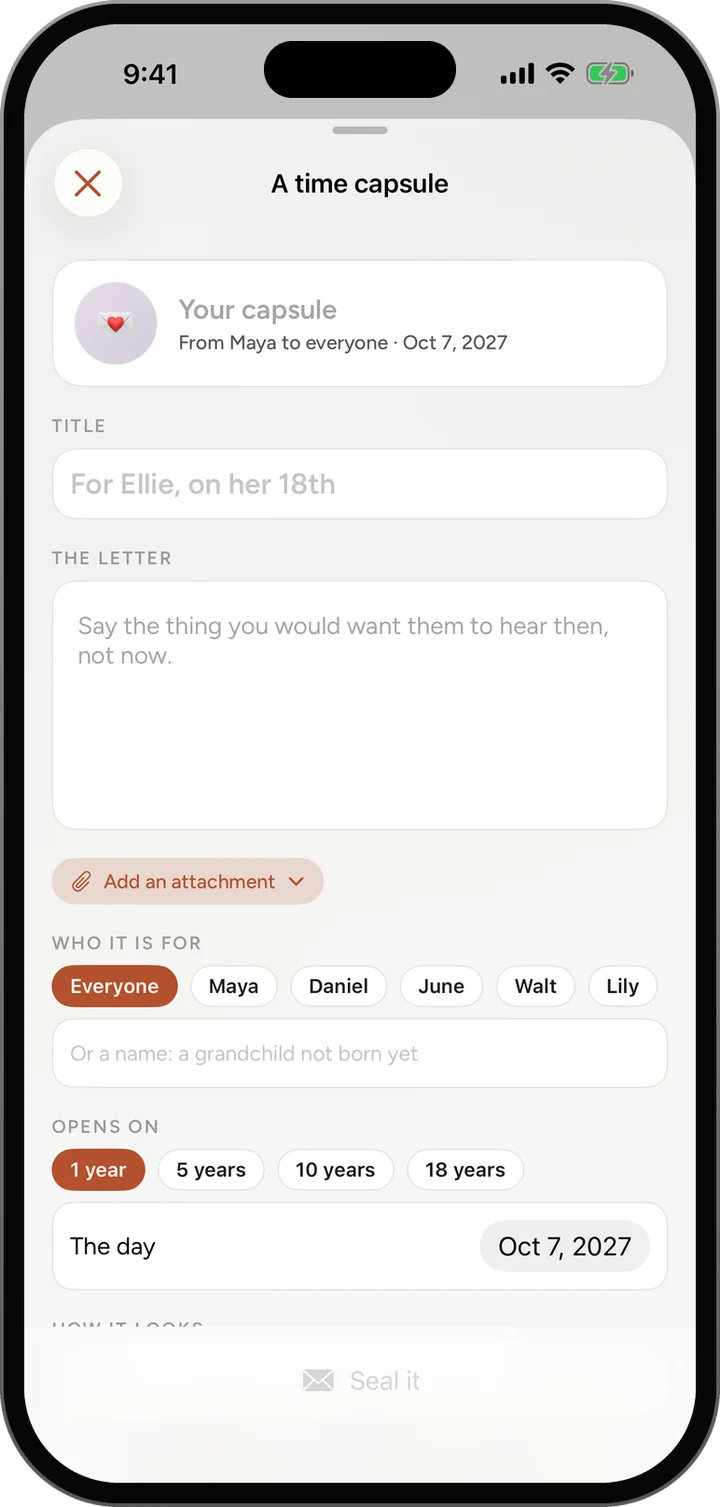
  2. Tap the plus to seal a new one. Give it a title and write the letter.
  3. Add a photo or a recording if you like, then choose who it is for: everyone, one person, or a name for someone not born yet.
  4. Choose when it opens, in 1, 5, 10 or 18 years or on any day you pick, and tap Seal it.

What you see

  • Each capsule shows who it is from, who it is for, and the day it opens.
  • What is inside stays hidden from everyone, the writer included, until the day.
  • It opens on that day where the writer lives, so a birthday letter never arrives a day early.
  • A sealed capsule also appears on the family calendar on its day.

More about Time Capsules

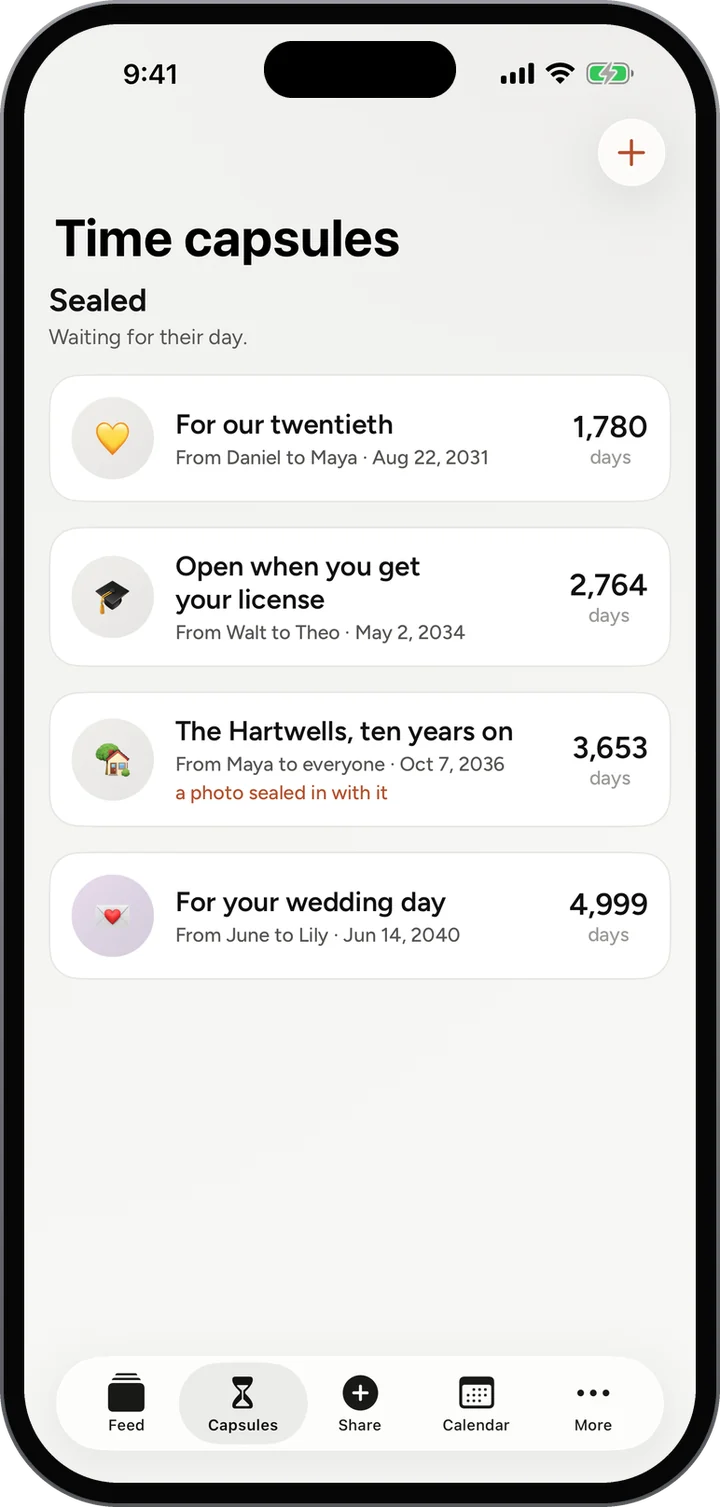
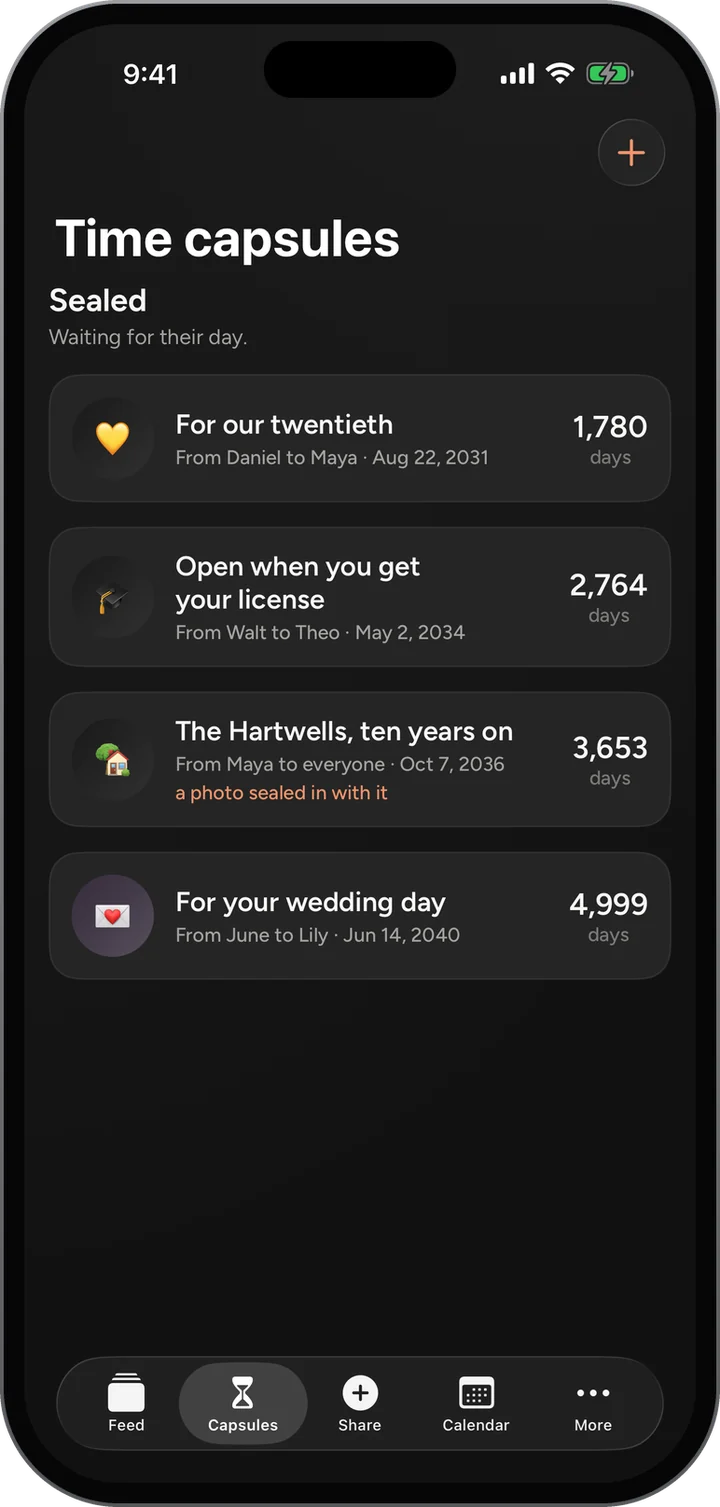
Time capsules: For our twentieth in 1,780 days, Open when you get your license, The Hartwells ten years on, and For your wedding day.Time capsules: For our twentieth in 1,780 days, Open when you get your license, The Hartwells ten years on, and For your wedding day.
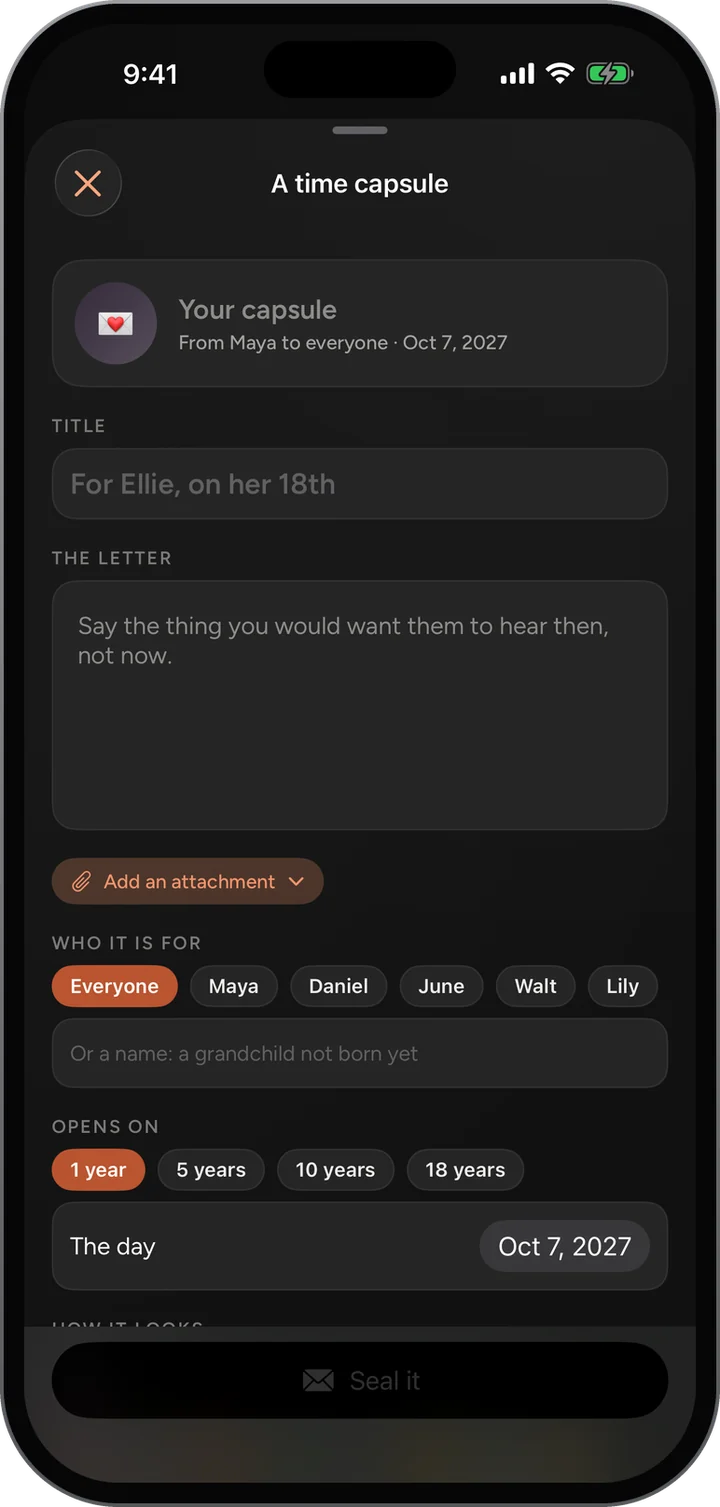
A time capsule: the title, the letter, an attachment, who it is for, and when it opens, in 1, 5, 10 or 18 years.A time capsule: the title, the letter, an attachment, who it is for, and when it opens, in 1, 5, 10 or 18 years.
06 · Shared Calendar

The days worth circling, on everyone’s porch.

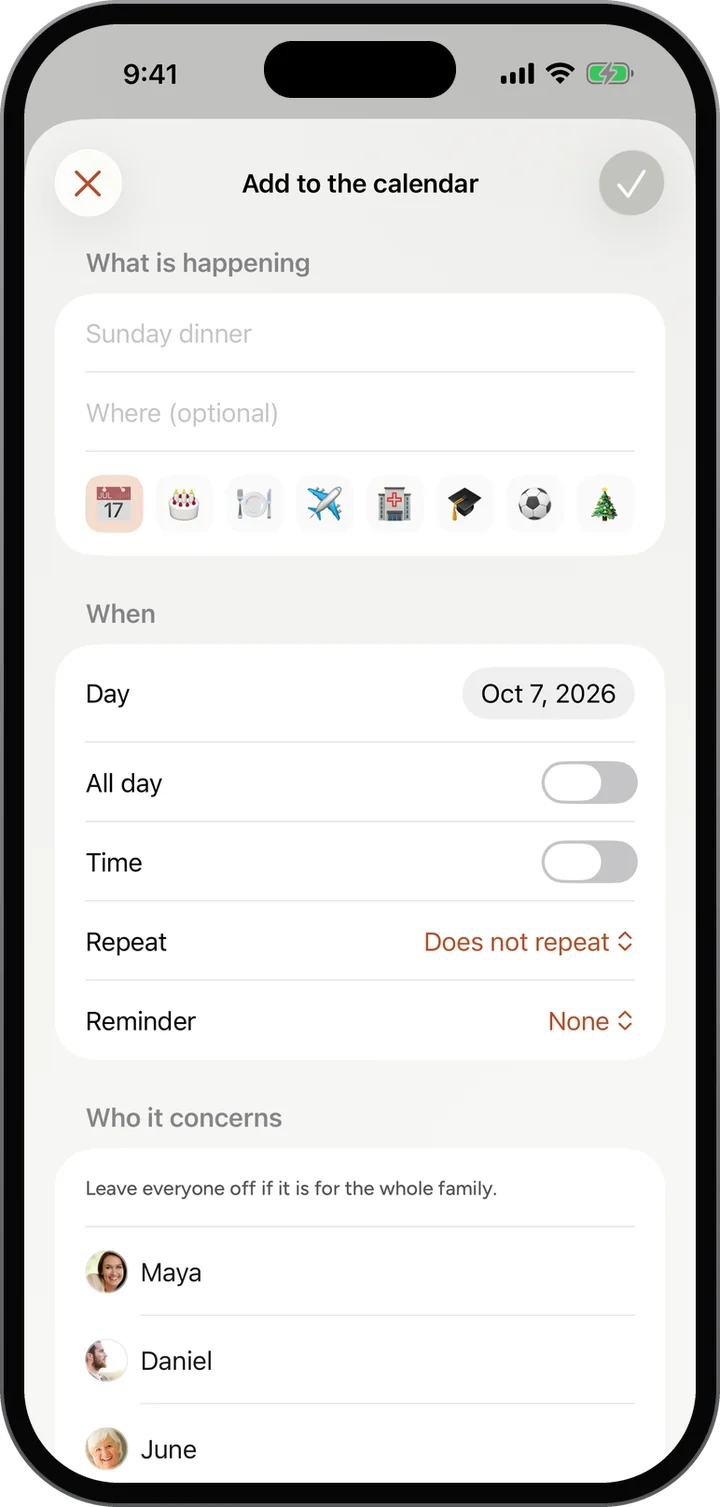
Birthdays that come round every year, Sunday dinners, recitals and reunions. Add a day once and the whole family sees it coming.

How it works

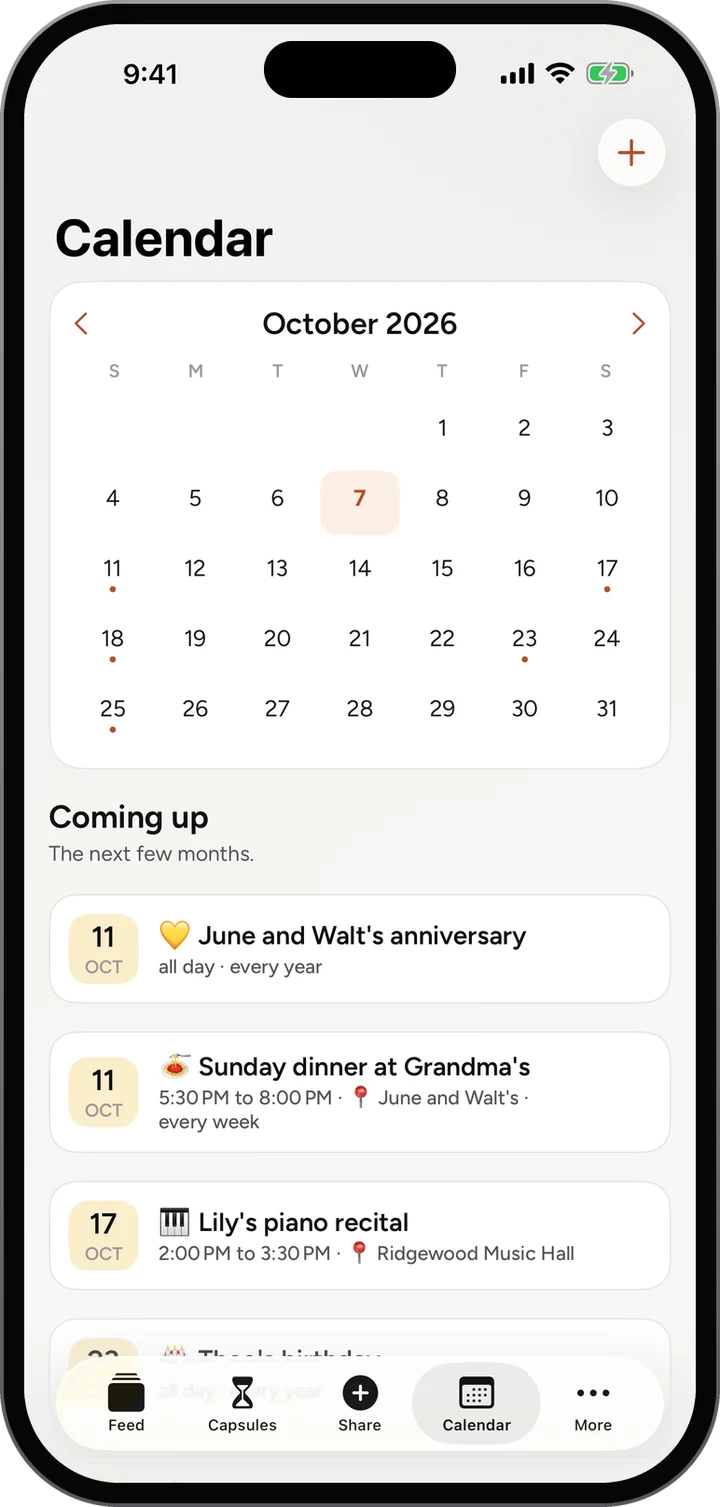
  1. Open Calendar in the bar. The month is at the top, with a dot on every day that has something.
  2. Read Coming up underneath: the next few months, in order.
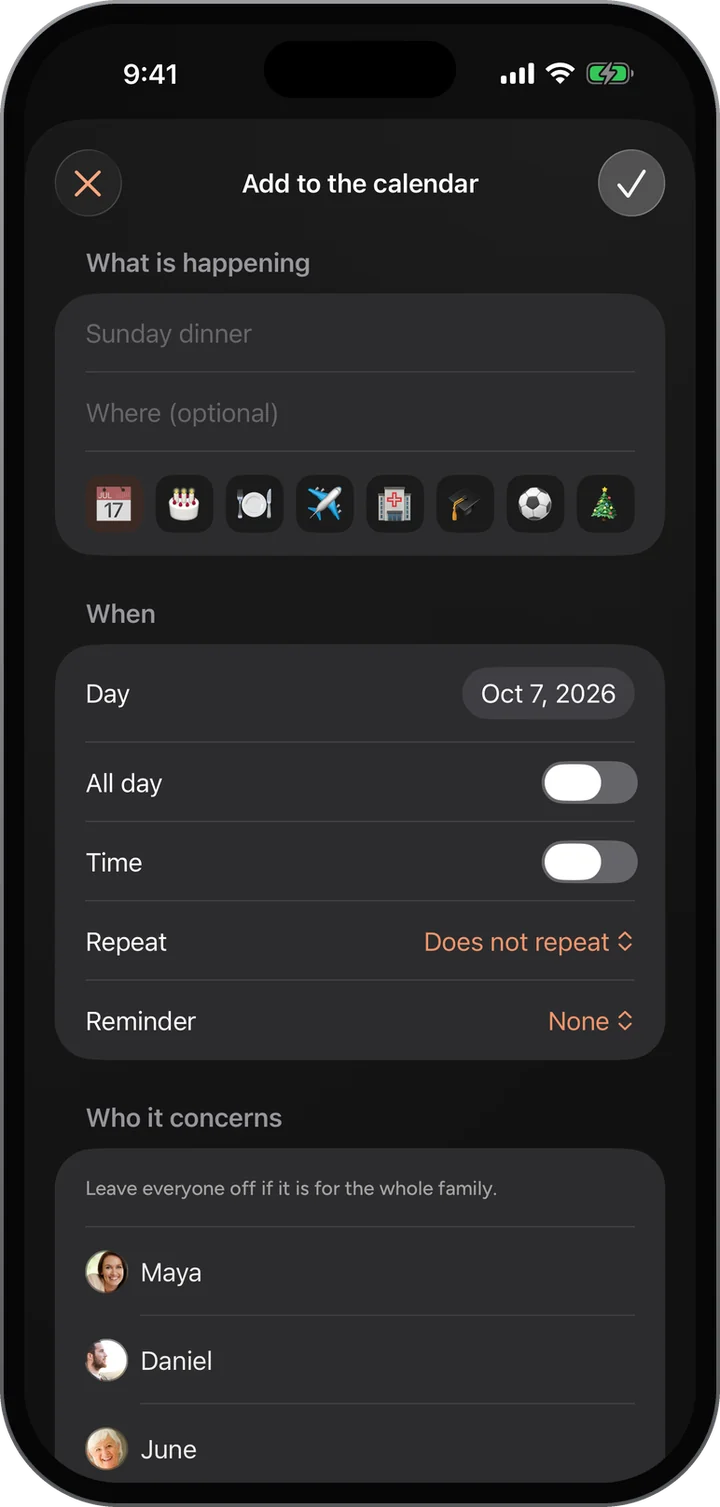
  3. Tap the plus to add one: what is happening, where, and a little picture for it.
  4. Set the day and time, whether it repeats, a reminder, and who it concerns, then save with the check.

What you see

  • Birthdays and anniversaries that repeat every year, without anyone adding them again.
  • Weekly things too, such as Sunday dinner at Grandma’s.
  • Where it is, and who it concerns, right on the event.
  • The next thing coming up also shows on everyone’s porch.

More about Shared Calendar

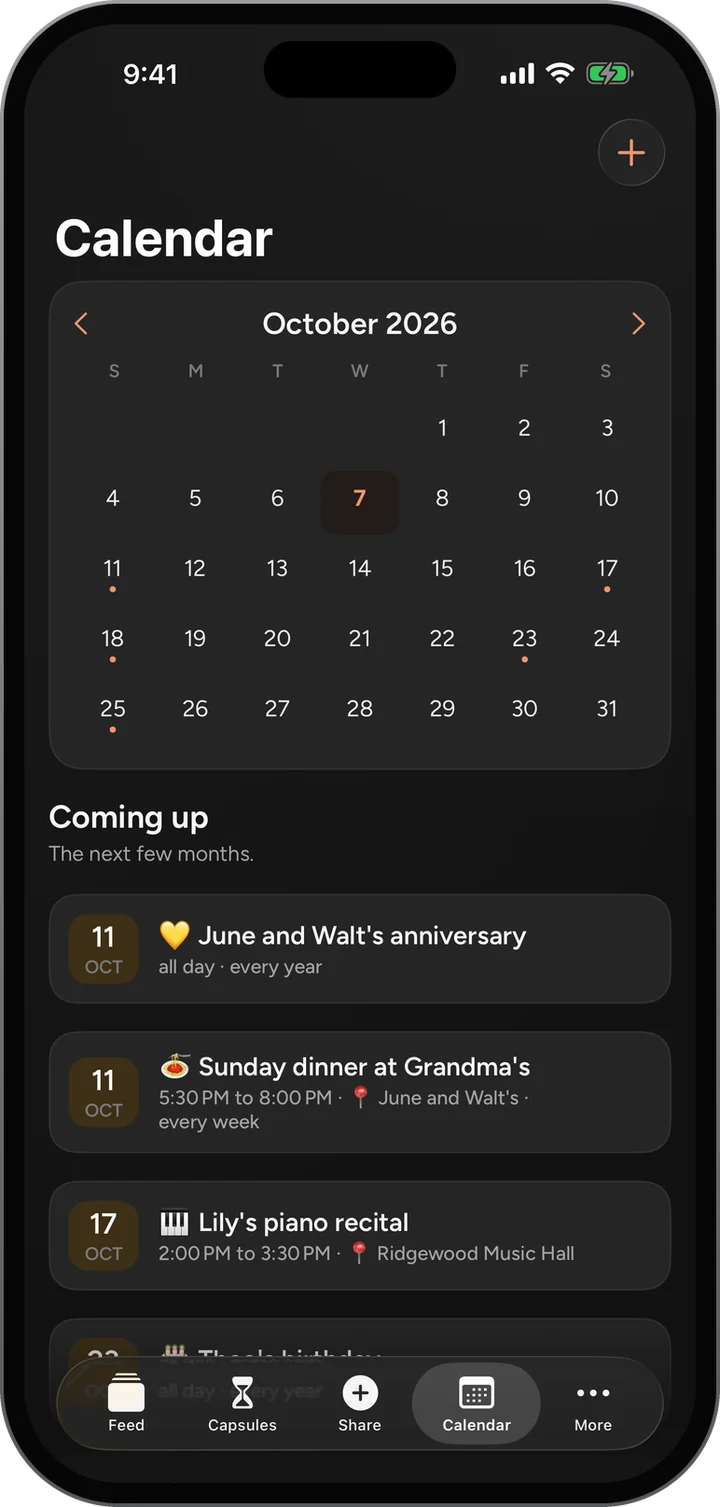
Calendar: October 2026, then Coming up: June and Walt’s anniversary, Sunday dinner at Grandma’s every week, and Lily’s piano recital.Calendar: October 2026, then Coming up: June and Walt’s anniversary, Sunday dinner at Grandma’s every week, and Lily’s piano recital.
Add to the calendar: what is happening, where, a picture, the day, all day or a time, repeat, a reminder, and who it concerns.Add to the calendar: what is happening, where, a picture, the day, all day or a time, repeat, a reminder, and who it concerns.
07 · Nearby

Just around the corner? Now you’ll know.

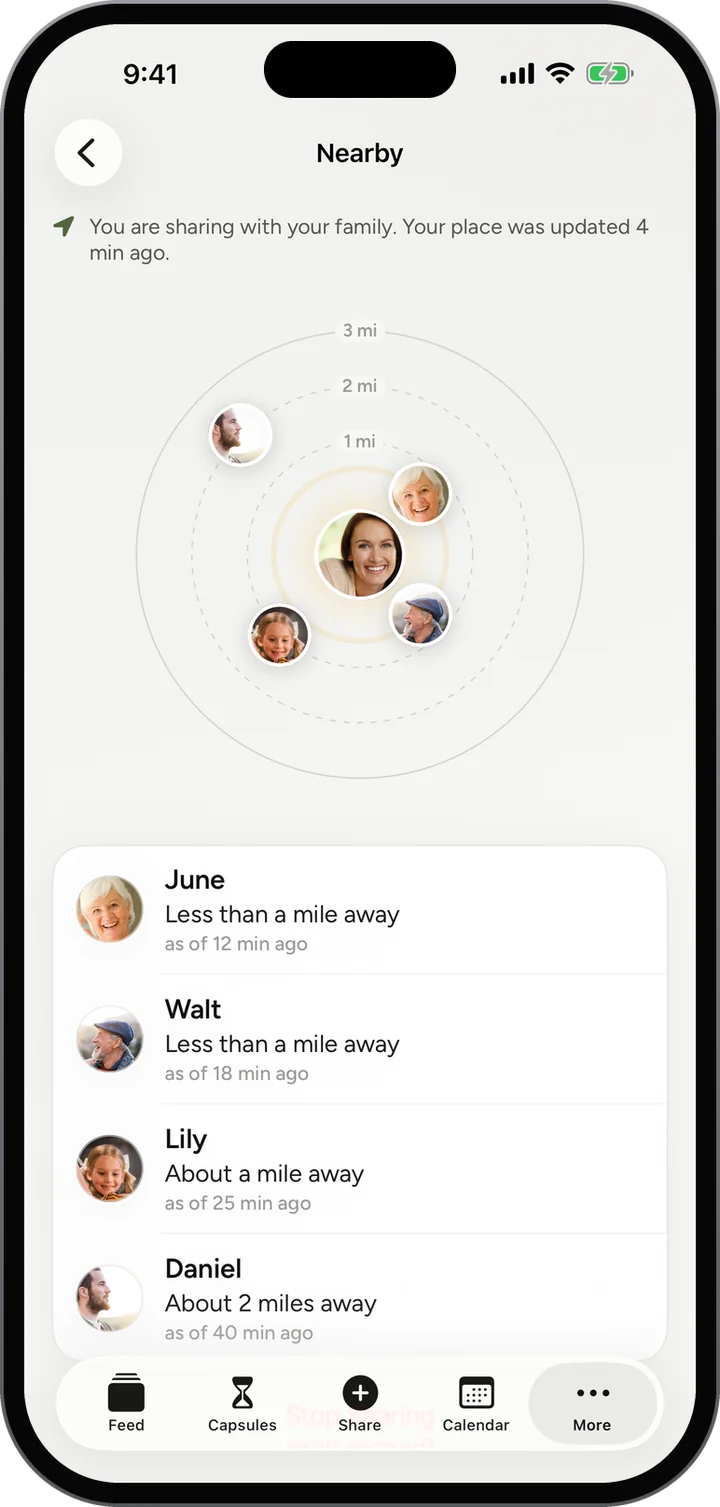
At the same street fair, the same ballgame, the same airport? Nearby shows which of your family are within three miles, as a rough distance and never a place on a map.

How it works

  1. Open More and tap Nearby.
  2. Choose to share. Until you do, nobody sees anything.
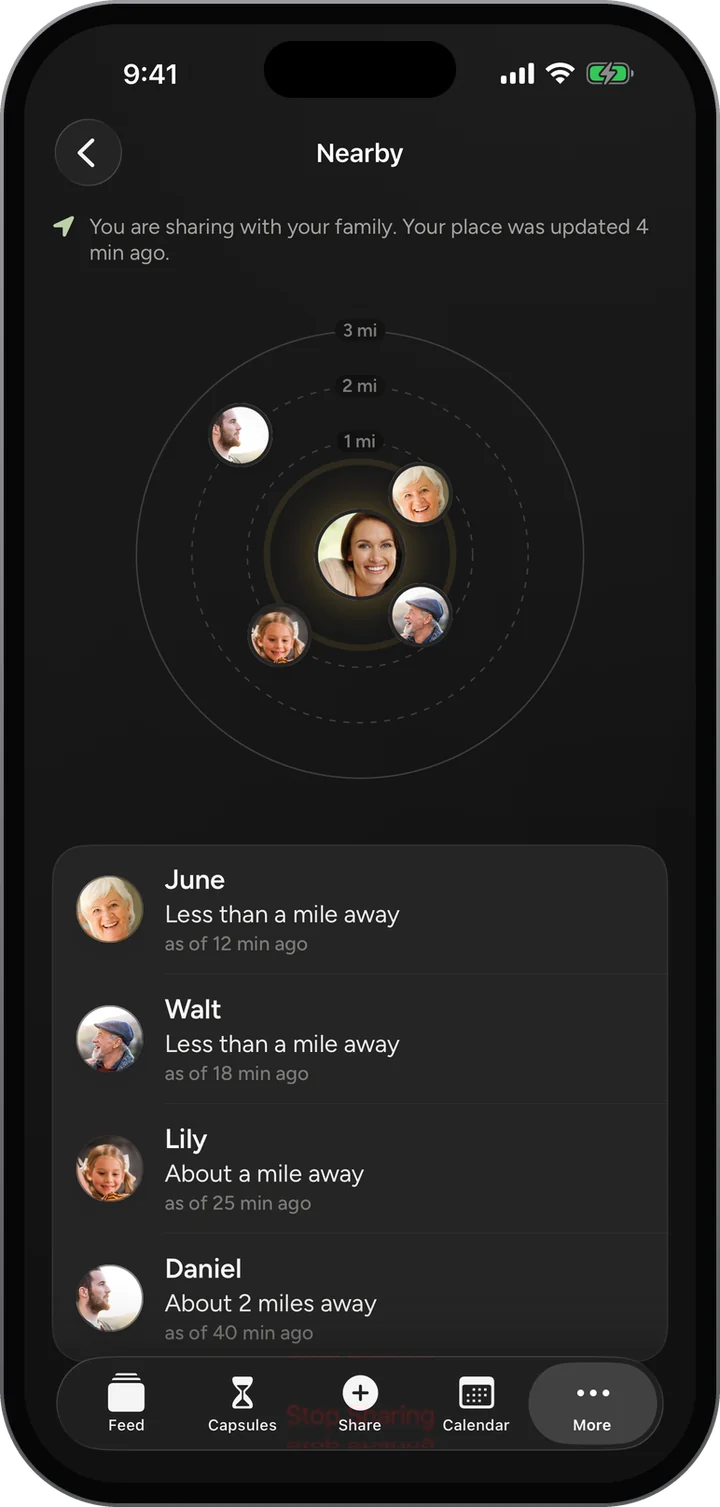
  3. See the family within three miles on the rings: one, two and three miles out.
  4. Read the list: each person as a rough distance, and how long ago their place was updated.

What you see

  • Less than a mile, about a mile, about two miles. Never a pin on a map.
  • Only while you have chosen to share, and forgotten when you stop.
  • Only your family on Porchlight, nobody else.

More about Nearby

Nearby: rings at one, two and three miles with the family’s photos, and June, Walt, Lily and Daniel each as a rough distance.Nearby: rings at one, two and three miles with the family’s photos, and June, Walt, Lily and Daniel each as a rough distance.
08 · Family and circles

Everyone at the table, and the little tables too.

Your family is everybody you invite. Inside it, make smaller circles for the grandkids, the cousins or the siblings, and share with just them when that is the right room.

How it works

  1. Open More and tap The Family.
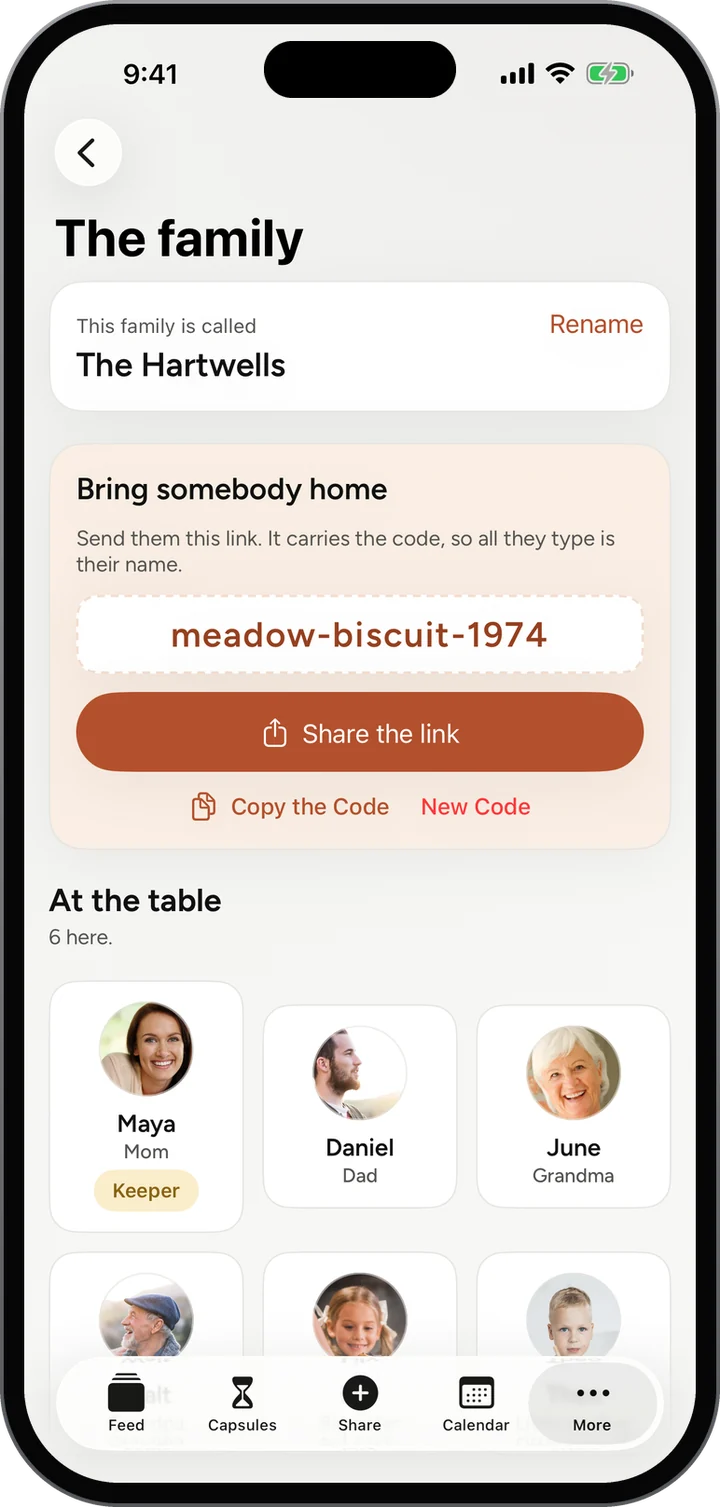
  2. Bring somebody home: share the link, or copy your family’s invite code, such as meadow-biscuit-1974.
  3. See everyone at the table, with what they are to the family.
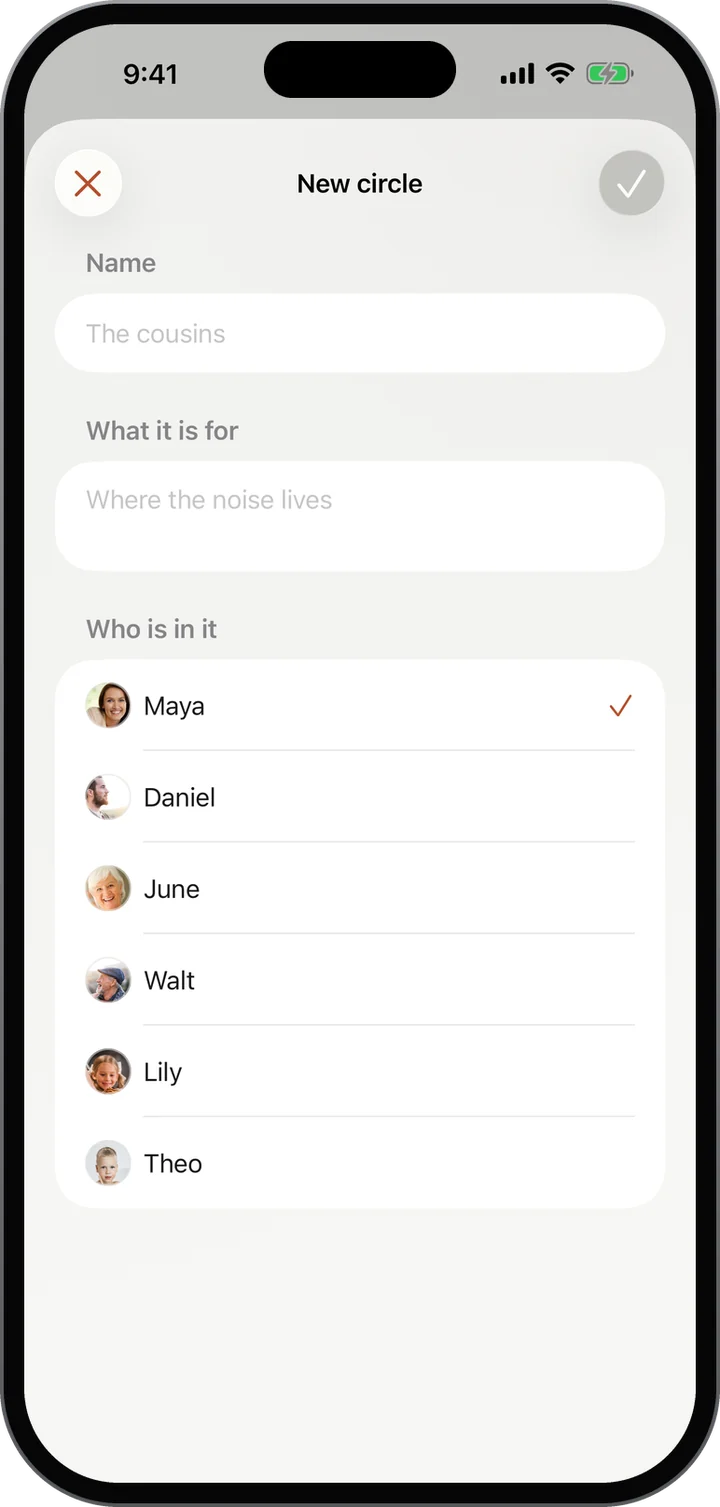
  4. Make a circle for part of the family: give it a name, say what it is for, and tick who is in it.

What you see

  • One code for the whole family, and a new code any time you want one.
  • Circles such as the grandkids or the cousins, each with its own room in the feed.
  • The keeper can rename the family and remove someone’s access. What they shared stays with the family.

More about Family and circles

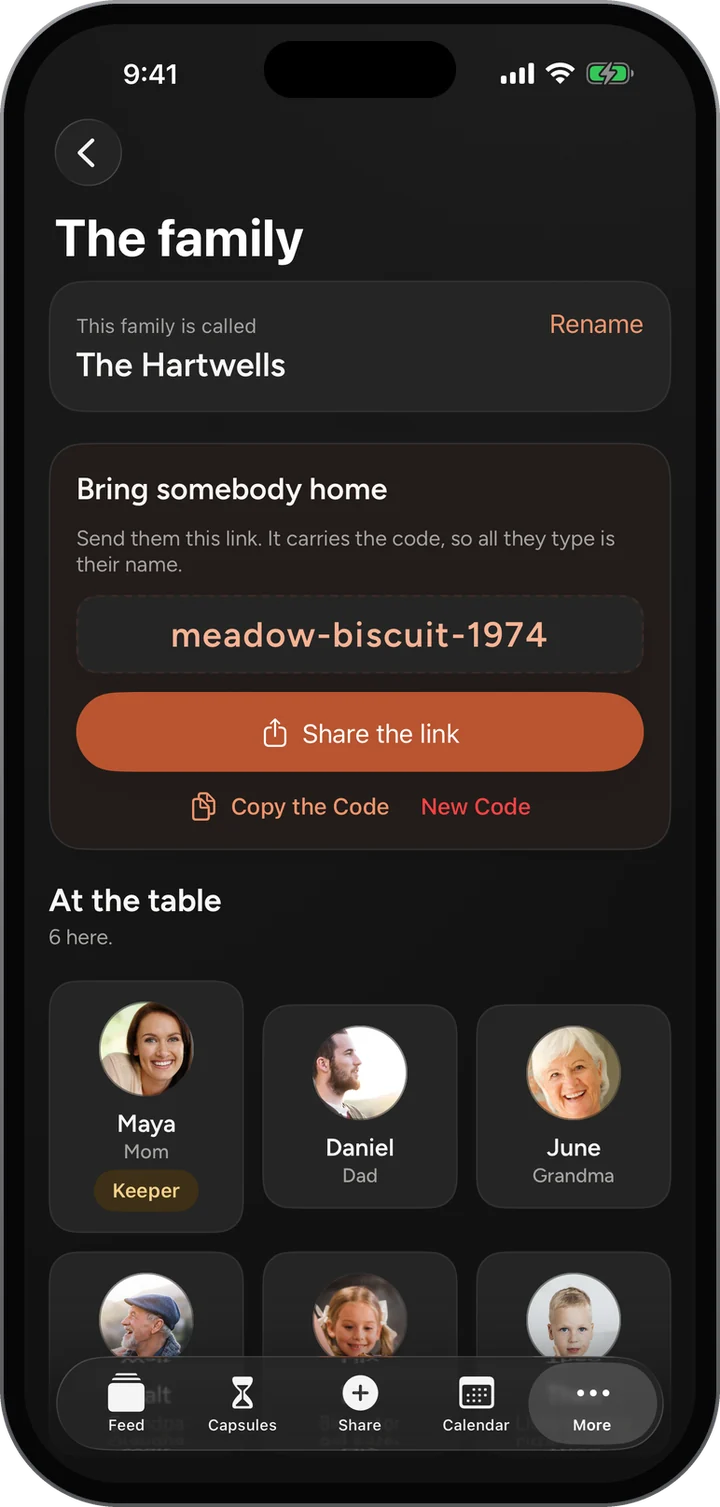
The family: The Hartwells, the invite code meadow-biscuit-1974 with Share the link and Copy the code, and six at the table.The family: The Hartwells, the invite code meadow-biscuit-1974 with Share the link and Copy the code, and six at the table.
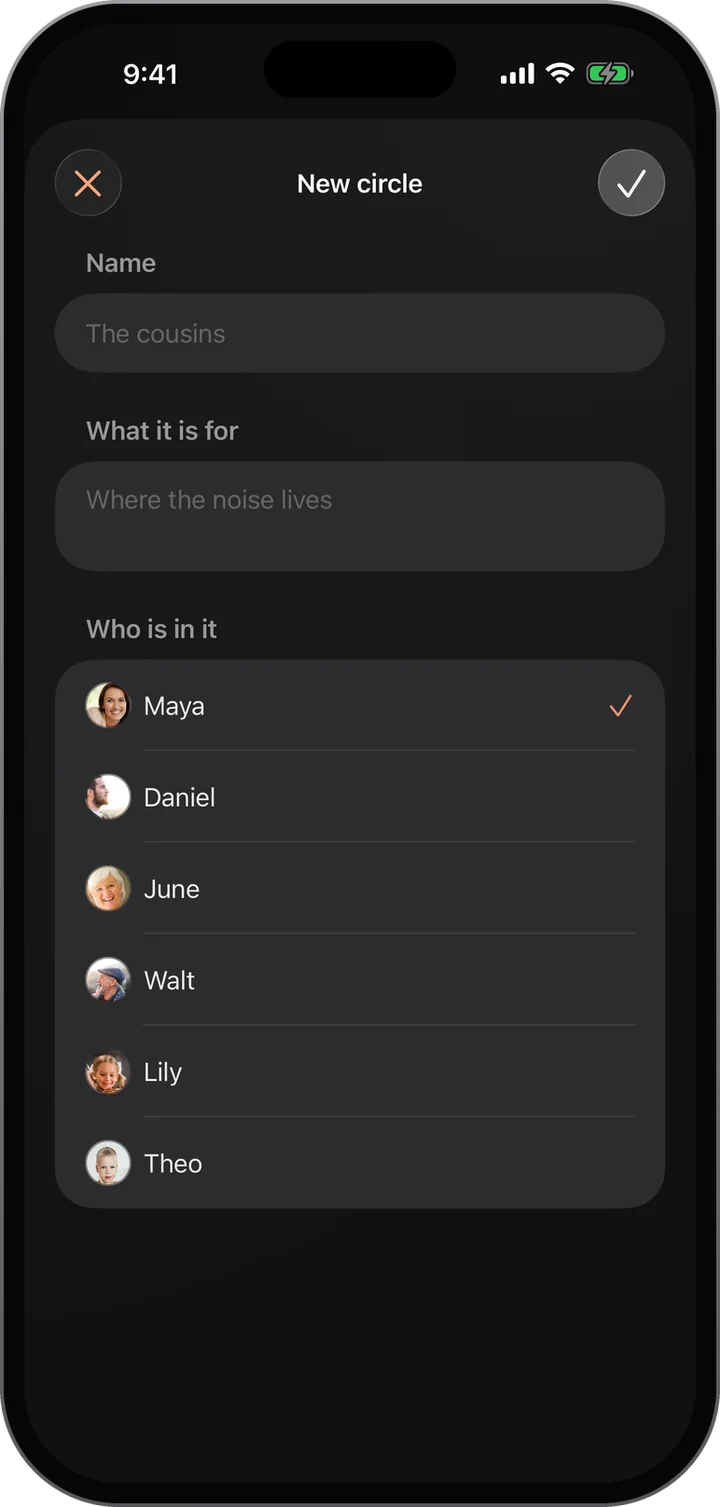
A new circle: a name, what it is for, and who is in it, ticked from the family.A new circle: a name, what it is for, and who is in it, ticked from the family.
Under all of it

Private by design, not by setting.

The same promises hold on every screen above.

Invite only

Nobody sees anything unless your family invited them. There is no public Porchlight for a stranger to find.

Nothing tracked

No advertising identifier, no pixels and no third-party scripts. A sponsor never learns anything about your family.

Never sold

Your family’s photos, words and recordings are never sold or handed to anyone.

No algorithm

The feed is your family, newest first. Nothing is ranked, recommended or promoted.

No password to forget

You sign in with a one-time code, every time. Nothing to write on a scrap of paper.

Location only when you say

Nearby shares a rough distance only while you choose to, and forgets it when you stop.

Give your family a home.

Free, invite only, and on the web today. The iPhone app is in testing.