
Photos, stories, milestones, voice
Share a picture, write a few lines, mark a milestone, or record a voice note. Grandpa telling the story beats Grandpa typing it.

The photos that used to scatter across five group chats land in one place, in order, with the people who love them right underneath.
Features / Family Feed
How it works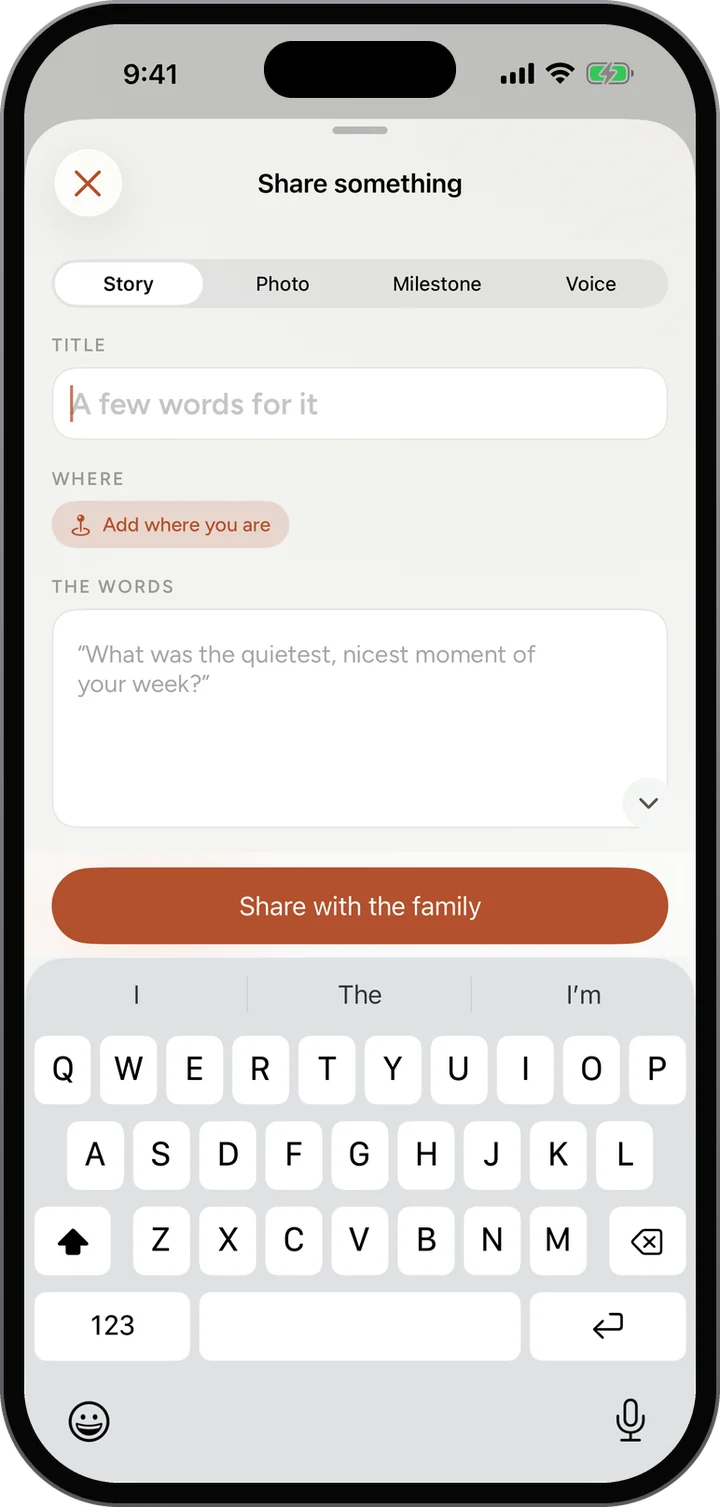
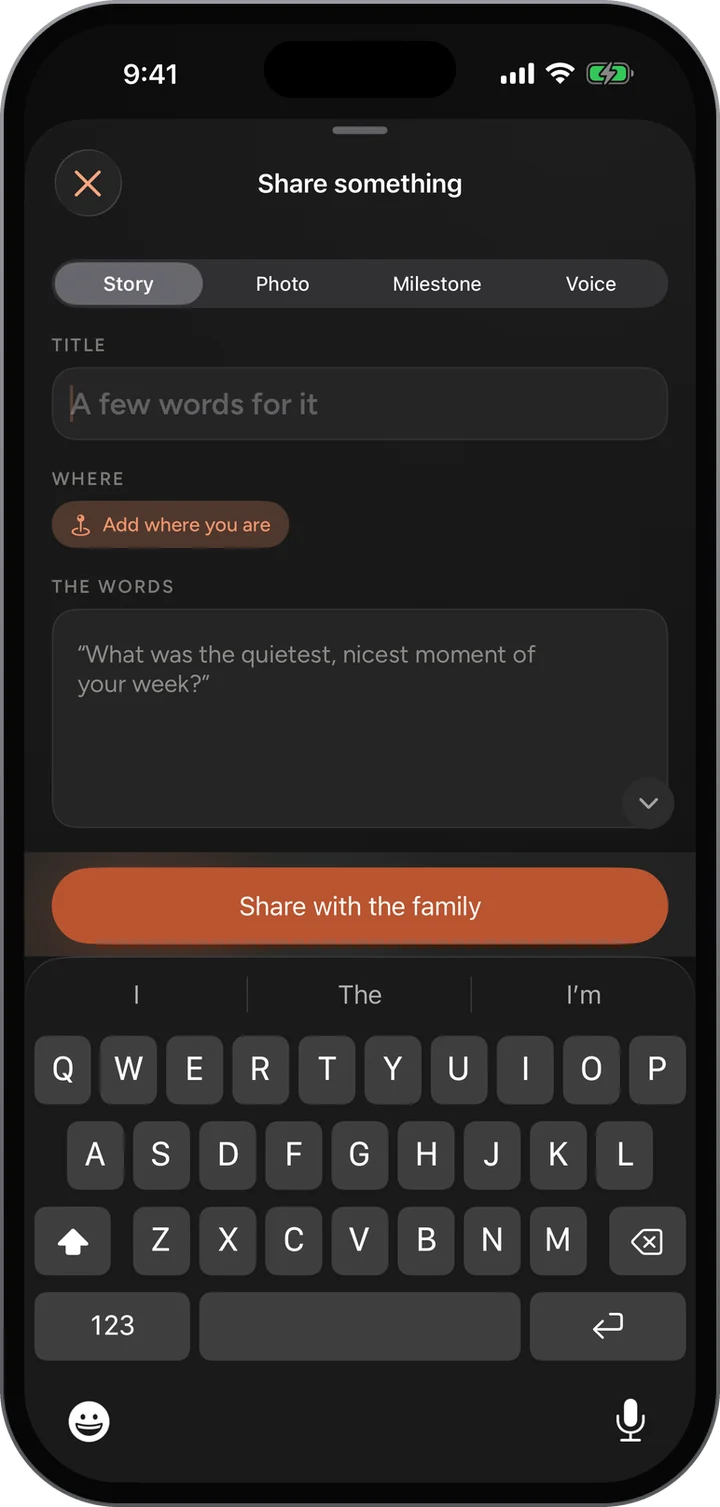
Share a picture, write a few lines, mark a milestone, or record a voice note. Grandpa telling the story beats Grandpa typing it.
Post to the whole family or just one circle, like the grandkids.
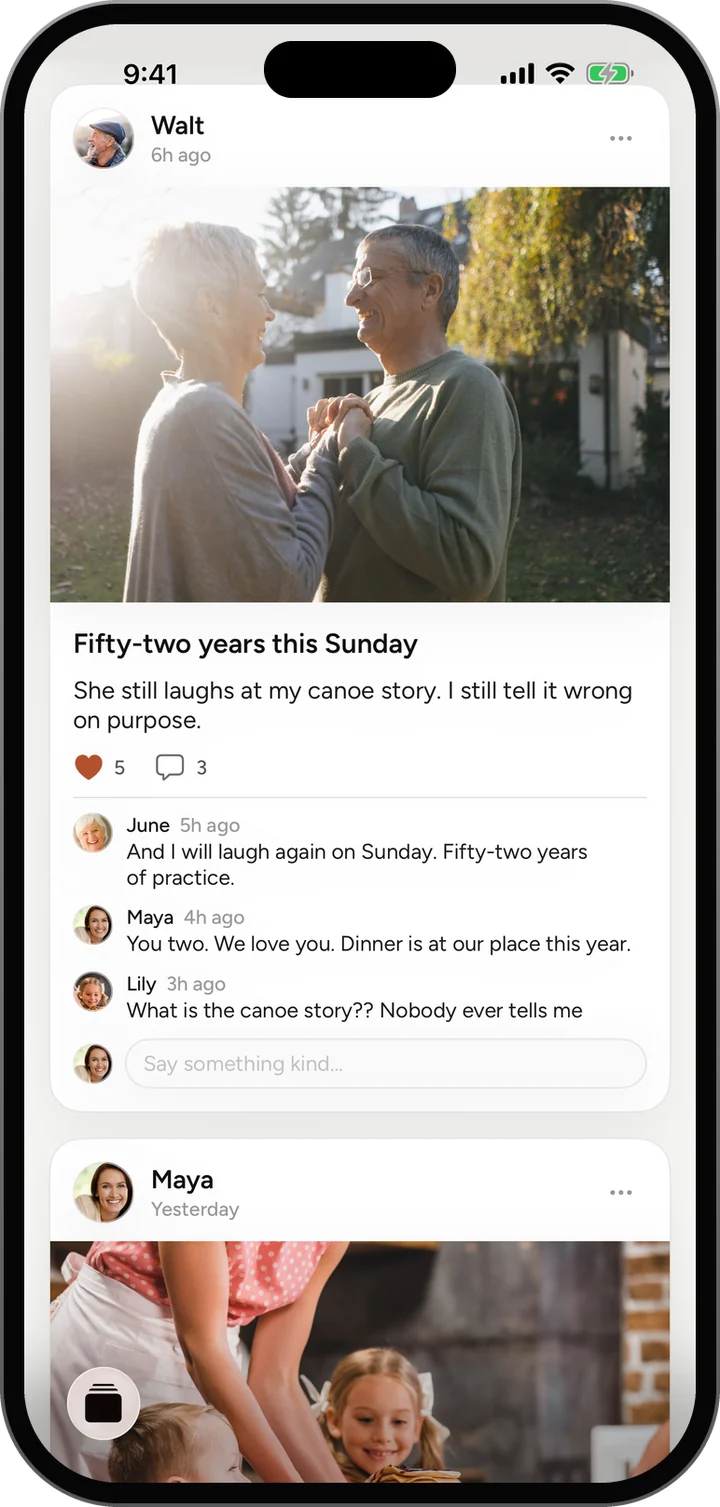
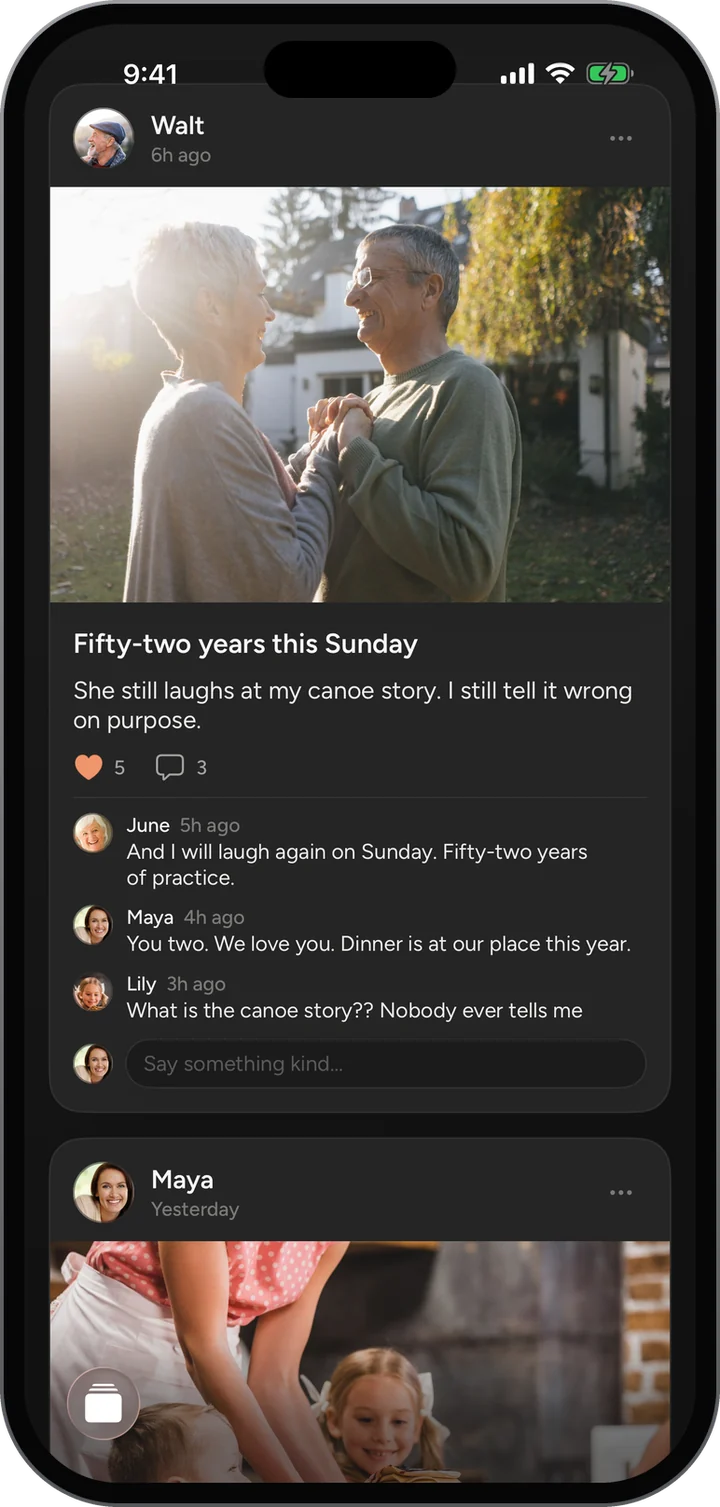
Everyone can heart a post and say something under it, so a photo becomes a little conversation instead of a read receipt.
Newest first, from your family only. Nothing is ranked, boosted or slipped in between your posts.
Only the members of your family on Porchlight, or only a smaller circle inside it if you choose one.
Yes. Anything you add, you can remove.
Your family at a glance: what is coming up, what is waiting, who has been posting.
Learn moreOnce a week, one surprise question goes to everyone at once.
Learn moreThis week’s question for everyone, with every answer gathered together.
Learn moreWrite something today and pick the day it opens.
Learn moreFree, invite only, and on the web today. The iPhone app is in testing.