
Sign in with a code
A six-digit code instead of a password. Nothing to invent and nothing to forget.

Nothing to install, no passwords, no setup screens. One person starts the family, everyone else joins with a code, and the porch light is on.
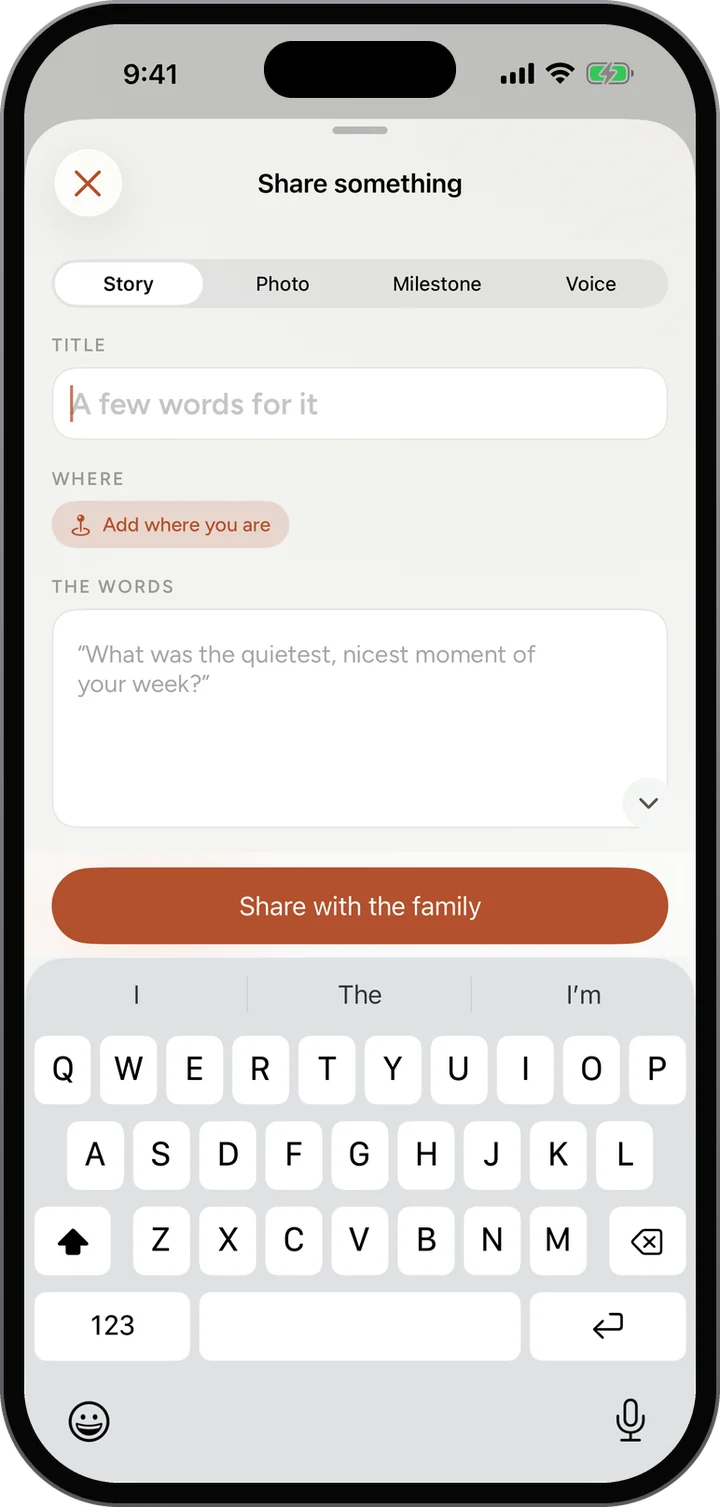
Name your family and tell us who you are. Porchlight gives you a warm little invite code like peach-fable-1917.
Text it to the group chat or read it over the phone to Grandma. A link with the code already in it works too.
Everyone joins with their name and a one-time code. No usernames and nothing to remember.
Share the small stuff, answer the week’s question, catch the Flash, seal a capsule.
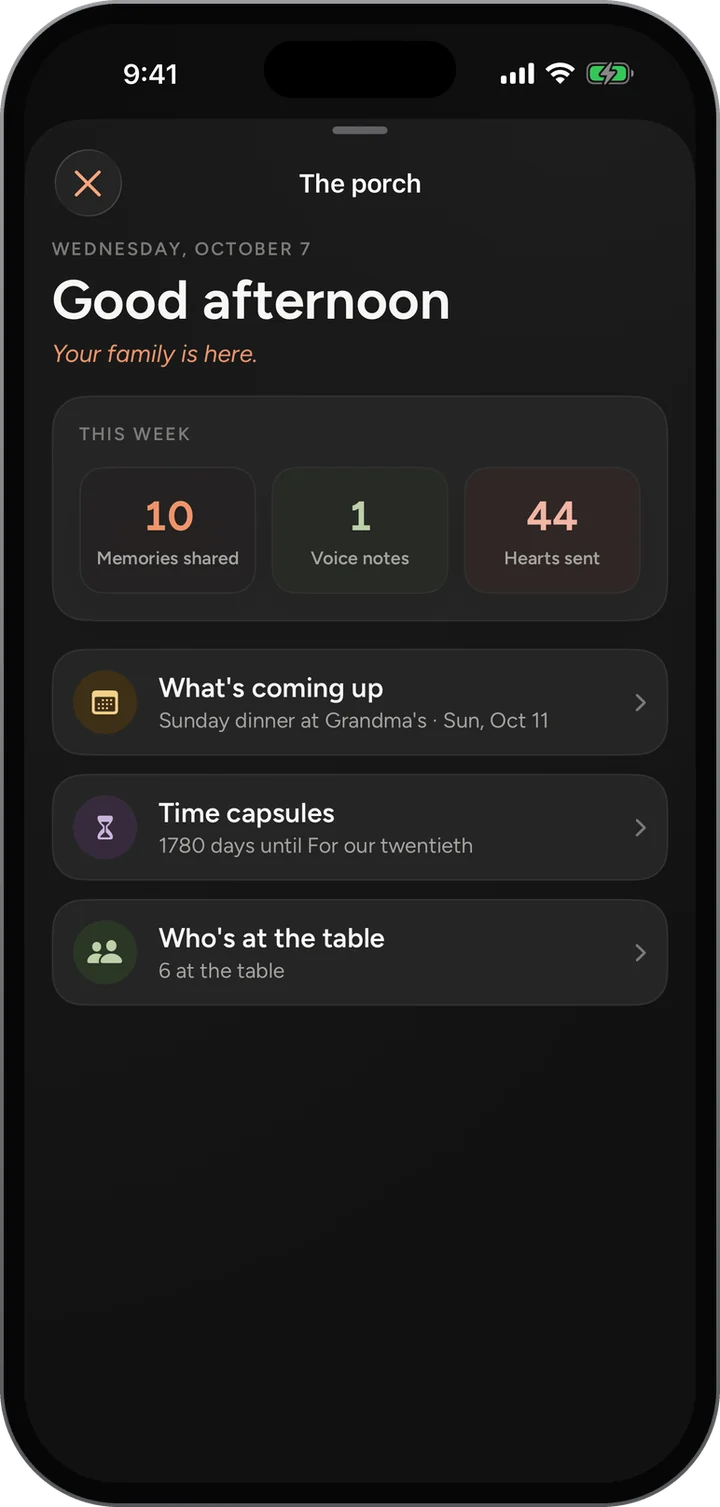
Everyone lands on the Family Feed, with the Porch one tap away: what is coming up on the calendar, what is waiting in a time capsule, and who has been posting.
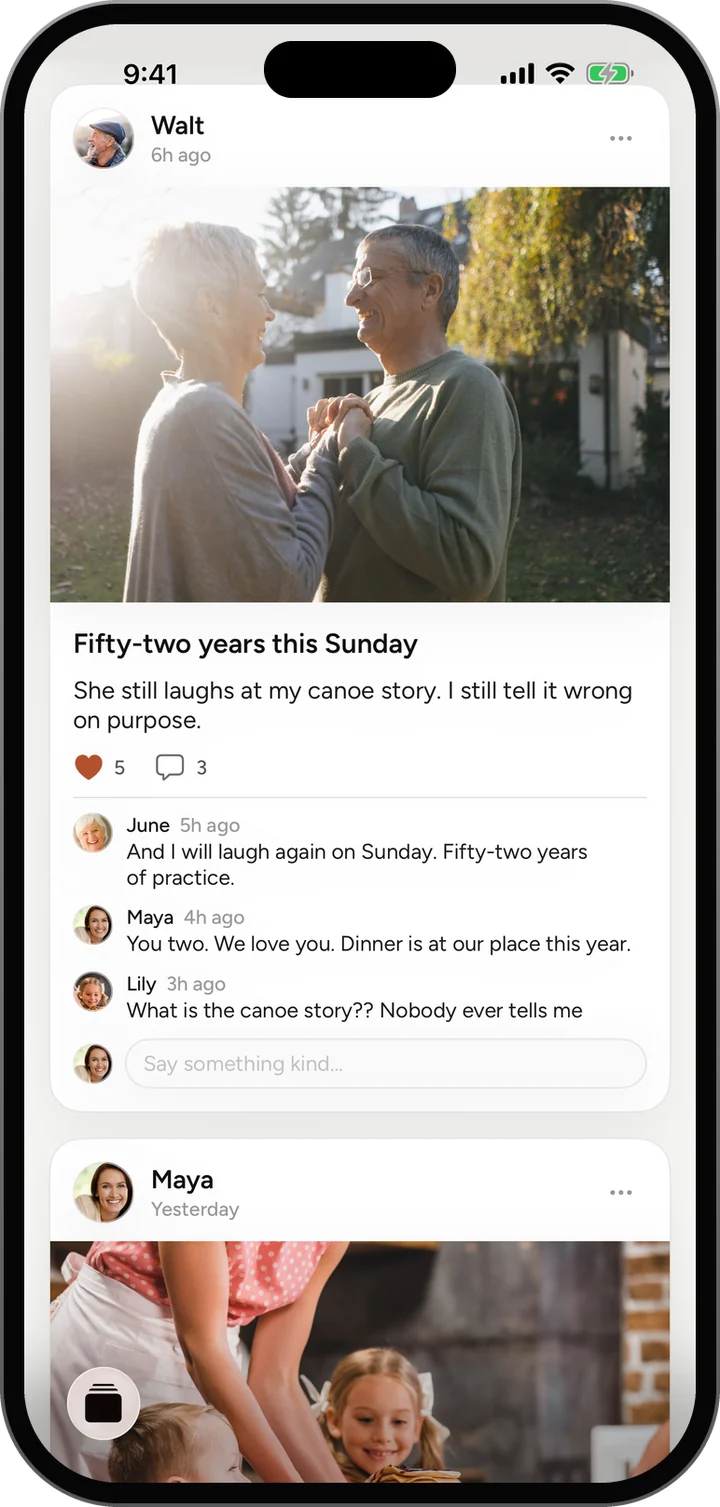
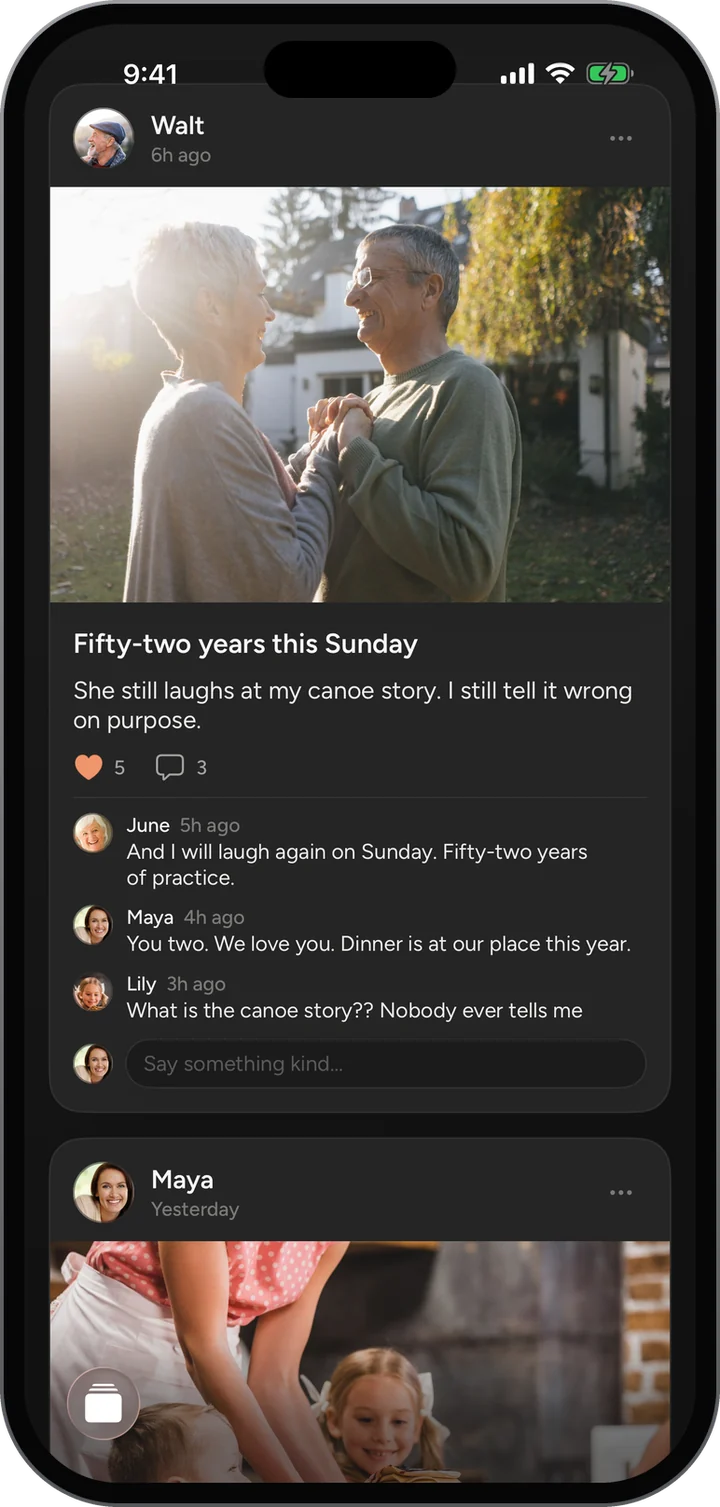
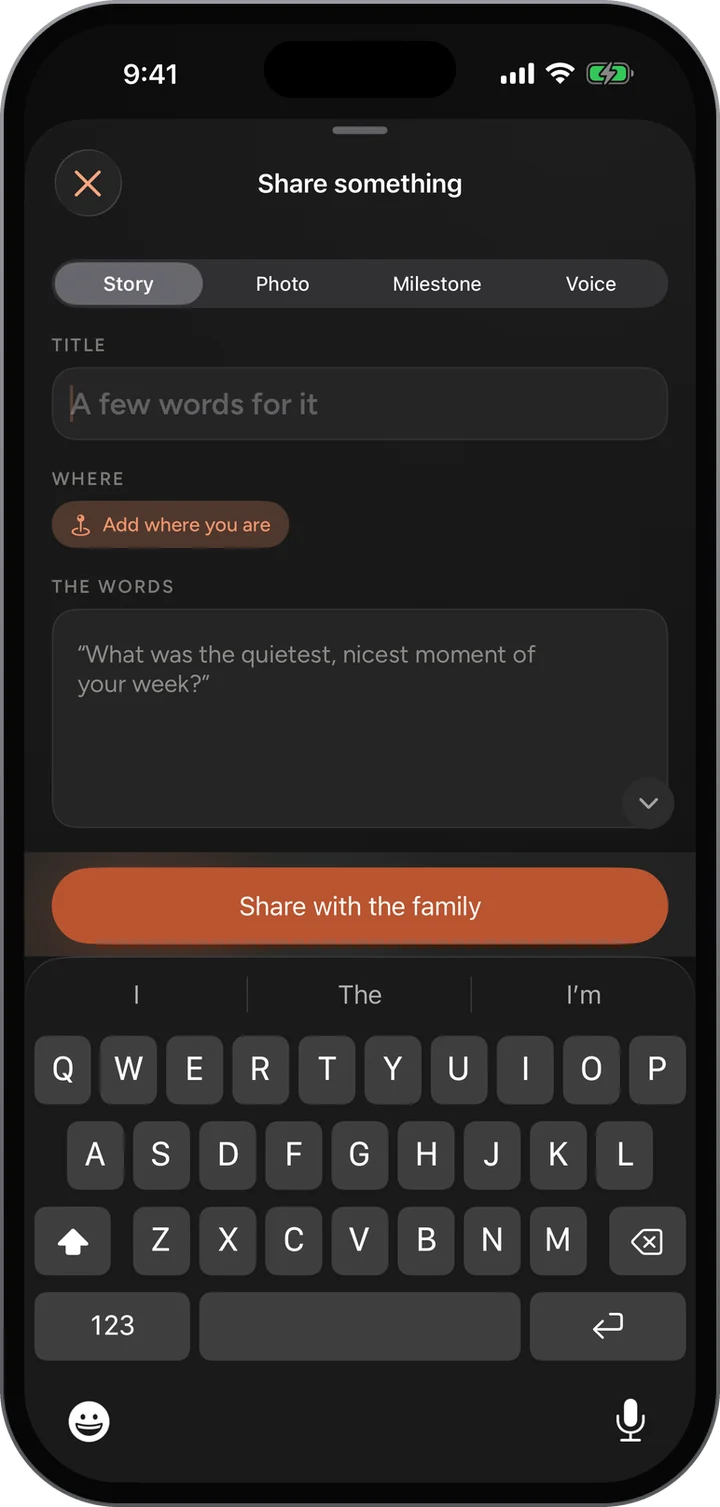
It was designed for the least technical person in the family, because the family is only whole when they are in it too.
A six-digit code instead of a password. Nothing to invent and nothing to forget.
A plain-language walkthrough of every step, linked from the menu and from the sign-in page.
Anything you add, you can remove. There is no rush and nothing to get wrong.
Nothing. There is nothing to buy and no upgrade to unlock.
Only the people your family invited. There is no public profile, no search and no way for a stranger to find your family.
No. Porchlight works in any browser on a phone or a computer, and you can add it to your home screen. Apps for iPhone and Android are on the way.
It was built with grandparents in mind. No password, large clear text that follows the phone’s text size, and a simple guide that walks through every step.
With your family’s invite code, or a link that already has the code in it. They enter their name and the one-time code we send them.
Free and invite only. Already have a code? Start there too.