
One question, everyone’s answer
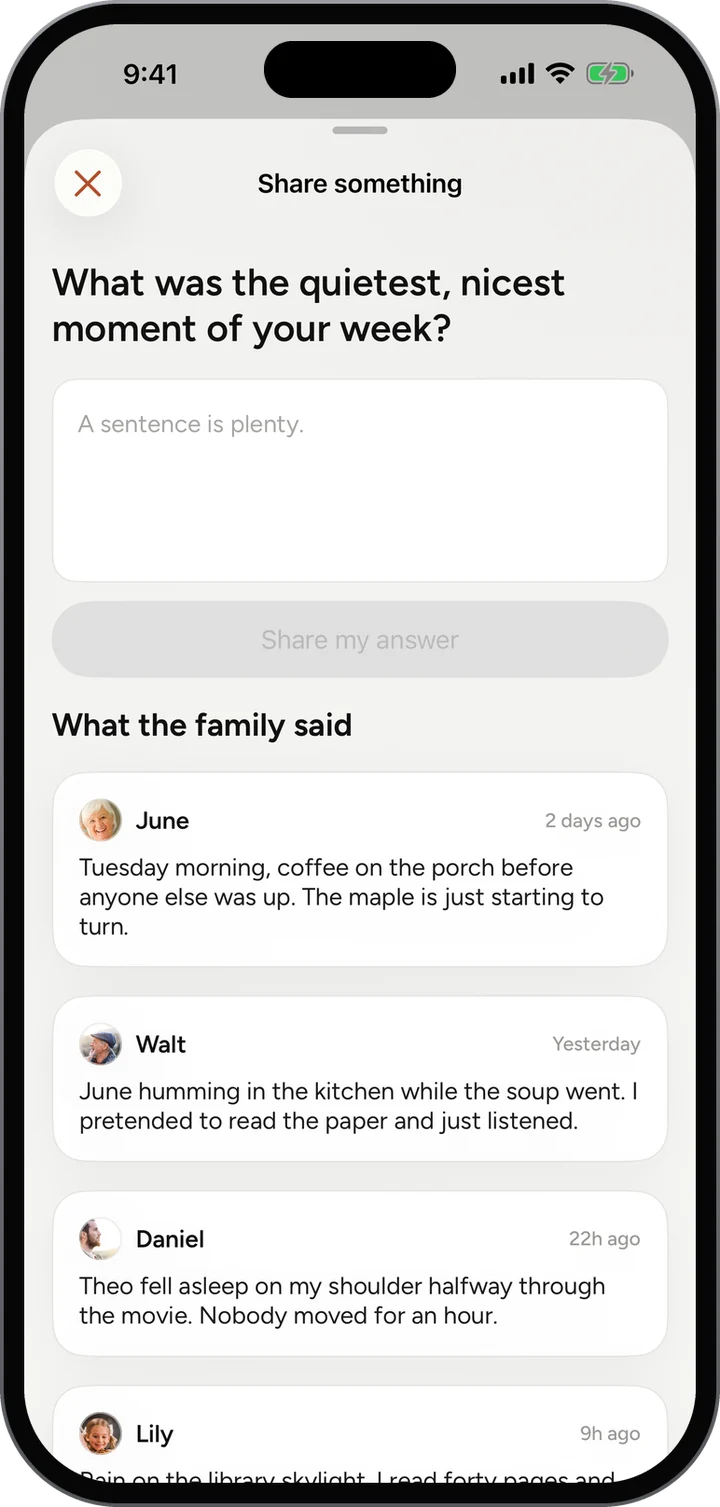
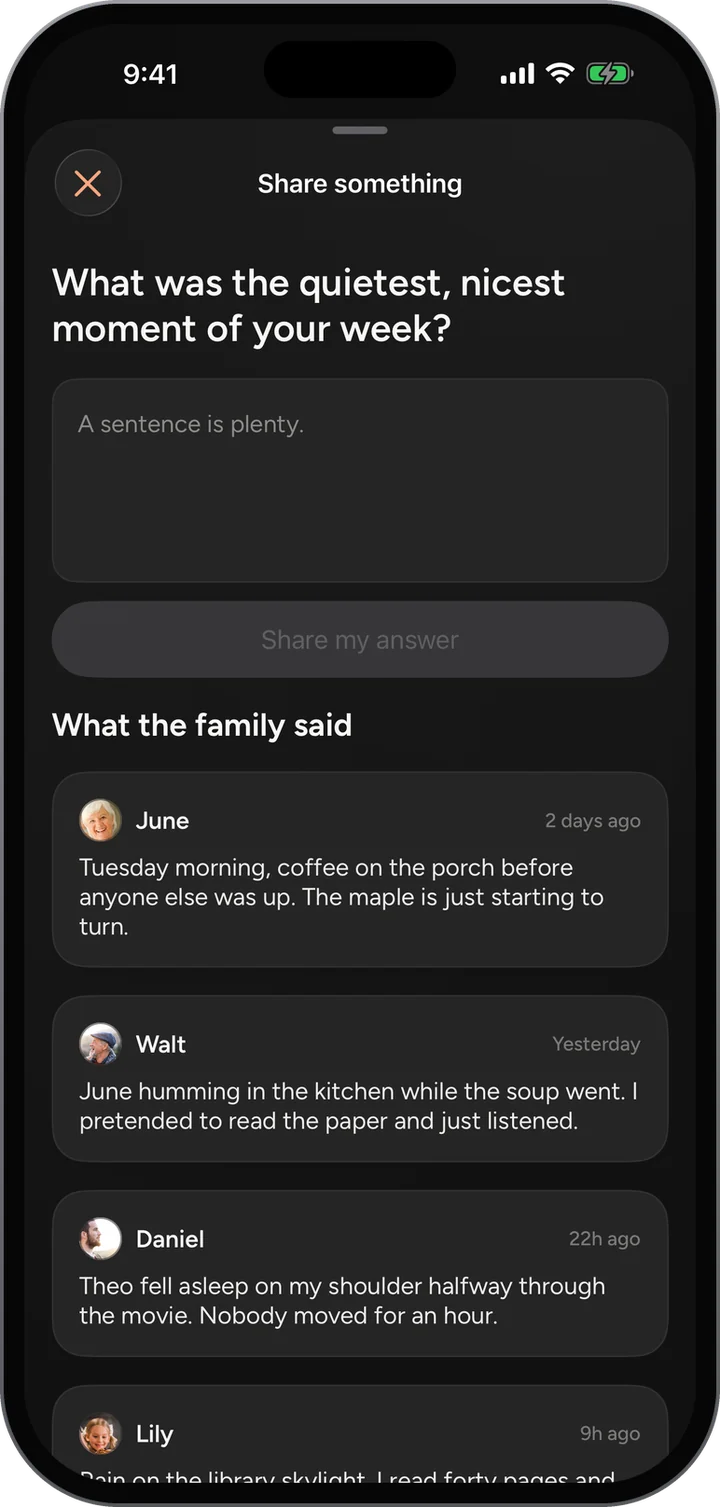
Read what your sister said, then what Grandma said, then add your own.

Each week the whole family gets the same question, the kind that turns into the story you had never heard. Everyone’s answers gather under one post instead of scattering.
Features / Share Something
How it works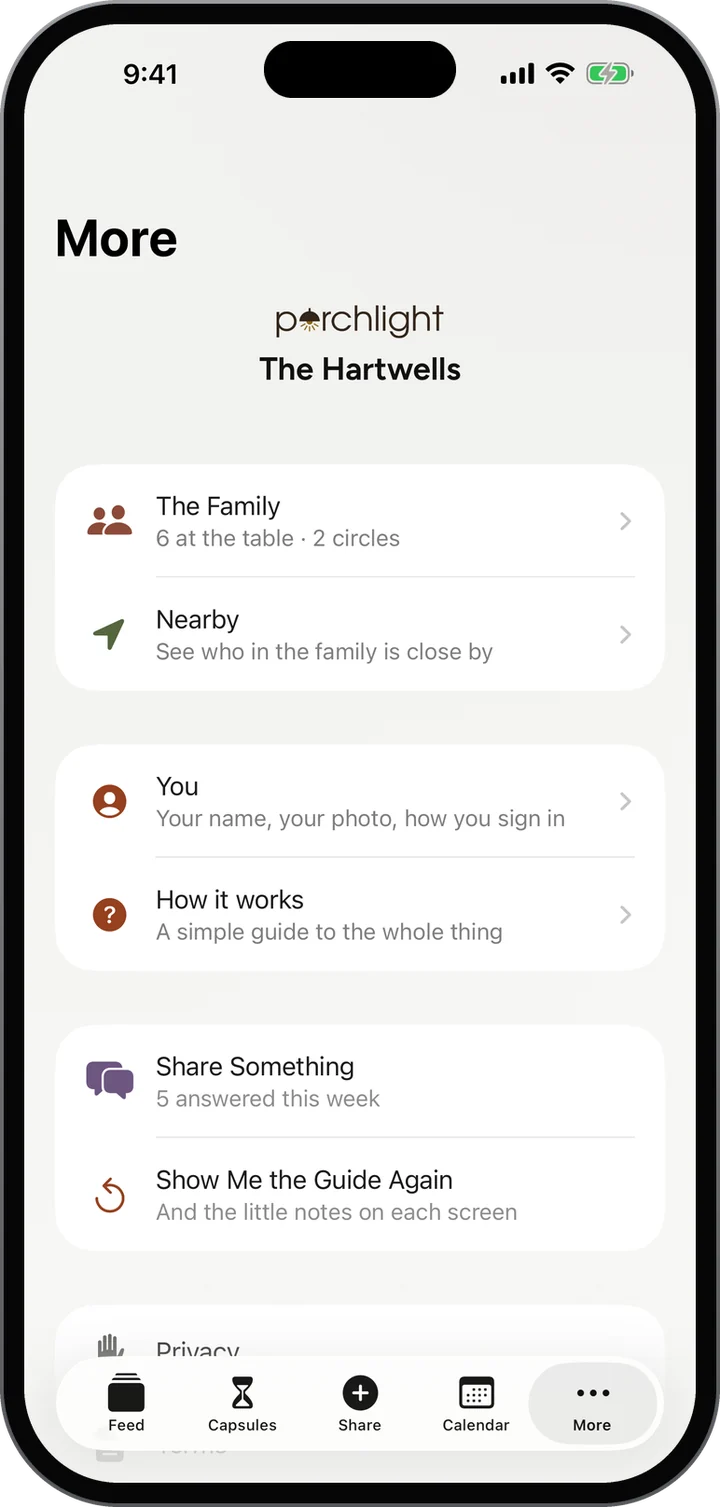
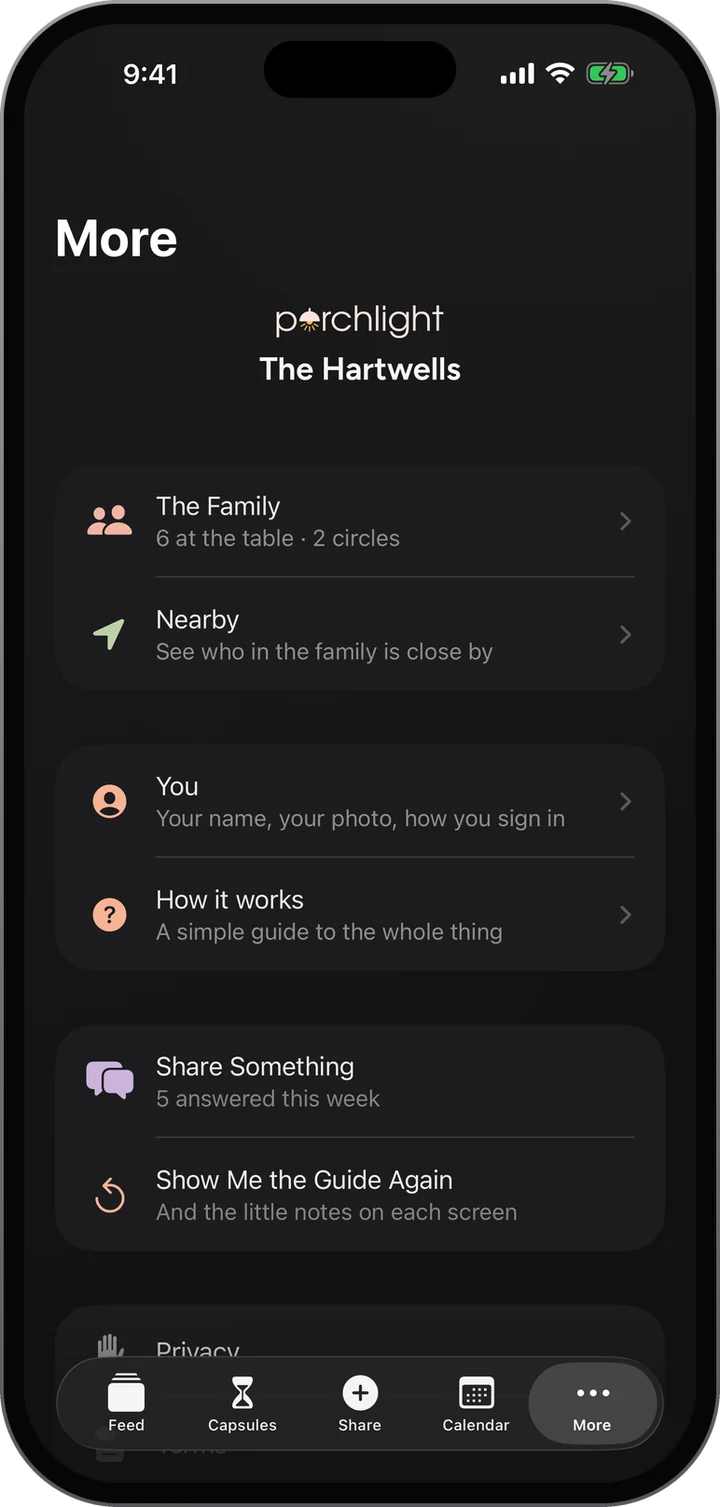
Read what your sister said, then what Grandma said, then add your own.
Answers sit under a single post, so the whole family’s take reads as one conversation.
The family hears when somebody answers, so nobody misses the good ones.
Yes. The question is the same for the whole family all week.
Your family at a glance: what is coming up, what is waiting, who has been posting.
Learn morePhotos, stories and voice notes from everyone, in one gentle stream.
Learn moreOnce a week, one surprise question goes to everyone at once.
Learn moreWrite something today and pick the day it opens.
Learn moreFree, invite only, and on the web today. The iPhone app is in testing.