
A rough distance, never a pin
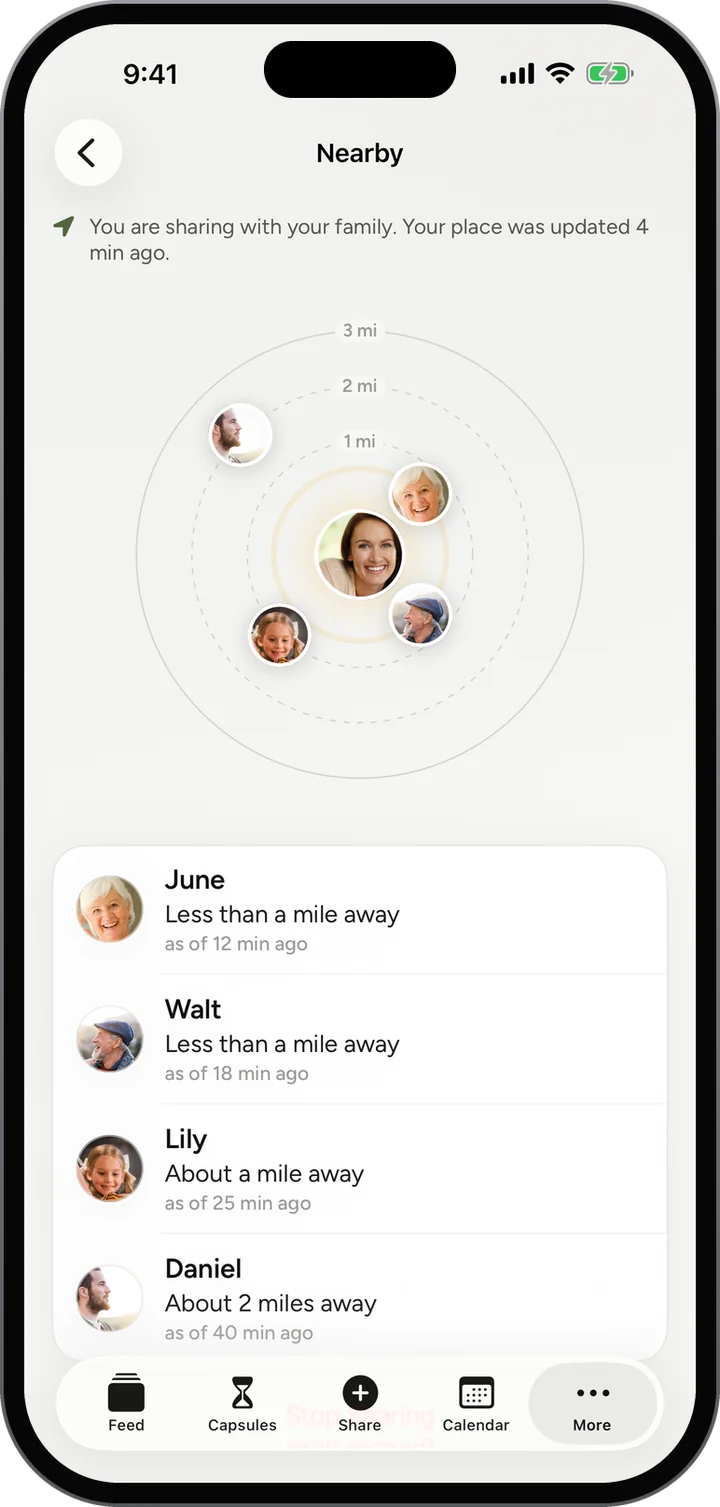
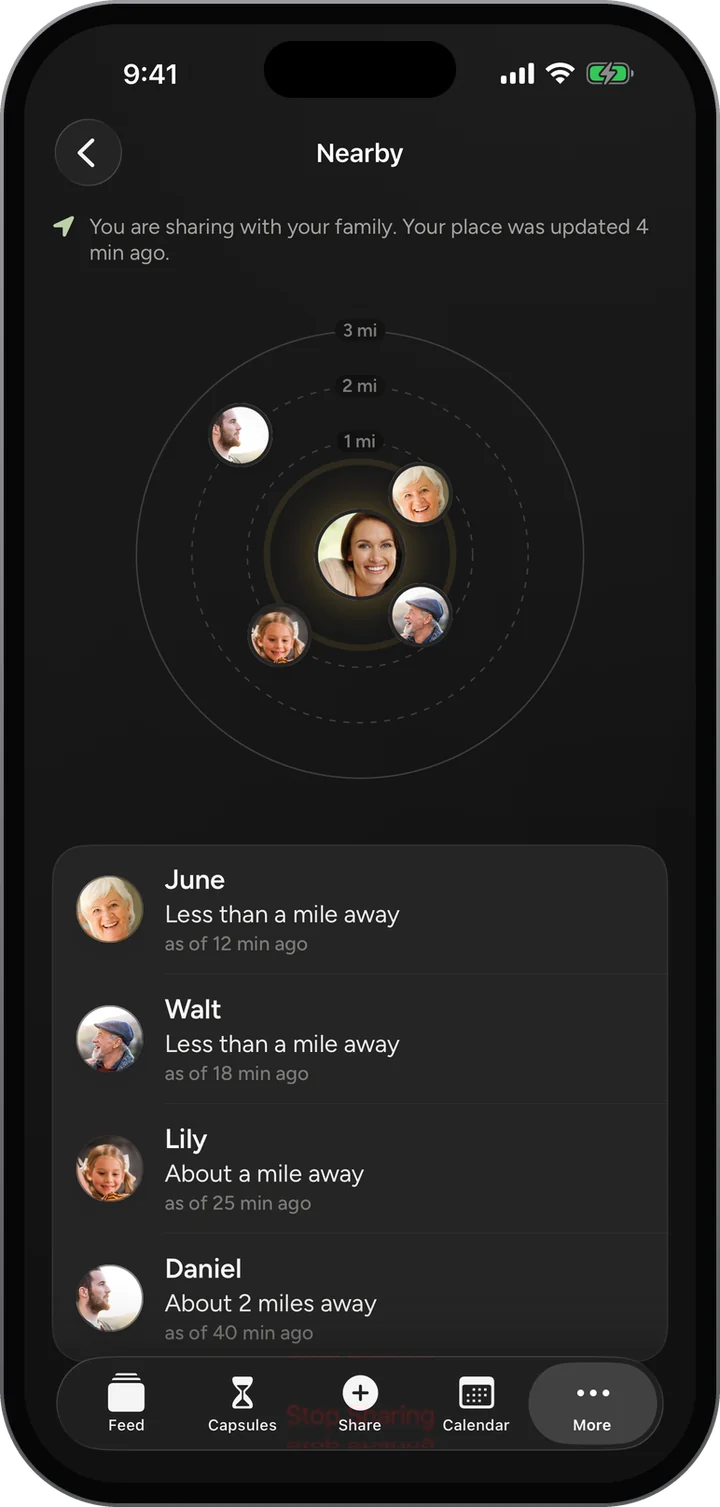
You see that Aunt Carol is about a mile away. You never see where she is.

At the same street fair, the same ballgame, the same airport? Nearby shows which of your family are within three miles, as a rough distance and never a place on a map.
Features / Nearby
How it worksYou see that Aunt Carol is about a mile away. You never see where she is.
Nothing is shared until you choose to, and turning it off forgets your location.
Nobody outside your family on Porchlight ever sees it.
No. It is shared only while you have chosen to share it, and it is forgotten when you stop.
Your family at a glance: what is coming up, what is waiting, who has been posting.
Learn morePhotos, stories and voice notes from everyone, in one gentle stream.
Learn moreOnce a week, one surprise question goes to everyone at once.
Learn moreThis week’s question for everyone, with every answer gathered together.
Learn moreFree, invite only, and on the web today. The iPhone app is in testing.